TV Stand Size Guide for 32 to 85 Inch TVs
For most TVs, pick a stand that is wider than the set itself, with about 10 to 15 inches of extra width for stability and storage. A stand that is narrower than the TV can look off-balance and leave little room for ports, a soundbar, or consoles. This guide gives a TV size-by-size width calculator for 32 to 85 inch TVs, with minimum safe width, ideal width, and the most common sizing mistake for each.
TV stand sizing matrix


Check the TV’s actual width, not the diagonal label, before you buy. The table below gives practical starting points for common sizes, assuming a standard 16:9 screen and a normal bezel. If your TV has a thicker frame, rear feet that sit far apart, or a soundbar, use the larger end of the range.
| TV size | Estimated TV width | Minimum acceptable stand width | Ideal stand width | When a larger console makes more sense |
|---|---|---|---|---|
| 32 inches | about 28 inches | 30 inches | 38 to 43 inches | If you need a soundbar shelf or a few small devices, move up to 40 inches or more. |
| 43 inches | about 38 inches | 40 inches | 48 to 53 inches | A wider console helps if the TV sits low and you need room for a soundbar. |
| 50 inches | about 44 inches | 46 inches | 54 to 59 inches | Choose the larger size if you want closed storage or a center channel speaker. |
| 55 inches | about 48 inches | 50 inches | 58 to 63 inches | Go wider for better balance and for devices that need airflow and cable space. |
| 65 inches | about 56 to 58 inches | 58 to 60 inches | 68 to 70 inches | A wider console is smarter for a soundbar, streamer box, and hidden cable routing. |
| 75 inches | about 66 inches | 68 inches | 76 to 80 inches | Pick a wider media console if the room needs both storage and visual balance. |
| 85 inches | about 74 inches | 76 inches | 84 to 90 inches | For an 85-inch TV, a larger console is often the safer and better-looking choice. |
32 to 43 inch TVs
These sizes work well in bedrooms, kitchens, and small living rooms. Samsung says a 32-inch TV is measured diagonally from corner to corner, and Samsung lists the optimal viewing distance for a 32-inch TV as 0.98m. TCL also describes 32-inch TVs as versatile for smaller spaces.
At this range, the stand can be modest, but it still should not be the exact same width as the TV. A little extra width on both sides helps the setup look steady and gives you room for ports, remotes, and a small speaker.
50 to 65 inch TVs
This is where width checks matter more. ZDNET says a 65-inch TV usually measures about 56 to 58 inches across, so a stand sized only by diagonal label can end up too narrow. A 65-inch TV stand around 57 to 70 inches wide is often a safer target.
At these sizes, a stand can be wide enough on paper and still feel cramped if the shelves are too short or the top is too low for a soundbar. If you plan to place a soundbar in front of the TV, measure its width first and leave room on both sides.
70 to 85 inch TVs
Large TVs need more than a narrow footing. The frame may be slim, but the screen still spreads wide across the room, and the stand needs enough width to look balanced and support the full weight of the setup. ZDNET-derived guidance says 85-inch TVs need an 80-inch-plus stand.
For this size class, the common mistake is choosing a console that is wide enough on paper but too shallow, too low, or too light for the TV and accessories. In a family room or home-theater setup, a wider media console is usually the better fit.
How TV size relates to stand width
TV size is measured diagonally, not by width. That diagonal number tells you the screen’s corner-to-corner size, but it does not tell you how much horizontal space the TV will take on the stand. The actual width depends on the model, bezel thickness, and the shape of the base or feet.
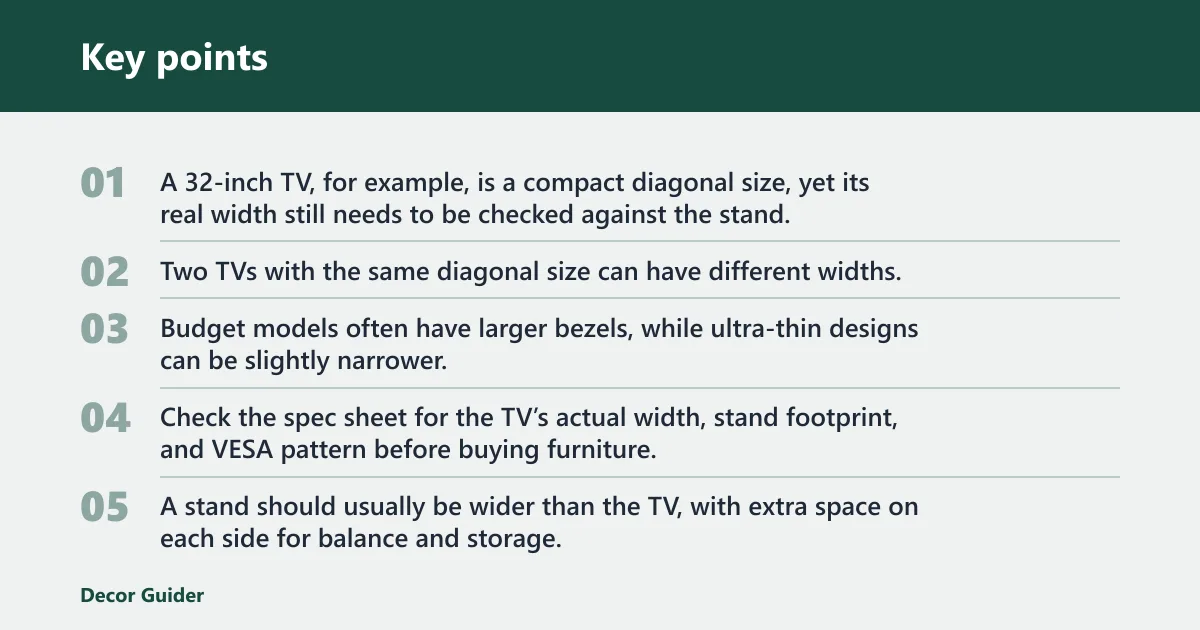
A 32-inch TV, for example, is a compact diagonal size, yet its real width still needs to be checked against the stand. The same logic applies to a 65-inch TV or an 85-inch model, where the difference between screen size and actual width becomes much more noticeable.
Why bezel and model differences matter
Two TVs with the same diagonal size can have different widths. Budget models often have larger bezels, while ultra-thin designs can be slightly narrower. Rear feet can also change the usable stand width, because some TVs place the legs near the edges and others place them closer to the center.
That is why the width label on the box is only a starting point. Check the spec sheet for the TV’s actual width, stand footprint, and VESA pattern before buying furniture.
How much wider the stand should?
A stand should usually be wider than the TV, with extra space on each side for balance and storage. As a practical target, leave about 2 to 6 inches on each side for a 65-inch TV, and more if you want a soundbar or decorative objects to sit beside the screen.
Too little extra width creates a crowded look and makes the setup less forgiving if the TV is bumped. Too much overhang is worse. A screen that hangs past the cabinet edge can look awkward and can place more stress on the base or feet.
Say your 65-inch TV measures 57 inches wide and the stand is 58 inches wide. That setup may be technically possible, but it leaves almost no margin for the feet, cables, or a soundbar. A 68-inch stand gives the screen better visual balance and more working space.
What size TV stand do you need?
The right stand size depends on the TV’s actual width, the room, and what needs to fit beside or below the screen. Use the screen size only as a starting point, then check the model’s width, stand depth, and weight before you buy.
For a 55-inch TV
A 55-inch TV usually needs a stand in the 50 to 63 inch range. The minimum should clear the actual TV width, but the ideal size gives enough margin for balance and accessories. If the cabinet is narrower than the TV by even a small amount, the setup starts to feel cramped fast.
What the stand must support
Width alone is not enough. A TV stand must support the TV’s weight, the base or feet, and any accessories sitting on or inside the unit. That includes a soundbar, console, media box, or center speaker if one will sit on the shelf.
Weight capacity for the TV and accessories
Check the manufacturer’s maximum supported load before you buy. That number should comfortably exceed the combined weight of the TV and anything else placed on the stand. Large-screen TVs can be light for their size, but the accessories and mounting hardware still add load.
If the stand has shelves, count the weight on each shelf too. A stand can be wide enough and still fail the job if the top panel or brackets are not rated for the load.
-
Find the exact TV model. Use the model number on the back label or product page. The screen size alone does not tell you the width, the weight, or the VESA pattern.
-
Check the width and weight. Compare the TV’s listed width with the stand width, then compare the TV’s listed weight with the stand’s load rating. Add the weight of any soundbar or devices that will sit on the furniture.
-
Confirm the VESA pattern. Match the TV’s bolt-hole spacing to the stand-mount bracket or wall mount. If the pattern does not match, the bracket will not fit the TV safely.
-
Measure the footprint. Check how far apart the TV’s feet sit and how deep the base extends. Some TVs need a stand wider than the screen because the feet sit near the edges.
-
Leave room for accessories. Make sure there is space for a soundbar, a game console, or a streaming box without blocking vents, remotes, or cable access.
VESA pattern checks for mounts and brackets
The VESA mounting pattern is the standard bolt-hole spacing used for stand-mount brackets and wall mounts. It must match the TV model exactly. If the bracket is too narrow, too wide, or arranged for the wrong hole spacing, it will not mount correctly.
Before buying a stand with a mounting arm or a wall mount, check the TV’s spec sheet for the VESA pattern and compare it with the hardware listing. Do not assume that every 55-inch or 65-inch TV uses the same hole spacing.
When a larger console is the safer choice
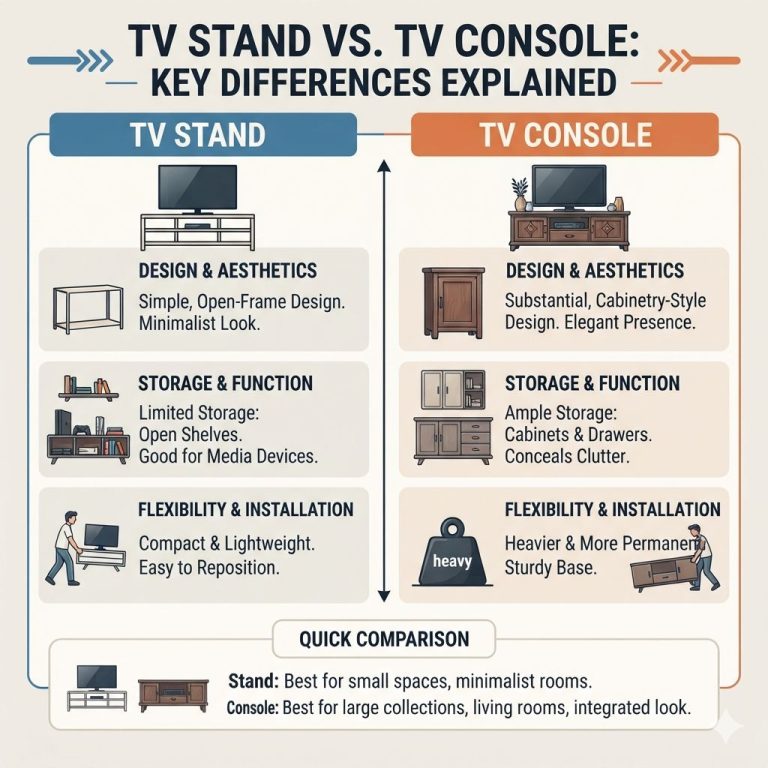
A larger console is the safer choice when the TV is wide, the feet sit far apart, or you need storage under the screen. It also helps when the room has enough wall length for a broader piece of furniture. If the stand is technically wide enough but leaves no room for a speaker, cable box, or airflow, move up a size.
TV stand versus wall mount
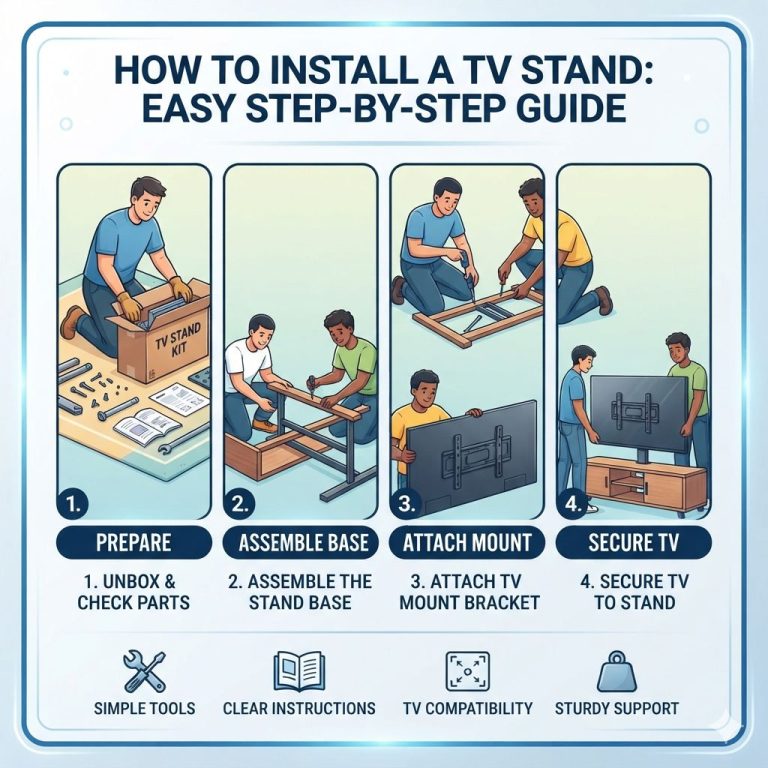
A stand keeps the TV on furniture and usually gives you storage and easier access to devices. A wall mount saves floor space, but it requires drilling and more careful installation. The better choice depends on the room, the wall type, and how much equipment you need to hide.
When a stand makes more sense
A stand makes more sense if you want shelves, quick access to ports, or a setup that can move later. It is also the better option when you do not want to drill into drywall or masonry. For apartments, rentals, and rooms that change often, a stand is often the more practical choice.
When a wall mount makes more sense
A wall mount is the better fit when floor space is tight and the TV needs to float above a low console or fireplace area. ZDNET-derived guidance notes that wall mounts are better for saving floor space. The trade-off is that you must confirm the wall type, stud placement, and VESA pattern before you drill.
Space, drilling, and cable trade-offs
A wall mount reduces furniture footprint, but it can make cable routing more involved if the power outlet is not nearby. A stand keeps cables easier to manage and leaves room for devices on shelves, yet it uses more floor space. Choose the setup that fits both the TV and the room’s layout.
Room fit and storage needs
The right stand changes with the room. A 32-inch TV in a bedroom has different needs than an 85-inch TV in a family room. Viewing distance, storage, and speaker depth all affect how wide the stand should be.
Soundbar clearance and depth
Soundbars need more than width. They also need enough depth and height so they do not block the screen or press against the TV feet. If the bar sits in front of the TV, check the cabinet depth and make sure the screen still clears the top edge.
A low stand can be a failure case even when the width is fine. The TV may fit, but the soundbar blocks the lower bezel, the remote sensor, or the lower part of the screen. A taller console or an open shelf often solves that problem.
Console and streamer storage
If you need to store a game console, streaming box, or router, give yourself extra shelf width and cable cutouts. Closed cabinets hide clutter, but they also need ventilation. Open shelving is easier for airflow and remote signals, but it shows every cable.
Picture an 85-inch TV on a stand that is wide enough but only 16 inches deep. The TV may fit, yet the center speaker has no room and the cables hang over the edge. In that case, a wider and deeper media console is the better fit.
Small rooms versus family rooms
In small rooms, the stand should fit the wall without crowding the walkway. A 32-inch or 43-inch TV often suits a bedroom or compact apartment better than a large console. In family rooms, a broader stand can anchor the TV and leave space for speakers, storage, and cable management.
For a 32-inch TV, viewing distance matters too. The same source lists 0.98m as the optimal viewing distance, which is one reason these sets work well in kitchens and bedrooms. Larger TVs can sit farther away, so the furniture can be wider without overwhelming the room.
Frequently asked questions
What size TV stand do I need for a 32-inch TV?
A 32-inch TV usually works with a stand about 30 to 43 inches wide, depending on storage needs. The best size is wider than the TV itself, with enough room for balance, a small soundbar, or devices. TCL says 32-inch TVs suit smaller spaces such as bedrooms, kitchens, and small living rooms.
What size TV stand do I need for a 65-inch TV?
A 65-inch TV usually needs a stand between 57 and 70 inches wide. The same source says a 65-inch TV is usually about 56 to 58 inches across, so the stand should give you extra width on both sides. A wider console is smarter if you plan to add a soundbar.
What size TV stand fits an 85-inch TV?
An 85-inch TV fits best on an 80-inch-plus stand, and a wider media console is often preferable. The size helps with balance, storage, and the visual scale of the setup. Also check the TV’s weight and feet placement before you buy.
Should the TV stand be wider than the TV?
Yes. A stand that is wider than the TV usually looks better and is easier to use. It gives you room for the TV’s feet, reduces the risk of overhang, and leaves space for speakers, cable access, and small devices.
What is the difference between TV screen size and TV width?
Screen size is measured diagonally from corner to corner. TV width is the horizontal measurement from left edge to right edge. The two numbers are not the same, and the width is the number that matters most when choosing a stand.
Products related to this article
Sponsored / affiliate links. As an Amazon Associate I earn from qualifying purchases. I may earn additional commission from eligible campaigns.