TV Stand Size Problems: How to Fix Fit Issues
A TV stand is usually too small if the TV’s feet or base hang past the top. The stand has to support the full foot spread, and a centered TV needs 2 to 4 inches of space on each side for safer support. A bad match can cause tipping, cracked feet, or blocked airflow. This guide helps you diagnose width, height, depth, foot-spread, and stability problems, then choose the cheapest safe fix.
How to tell what is actually wrong
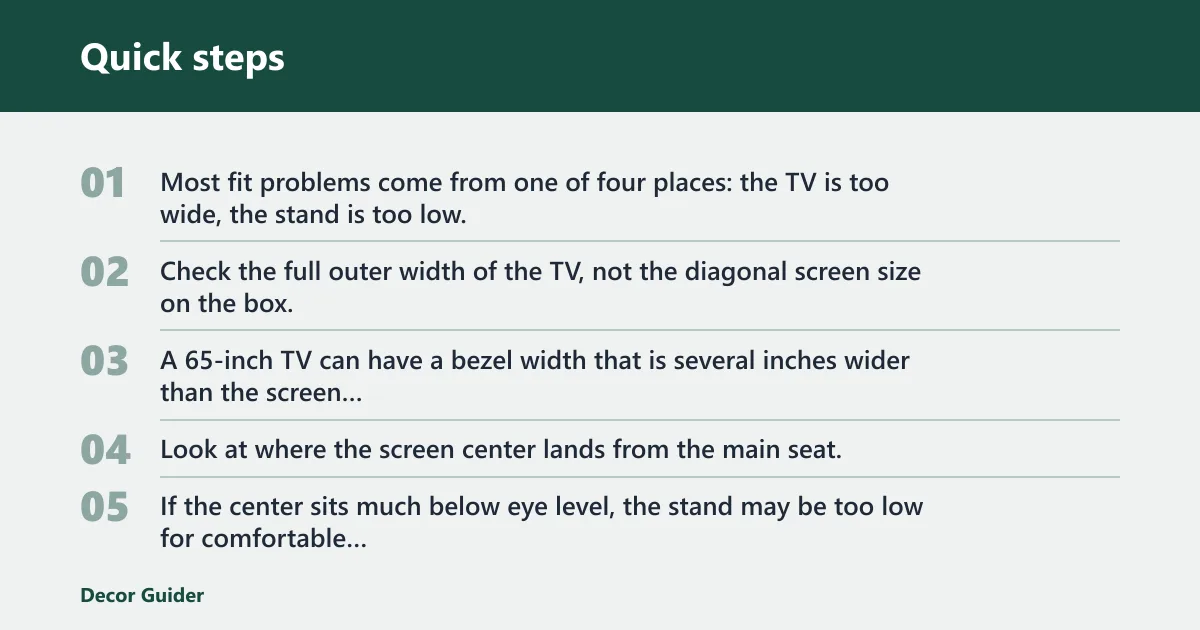


Start by naming the failure point. Most fit problems come from one of four places: the TV is too wide, the stand is too low, the depth is too shallow, or the feet and weight are not supported well enough.
Is the TV too wide for the stand?
Check the full outer width of the TV, not the diagonal screen size on the box. A 65-inch TV can have a bezel width that is several inches wider than the screen measurement suggests, and the feet may extend wider than the cabinet itself.
Is the stand too low for the seating position?
Look at where the screen center lands from the main seat. If the center sits much below eye level, the stand may be too low for comfortable viewing even if the TV fits physically. Low-profile stands can work, but only when the seat height and screen size line up well.
Is the problem depth, weight, or foot spread?
Depth matters when the TV base needs front-to-back support, when a pedestal needs room to sit flat, or when cables bend sharply behind the console. Weight matters when the TV exceeds the top-surface rating or shelf rating. Foot spread matters when two feet sit wider than the stand top.
TV stand fit checklist
Use this checklist before you try to force a fit. If one item fails hard, the safest fix may be an adapter, a mount, or a replacement instead of a smaller workaround.
| Check | What to measure | Good result | Problem result |
|---|---|---|---|
| TV width | Full outer width, including bezel | Fits within stand top with 2 to 4 inches per side | Feet or case overhang the top |
| Foot spread | Distance between outer edges of the feet | Feet sit fully on the top with no overhang | One or both feet hang off the edge |
| Stand width | Top width and overall width | Top width supports the feet and leaves side clearance | Top is narrower than the support points |
| Stand depth | Front-to-back top depth and usable rear space | Base sits flat with room for cables and devices | Base hangs over the front or back |
| Weight capacity | Top-surface rating and shelf rating | Rating exceeds TV weight with a safety margin | TV weight is close to or above the rating |
| Viewing height | Seat height to screen center | Screen center is near eye level from the main seat | Screen sits too low or forces neck tilt |
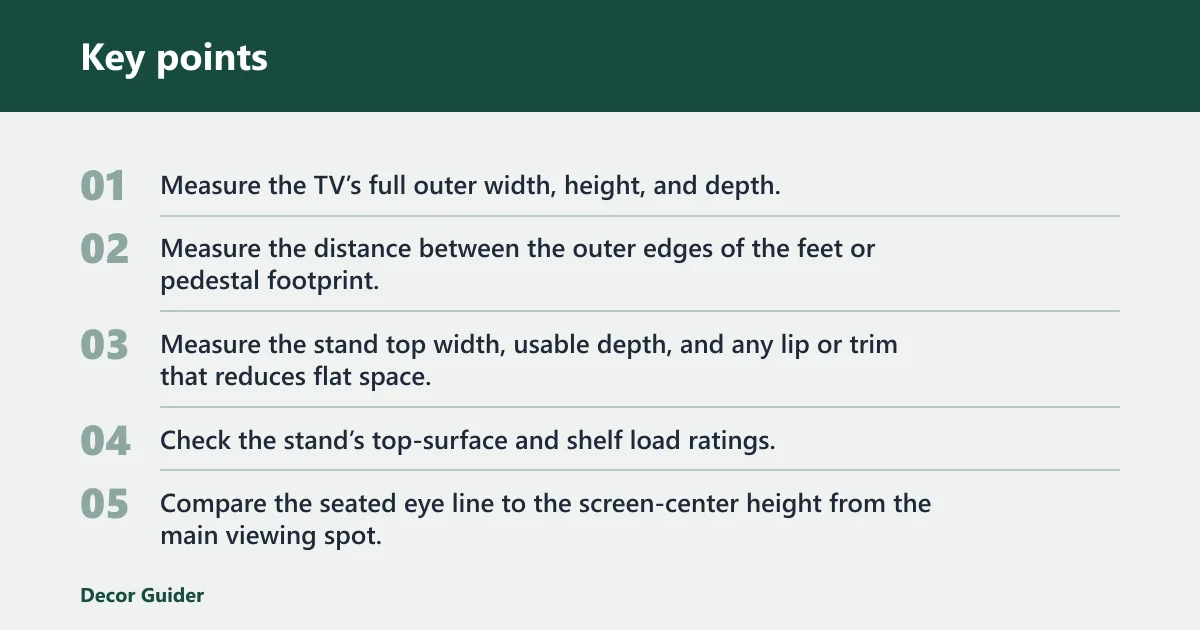
- Measure the TV’s full outer width, height, and depth.
- Measure the distance between the outer edges of the feet or pedestal footprint.
- Measure the stand top width, usable depth, and any lip or trim that reduces flat space.
- Check the stand’s top-surface and shelf load ratings.
- Compare the seated eye line to the screen-center height from the main viewing spot.
- Check rear space for cables, power strips, and devices.
Say your 55-inch TV has two feet set 37 inches apart and your stand top is 34 inches wide. The screen may look close enough from the front, but the feet do not land safely on the surface. That is a foot-spread problem, not a screen-size problem.
How wide should a TV stand be?
A TV stand should usually be wider than the TV’s outer cabinet, and wider still if the feet sit near the edges. A common safe target is about 2 to 4 inches of side clearance on each side for balance, visual stability, and a little room for cable slack.
Minimum side clearance for stability and balance
Side clearance gives you room for the feet, keeps the setup from looking crowded, and helps prevent a heavy set from feeling top-heavy on a narrow top. When the TV is centered, that clearance also leaves space for small speakers or decor without touching the base.
When a stand can be narrower than the TV
A stand can be narrower than the TV only in limited cases, such as when the TV is wall-mounted above the console or when a center pedestal keeps the entire base footprint inside the top. Even then, the weight rating, anti-tip anchoring, and cable routing still have to check out.
What to do when the feet are wider than the top
If the feet extend beyond the stand, do not assume the set is fine because the screen itself looks centered. The usual fixes are a different leg position on the TV, a stand-mounted bracket, a pedestal-style base, or a wider console. If none of those are safe, replacement is the clean answer.
How tall should a TV stand be?
The best height depends on the main seat and the screen center, not on a fixed furniture rule. In a typical setup, the middle of the screen should sit near eye level from the primary viewing seat, or slightly below it if the screen is large.
Use seat height and screen center as the guide
Measure the seated eye line from the cushion to the viewer’s eyes, then compare it to the TV’s screen-center height once placed on the stand. If the center is far above or below that line, you may need a lower stand, a higher stand, or a small mount adjustment.
Low-profile stands versus standard-height stands
Low-profile stands suit larger screens in rooms where viewers sit a little farther back. Standard-height stands work better when the room has a higher sofa, a den with recliners, or a setup where the screen needs to clear a soundbar without sitting too low.
When the TV sits too low or feels uncomfortable
If the screen feels low, the first fix is often simple: raise the TV with a stand-mounted bracket or a pedestal that adds a few inches without changing the whole console. Replace the stand only when the height issue is tied to width, depth, or stability at the same time.
Fixes for a TV that does not fit
The cheapest safe fix is usually the smallest one that solves the exact mismatch. A narrow stand does not always need replacing, but a bad weight match or unstable base usually does.
Use a pedestal base or stand-mounted bracket
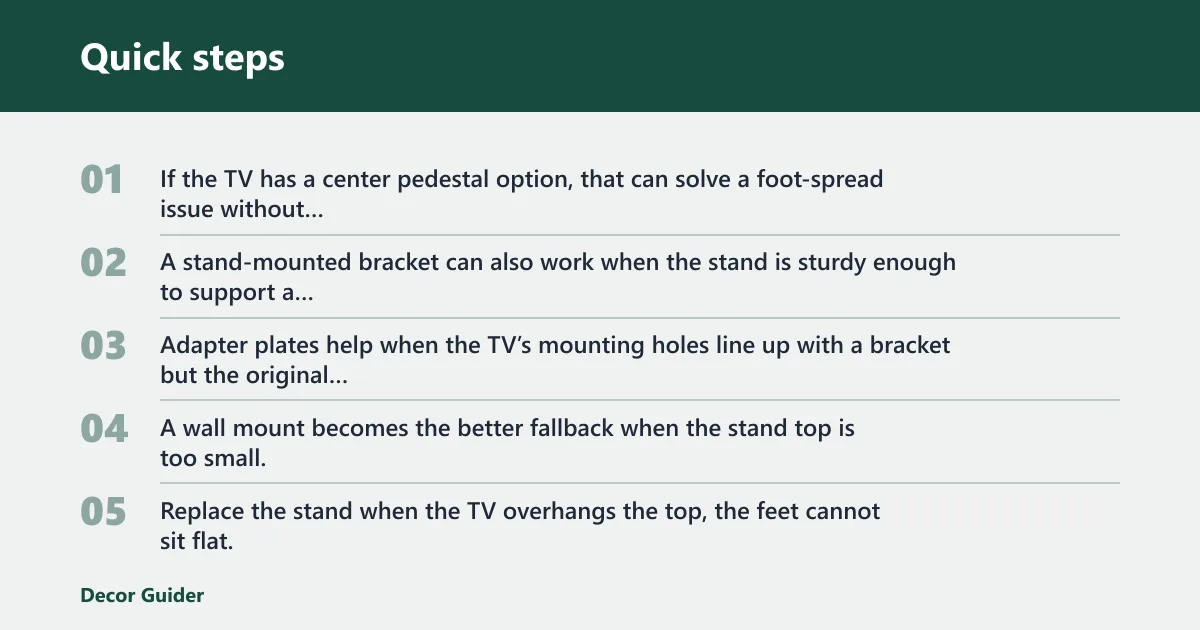
If the TV has a center pedestal option, that can solve a foot-spread issue without buying new furniture. A stand-mounted bracket can also work when the stand is sturdy enough to support a mounted TV and the bracket is compatible with the TV’s VESA pattern.
Add an adapter plate or wall mount
Adapter plates help when the TV’s mounting holes line up with a bracket but the original feet do not fit the top. A wall mount becomes the better fallback when the stand top is too small, the TV is too heavy for the surface, or the room needs more floor space.
Replace the console only if safety or clearance fails
Replace the stand when the TV overhangs the top, the feet cannot sit flat, the load rating is too low, or the depth leaves the base unstable. Do not keep a setup that depends on “it seems okay” if the center of gravity is outside the support area.
Suppose a 43-inch TV fits by width, but the cabinet is so shallow that the rear edge of the pedestal sits close to the back lip. Even with enough top width, the depth problem can leave the TV easy to nudge forward. In that case, depth and stability matter more than width.
TV stand safety and cable checks
Safety checks matter most in homes with children, pets, or narrow walk paths. A TV can fit on a stand and still be unsafe if the center of gravity is high or the console can tip when bumped.
Anti-tip anchoring and center of gravity
Use wall anchoring when the stand includes hardware for it, especially if the TV sits high or the base is narrow. Anti-tip straps reduce the chance that a forward tug or a climbing child shifts the center of gravity past the support points.
Cable routing, power strips, and rear cutouts
Check for rear cutouts, open backs, and enough depth for cables to curve without being crushed. A power strip needs a clear place to sit, and oversized devices such as game consoles or streaming boxes need ventilation space so they do not crowd the back panel.
Family-room and corner setup cautions
Corner setups often shrink the usable width and leave less room for cable bends. Family rooms also need a little more caution because traffic, toys, and pets increase the chance of a bump. If the stand is small and the room is active, anchoring matters more than appearance.
The proper TV size depends on both room viewing distance and furniture limits. A TV can fit on a stand and still feel too large if you sit close, or too small if you sit far away and the screen center is low.
Use room viewing distance, not the wall alone
Measure the distance from the main seat to the screen. If the seat is close, an oversized TV can feel tiring even when it physically fits the stand. If the seat is far, a small TV may seem undersized and make text harder to read.
When a TV is too big for the space
A TV is too big when it crowds the room, blocks walkways, or forces you to place it on a stand that is too narrow or too shallow for safe support. The screen size can be technically compatible with the room and still be awkward if the furniture cannot support it correctly.
Measure the TV first, then the stand, then the room. The order matters because a diagonal size on the box does not tell you whether the feet fit, whether the top is deep enough, or whether the stand height works with your seat.
TV width and outer dimensions
Measure the full outer width from edge to edge across the bezel. Also note the full height if the TV sits near a shelf, soundbar, or wall art. For stand fit, the outer width is the number that matters most.
Stand top width versus overall width
Do not confuse the console’s overall width with the usable top width. Decorative trim, curved edges, and support rails can reduce the flat area where the TV feet sit. The usable width is the part that can actually carry the load.
Common measuring mistakes
A common first-timer mistake is measuring only the diagonal screen size and assuming the feet will fit. Another is checking the back panel depth while ignoring the front lip that can block a pedestal from sitting flat. A third is skipping the weight rating because the screen looks light.
TV stand fit decision table
Use this table after you measure width, foot spread, depth, and weight. It sorts the setup into one of four outcomes so you can stop guessing and pick the least expensive safe fix.
| Condition | Example measurement | Outcome | What to do |
|---|---|---|---|
| Feet fully inside top, 2 to 4 inches side margin, depth clear, weight under rating | TV width 48 in, top width 54 in, feet spread 40 in, depth 14 in, TV weight 28 lb, rating 50 lb | Fits | Place TV, anchor if needed, manage cables |
| Width works but side margin is tight, or viewing height is slightly low, or cable space is limited | TV width 50 in, top width 52 in, feet spread 46 in, depth 12 in, TV weight 32 lb, rating 40 lb | Fits with caveats | Use a center pedestal, keep lighter devices on shelves, anchor to wall |
| Feet do not fit, but a bracket or pedestal can solve the mismatch safely | TV width 55 in, top width 36 in, feet spread 41 in, VESA compatible, wall clearance available | Needs an adapter or mount | Use a stand-mounted bracket, pedestal base, or wall mount |
| Top too narrow, depth too shallow, or weight rating too low for a safe fix | TV width 60 in, top width 28 in, feet spread 44 in, depth 8 in, TV weight 45 lb, rating 30 lb | Must be replaced | Replace the console with a wider, deeper, stronger stand |
Frequently asked questions
How big is a TV stand?
TV stand size depends on the TV, the feet spread, and the room, so there is no single correct number. A practical stand is wide enough to hold the full base with 2 to 4 inches of side clearance, deep enough for cable space, and strong enough for the TV’s weight.
How tall should a TV stand be: a TV stand should place
A TV stand should place the screen center near eye level from the main seat. Low-profile stands work well when the seating is lower or farther back. Standard-height stands are better when you need a little more screen lift or when a soundbar needs space below the display.
Can TV be bigger than stand?
A TV can be wider than the stand only in special cases, such as when it is mounted above the console or supported by a centered pedestal that fits safely on the top. If the feet overhang or the weight rating is too low, the setup is unsafe and should not be used.
Should TV stand be wider than TV?
Yes, in most freestanding setups the stand should be wider than the TV’s outer width, or at least wide enough to support the feet with clear side margins. Wider support improves balance, gives you room for cables and devices, and reduces the chance of a tip or cracked base.
Why are TV stands so low?
Many stands are low because modern rooms often place the TV above a low seating line, and a lower console keeps the screen closer to comfortable eye level. Low stands also leave room for soundbars, wall-mounted displays, and cleaner sightlines across open-plan rooms.
Products related to this article
Sponsored / affiliate links. As an Amazon Associate I earn from qualifying purchases. I may earn additional commission from eligible campaigns.