How to Pick the Right TV Stand Width
Choose a TV stand that is at least as wide as your TV’s actual measured width, and leave 2 to 6 inches of extra width on each side so the setup feels steadier and looks balanced. Pick too narrow a stand, and the TV can look top-heavy, crowd ports or feet, and fit the room poorly. This guide shows how to measure your TV, compare stand width, and adjust for storage, support, and room layout.
Measure the TV first
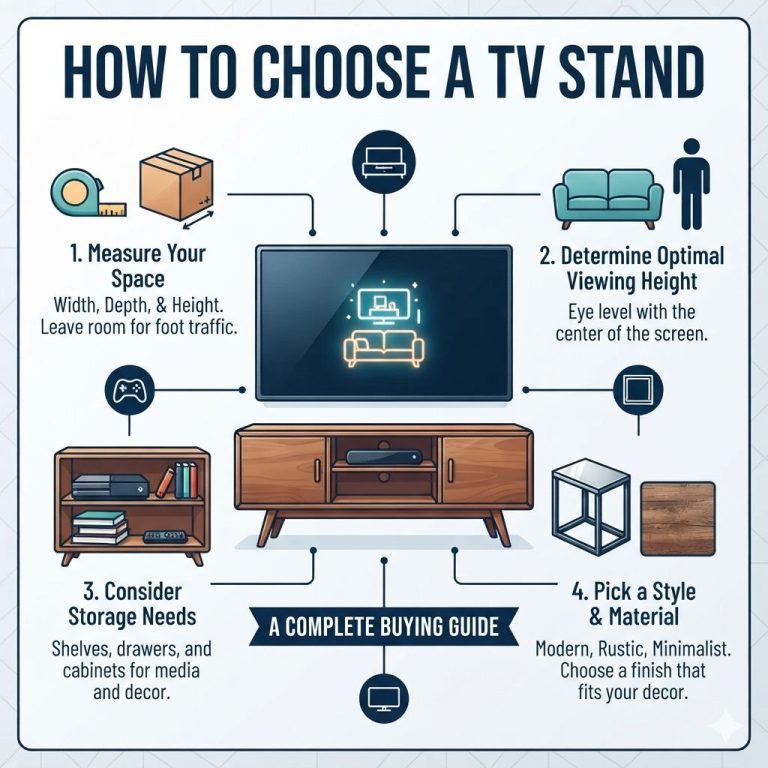
Measure the TV from frame edge to frame edge before you shop. The diagonal label does not tell you the cabinet footprint, so the only useful starting point is the actual width, plus the depth and the full height if the screen will sit on feet or a base.
If the TV will rest on the stand, include the base or legs in your footprint check. That matters because some feet sit far apart, and a stand that is wide enough for the screen may still be too shallow or too narrow for the full footprint.
How to measure for a TV stand
- Measure the TV’s width from the outer left frame edge to the outer right frame edge.
- If the TV uses legs or a center base, measure the full footprint from foot to foot or front edge to back edge.
- Measure depth so the stand surface is deep enough for the base and any devices.
- Measure height so you know where the screen center will land once the TV is placed.
- Write down all three numbers before comparing stand listings.
A common first-timer mistake is buying by the box size alone. For example, a 65-inch TV can measure 56.85 inches wide in one published example, which is very different from the diagonal label and changes the stand choice immediately.
How wide should a TV stand be?
A TV stand should be wider than the TV, not equal to it. A practical rule is to leave about 2 to 3 inches on each side at minimum, and many shoppers prefer a little more when the room allows. That extra width helps the setup look steadier and gives the base a safer visual margin.
Walker Edison recommends a TV stand at least 3 inches wider on each side of the television. Best Buy also advises starting with at least 2 inches on each side for visual balance. Those recommendations point in the same direction: the stand should clear the TV, not barely match it.
Common width guidance by TV size
- 50-inch TV: look for a stand around 44 to 48 inches wide if the TV footprint is compact and no large soundbar needs shelf space.
- 55-inch TV: a stand around 50 inches wide is a common quick match, and many buyers aim a little wider if they want more surface space.
- 65-inch TV: plan around the actual measured width first; one published example puts a 65-inch TV at 56.85 inches wide, so a stand in the low 60s often makes sense.
- 75-inch TV: a stand around 70 inches wide is a common quick match, especially if you want side clearance and room for devices.
TV stand width calculator

This calculator uses the measured TV width, then adds enough room for stability, devices, and layout. Treat the minimum as the narrowest acceptable option, and the ideal range as the better fit when you want easier cable routing, better balance, or space for a soundbar and console.
| Measured TV width | Recommended minimum stand width | Ideal stand width range | Soundbar verdict | Gaming console verdict | Corner room verdict | Small apartment verdict |
|---|---|---|---|---|---|---|
| 44-48 inches | 48-54 inches | 54-60 inches | Good if shelf depth allows | Good with open shelf access | Works if angle leaves walk space | Good if the wall is narrow |
| 49-52 inches | 54-58 inches | 58-64 inches | Very good for low-profile bars | Very good for a console and remote box | Check corner clearance carefully | Good if depth stays compact |
| 53-58 inches | 58-64 inches | 64-70 inches | Best if you want side room too | Best for a console plus accessories | Use only if the room is not tight | May feel large in a studio |
| 59-66 inches | 64-72 inches | 72-78 inches | Strong fit with a long soundbar | Strong fit for multiple devices | Usually too wide for tight corners | Often too large for narrow rooms |
| 67-74 inches | 72-80 inches | 80-86 inches | Excellent if the stand is deep enough | Excellent for several devices | Rarely ideal unless the room is open | Usually too wide for small apartments |
Quick rule: choose extra width beyond the minimum if you need a soundbar, if the TV feet are wide, if the room is open and can handle the scale, or if you want the stand to look less crowded. If the room is tight, stay close to the minimum but do not go below the TV’s actual width.
When to add extra width
- Your TV feet sit near the edges of the screen.
- You plan to place a soundbar on the same surface.
- You want room for a gaming console, streaming box, or speaker.
- The stand will be seen from across a large room and needs better proportion.
- You need extra surface area for décor without crowding the screen.
How high should the stand sit?
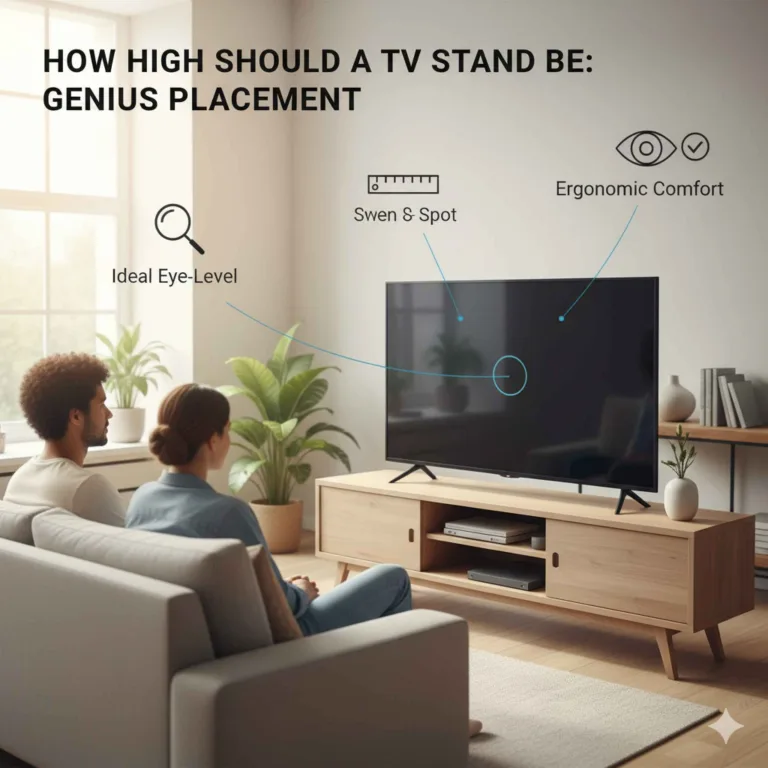
The right height puts the screen center near seated eye level. The same source says the center of the TV screen should be at eye level when seated, and it lists 42 to 48 inches from the floor as a typical seated eye level range. A common TV stand height range for modern flat screen TVs is 24 to 30 inches.
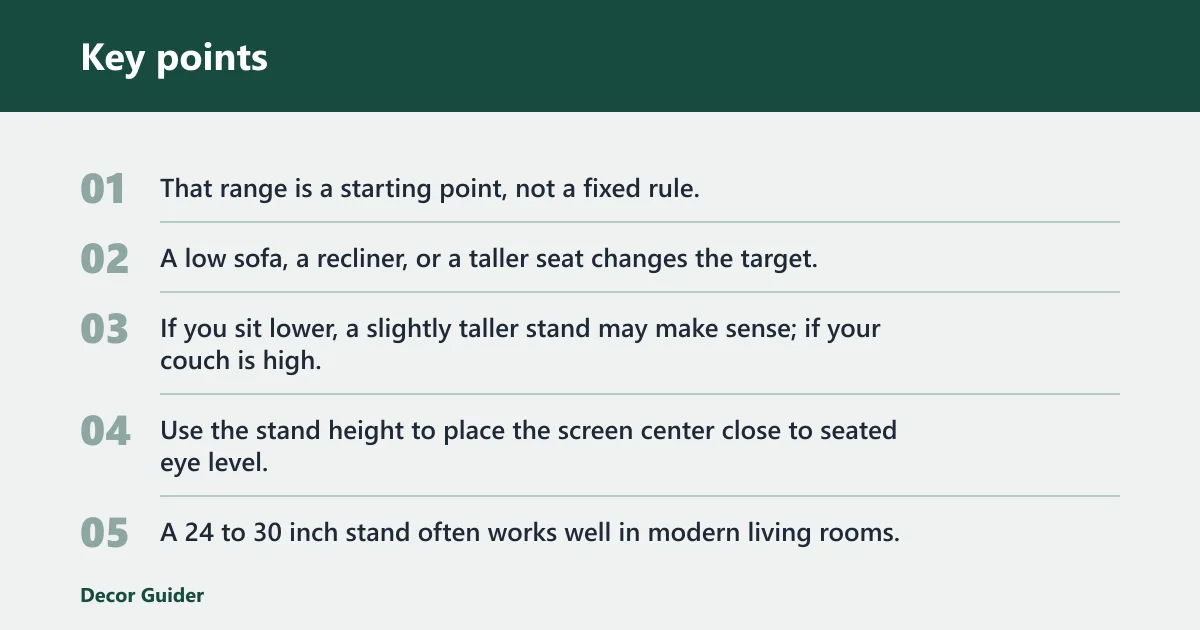
That range is a starting point, not a fixed rule. A low sofa, a recliner, or a taller seat changes the target. If you sit lower, a slightly taller stand may make sense; if your couch is high, a shorter stand may keep the screen from riding too high.
How tall should a TV stand be?
Use the stand height to place the screen center close to seated eye level, not to hit a fixed number. A 24 to 30 inch stand often works well in modern living rooms, but the right choice depends on the TV height, the feet or base, and how high your eyes sit when you watch.
Suppose a low-profile sofa puts your eyes closer to 42 inches from the floor. A stand in the upper part of the common range may still keep the screen center aligned. If a recliner raises your sightline, a slightly taller stand can be easier on the neck than a low console.
How much room do you need around it?
Do not size the stand in isolation. Room layout affects comfort, and viewing distance matters just as much as width. The same source lists about 8 to 9 feet as an ideal viewing distance for a 55-inch TV and about 9 to 11 feet for a 65-inch TV.
Also check walkway clearance, glare, and seating alignment. A stand can be wide enough on paper and still fail in practice if it blocks a path, catches window light, or sits off-center from the main sofa.
Placement checks before you buy
- Make sure the stand does not block a doorway or main walkway.
- Place the TV where the main seating area faces it directly.
- Avoid strong window glare on the screen whenever possible.
- Leave room for cords, ventilation, and device access at the back.
- In a corner room, measure both wall lengths before choosing width.
Weight, storage, and stability
Check the manufacturer’s maximum load rating before you buy. The stand must support the TV plus a soundbar, gaming console, cable box, and any accessories you plan to place on it. A stand that fits the width but misses the load rating is the wrong choice.
Stability hardware matters too. Freestanding stands should use anti-tip hardware when needed, especially in homes with children or pets. That extra step reduces tip-over risk and becomes more important when the TV is large or the stand is tall.
Mount-It! lists a bolt-down TV stand for 32-inch to 55-inch TVs, and says that stand holds up to 110 pounds. The details vary by product, but the principle stays the same: width is only one part of safe sizing.
What to check on the spec sheet
- Maximum TV size listed by the manufacturer.
- Maximum load rating for the top surface and shelves.
- Shelf height for consoles, receivers, and cable boxes.
- Ventilation space for heat-producing devices.
- Anti-tip or bolt-down options for added stability.
Our picks by need
These are example fits based on the published product details and the width rules above. They are not universal matches, so compare the stand width, load rating, and layout against your own TV footprint before you choose.
Best for a 50-55 inch TV: Furologee TV Stand

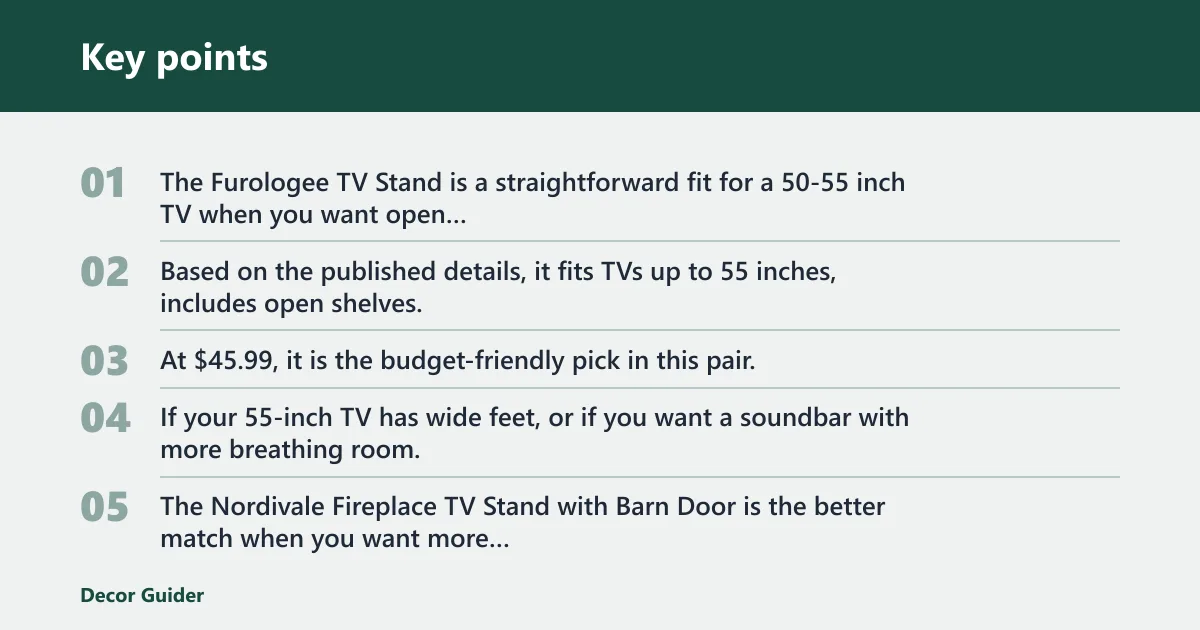
The Furologee TV Stand is a straightforward fit for a 50-55 inch TV when you want open storage and a compact footprint. Based on the published details, it fits TVs up to 55 inches, includes open shelves, and adds 4 hooks for extra storage options. At $45.99, it is the budget-friendly pick in this pair.
The tradeoff is size and support margin. If your 55-inch TV has wide feet, or if you want a soundbar with more breathing room, this style may feel tight unless the actual measured width and device layout both fit cleanly.
Best for a 65 inch TV with a soundbar: a wider open-storage stand

The Nordivale Fireplace TV Stand with Barn Door is the better match when you want more width, more storage, and a built-in electric fireplace. The published details list a 70 inch stand for TVs up to 80 inches, with cabinets and drawers for storage and a farmhouse look that suits larger rooms.
The drawback is scale and placement. At $299.99, it takes more room than a compact console, and the fireplace feature may be unnecessary if you only need a simple stand with clearance for a soundbar and devices.
Best for a 75 inch TV in a larger room: Nordivale Fireplace TV Stand
For a 75 inch TV, the Nordivale stand is the more plausible fit because the published listing is built around a 70 inch stand and support for TVs up to 80 inches. That makes it a better starting point than a small media table when you want visual balance in a larger room.
Still check the actual TV width, the space for any feet, and the depth needed for a soundbar. Large screens can look awkward on a stand that is technically wide enough but too shallow or too crowded for the full setup.
Best for a corner or small apartment layout: Furologee TV Stand
The Furologee stand is usually the easier choice for a corner or small apartment because the open shelves keep the footprint lighter and the size is more forgiving in tight rooms. Renters may be restricted from drilling into walls, which can make a freestanding TV stand the practical option.
The downside is limited scale. If your TV is large, or if the stand must hold multiple devices, the open design can run out of surface space quickly. Measure the TV width first, then check whether the room still leaves walkway clearance.
Mistakes to avoid
The most common mistake is choosing by diagonal size alone. That label does not tell you how wide the TV actually is, and it can lead to a stand that looks too small or fails to clear the feet, ports, or base.
Another mistake is ignoring the stand depth and the TV feet spacing. A stand can be wide enough but still be the wrong fit if the screen overhangs, the legs sit too far apart, or a soundbar blocks access to the shelf.
Do not skip the load rating, and do not forget the room itself. Outlets, cables, and traffic paths can all change the right width, especially in a corner room or a small apartment where every inch matters.
Common failure cases
- A large TV on a visually narrow stand can look unstable even if it technically fits.
- A soundbar can crowd the front edge and block device access.
- A console shelf may be too short for heat and cable clearance.
- A stand placed under a bright window can create glare that ruins the viewing angle.
Frequently asked questions
How do I measure for a TV stand?
Measure the TV from frame edge to frame edge, then add the footprint of the feet or base if the screen will sit on the stand. Record width, depth, and height before you shop. That gives you the real size you need, instead of relying on the diagonal label alone.
Should a TV stand be wider than the TV?
Yes. A stand wider than the TV is the safer and more balanced choice in most setups. If the stand is the same width as the TV, it can look crowded and leave little margin for feet, cables, or movement. Wider is usually better unless the room is extremely tight.
Can a TV be bigger than the stand?
No, not in practical terms. The stand needs to support the TV’s actual width and footprint, not just its diagonal size. A TV that overhangs the stand can look unstable and may not leave enough room for feet, devices, or proper cable routing.
How high should a TV stand be?
Use seated eye level as the guide. The same source says the center of the TV screen should be at eye level when seated, and a common TV stand height range for modern flat screen TVs is 24 to 30 inches. Your sofa height and seat depth should adjust that target.
What TV stand width do I need for a 75-inch TV?
Walker Edison’s quick-reference chart suggests a 75-inch TV pairs with a stand around 70 inches wide. That is a useful starting point, but you should still measure the actual TV width and account for the feet, a soundbar, and the room layout before you buy.
How far should I sit from my TV?
Viewing distance should match the screen size and the room. Walker Edison cites about 8 to 9 feet for a 55-inch TV and about 9 to 11 feet for a 65-inch TV. If you sit too close, the stand may feel oversized; too far, and the setup can feel small.
What is the standard height for a TV stand?
There is no single standard that fits every room, but 24 to 30 inches is a common working range for modern flat screen TVs. The right height depends on where your eyes land when seated, how tall the sofa is, and whether the TV sits on feet or a center base.
Products related to this article
Sponsored / affiliate links. As an Amazon Associate I earn from qualifying purchases. I may earn additional commission from eligible campaigns.