How to Size a TV Stand for Your Room
Start with the TV’s real width, not the diagonal. Choose a TV stand at least 2 to 6 inches wider than the TV overall, deep enough for the base, and rated above the set’s weight. Too-small stands can tip, block walkways, or leave the screen too high for comfortable viewing. This guide shows how to size width, height, depth, weight limit, and viewing distance for a room that fits.
What size TV stand do you actually need?
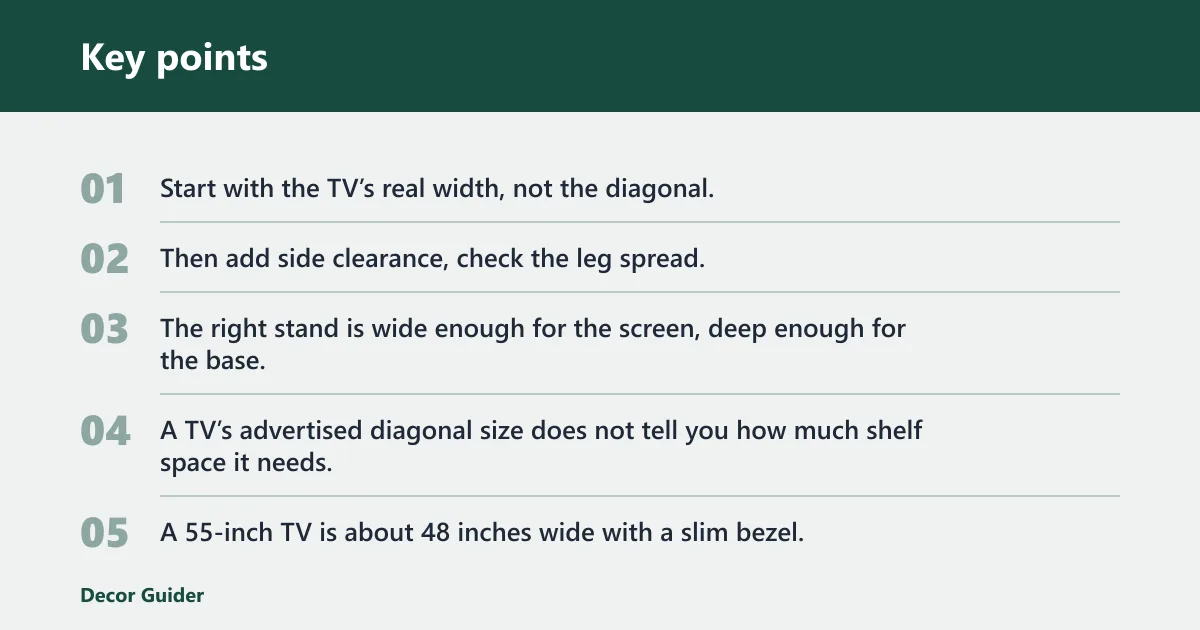


Start with the TV’s real width, not the diagonal. Then add side clearance, check the leg spread, and confirm the stand can hold the full load. The right stand is wide enough for the screen, deep enough for the base, and short enough to keep the screen center near seated eye level.
Start with the TV’s actual width
A TV’s advertised diagonal size does not tell you how much shelf space it needs. A 55-inch TV is about 48 inches wide with a slim bezel, and a 75-inch TV is about 66 inches wide and 37 inches tall. Measure the frame edge to frame edge if you want the right cabinet width.
Use stand width as your first pass
Two common rules line up closely: Walker Edison recommends a stand at least 3 inches wider on each side, and ABT gives the same 3-inch side buffer. That means a TV around 48 inches wide needs a stand around 54 inches wide or more. If you want speakers or décor beside the screen, go wider.
Check leg spread before you assume a cabinet fits
Wide pedestal feet and asymmetric legs can make a stand that looks large enough fail in practice. The TV may overhang the cabinet even when the screen width seems close, because the feet sit farther apart than the base opening. Measure the outermost points of the legs, not just the panel width.
TV stand sizing worksheet
This worksheet turns screen size into a room-fit check. Use it to compare the TV, the stand, and the room before you buy.
| Room | TV diagonal | Actual width | Leg spread | Required stand width | Ideal stand height | Minimum depth | Estimated viewing distance | Verdict |
|---|---|---|---|---|---|---|---|---|
| Small room | 50 inches | About 44 to 46 inches | Up to 40 inches | About 50 to 52 inches | About 24 to 27 inches | At least 16 inches | About 6.5 to 8 feet | Pass if the base and doors clear |
| Medium room | 65 inches | About 56 to 58 inches | Up to 48 inches | About 62 to 64 inches | About 24 to 30 inches | At least 18 inches | About 7 to 10 feet | Pass if seating stays centered |
| Large room | 75 inches | About 66 inches | Up to 54 inches | About 72 inches or more | About 24 to 30 inches | At least 20 inches | About 10 to 12 feet | Pass if depth and weight rating are enough |
The worksheet uses real room-fit checks, not just diagonal size. It also leaves room for the base, cables, and side clearance so you do not end up with overhang or blocked storage doors.
How do you measure the TV correctly?
Measure from the left frame edge to the right frame edge, then note the stand feet or pedestal base. Do not use diagonal screen size alone. Also record the weight on the spec label, because the stand must hold the TV plus consoles, a soundbar, and anything you place on top.
Measure the screen and the base separately
The diagonal tells you the marketing size. The width tells you whether the TV fits on the furniture. The height matters for placement and eye level. If the TV has pedestal feet, measure the distance between the outer feet and the depth of the feet front to back.
Use weight as a separate check
Manufacturer-rated maximum capacity is a safety limit, not a suggestion. Add the TV, game console, streaming box, soundbar, and décor before you compare the load to the stand rating. If the stand rating is close to your total load, choose a stronger model. Bowing and tip-over risk rise fast when the load is near the limit.
Example of a common mistake
Suppose a 65-inch TV has wide pedestal feet that span more than the cabinet opening. The screen width may look manageable, but the legs sit too far apart, so the TV cannot rest fully on the top. In that case, the stand fails even if the diagonal size seems right.
How wide should the stand be?
Plan for a stand that is wider than the TV, with side clearance for balance and cable routing. A practical target is about 3 inches wider on each side, though speakers, décor, or a wide base can justify more. If the cabinet ends right at the TV edge, the fit is too tight.
Add room for overhang and accessories
A few extra inches on both sides can keep the screen from looking cramped and can make room for a soundbar or small décor. It also helps if the TV stand has doors or drawers that must open without hitting the screen. Overhang is a failure case, not a styling choice.
Watch for blocked storage doors
Some stands fit the TV width but fail because the legs block the top, the doors swing into the base, or the center support interferes with the pedestal. Check the full path of every moving part before you buy. A cabinet that cannot open fully is not a true fit.
Compare common width choices
Walker Edison gives a quick reference of a 50-inch TV to about a 50- to 52-inch stand width and a 65-inch TV to about a 60-inch stand width. Those are rough references, not exact defaults, because actual TV width and leg spread vary by model. If the legs are wide, go up a size.
How tall should a TV stand be?
Set stand height so the screen center sits at or just below seated eye level. A common comfort range for stand height is around 24 to 30 inches, though sofa height, bedroom viewing, and the TV’s own screen height can change the final number. Eye level matters more than the furniture label.
Use seated eye level as the target
ABT says the center of the TV should be at or just below eye level, and 44 inches is a safe estimate for eye level. Walker Edison places seated eye level typically around 42 to 48 inches. That range gives you a practical target for most living rooms.
Work backward from the screen midpoint
ABT’s example uses a 34-inch-tall TV with a 17-inch midpoint and arrives at an ideal stand height of about 27 inches. That logic is simple: subtract half the TV height from seated eye level. A taller screen needs a shorter stand, while a shorter screen can sit on a higher base.
Adjust for room use
A bedroom often needs a slightly lower stand if you watch from bed and your line of sight sits lower than a sofa position. A living room with deeper seating may allow a taller cabinet. Keep the TV center near eye level rather than aiming the screen too high, which strains the neck.
How do room size and viewing distance change the choice?
Room size affects both the stand and the TV size. Small rooms need shorter viewing distances and less bulky furniture, while larger rooms can handle wider stands and larger screens. The goal is to keep the screen large enough to read comfortably without forcing a cramped setup or a distant, undersized image.
Match distance to screen size
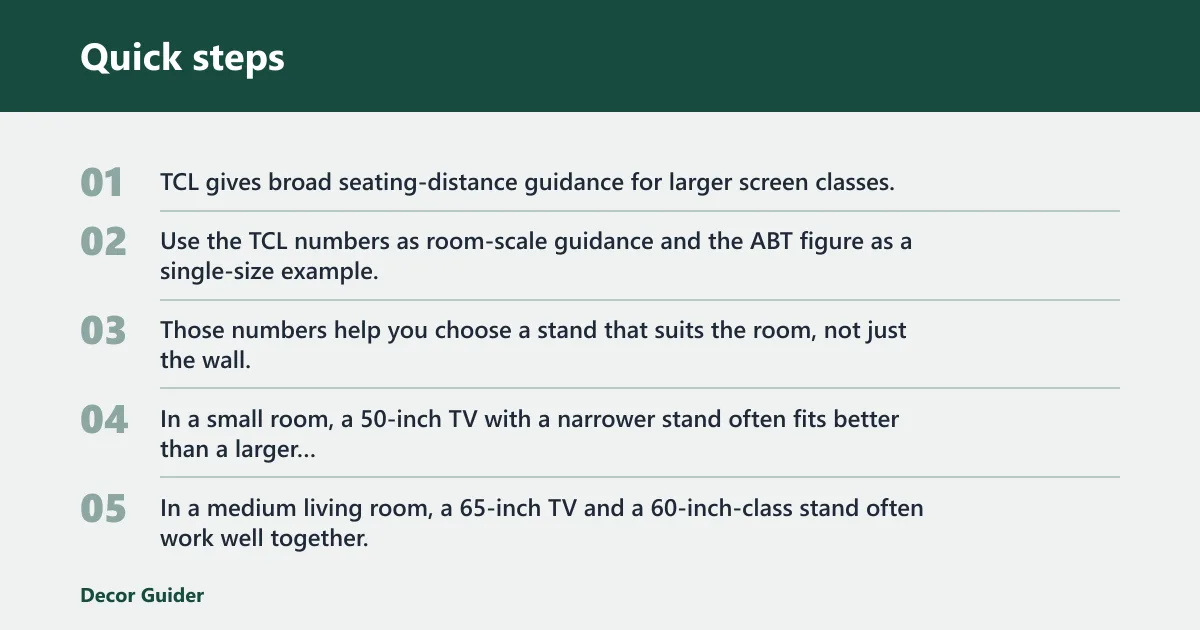
TCL gives broad seating-distance guidance for larger screen classes, while ABT’s 60-inch TV example gives a specific ideal viewing distance of 120 inches, or 10 feet. Use the TCL numbers as room-scale guidance and the ABT figure as a single-size example. Those numbers help you choose a stand that suits the room, not just the wall.
Size the room by common use case
In a small room, a 50-inch TV with a narrower stand often fits better than a larger cabinet that blocks circulation. In a medium living room, a 65-inch TV and a 60-inch-class stand often work well together. In a large open room, a 75-inch TV can sit comfortably if the seating distance and stand depth both support it.
Check layout before you buy
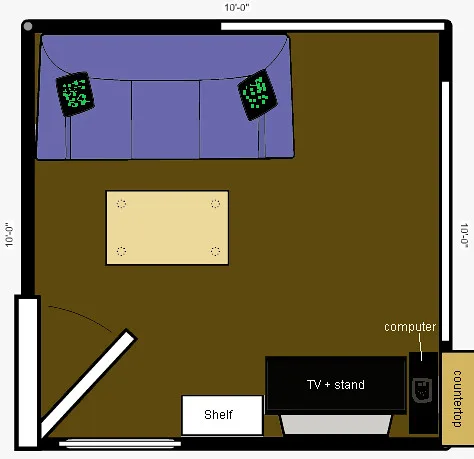
Avoid window glare, keep walkway clearance, and align the TV with the main seating area. Corner setups often need a shallower or angled stand, while long living rooms may need a wider cabinet so the screen does not look lost on the wall. Placement matters as much as width.
Weight, depth, and layout checks
After width and height, check depth and load. The stand must support the TV base without wobble, and it must leave room for cables, vents, and accessories. If wall mounting is part of the plan instead, VESA compatibility matters because the mount must match the TV and the wall structure.
Check stand depth against the base
Stand depth is easy to overlook. A shallow top can leave a pedestal base hanging near the edge or force cables into a tight bend. Larger TVs often need more depth because the base and cable plugs sit farther back. If the TV base touches the edge, the stand is too shallow.
Add every item to the load
Use the manufacturer rating for the full load: TV, soundbar, game console, streaming box, and décor. A stand that holds the television alone may still fail once you add heavier electronics. Keep the top surface clear enough for ventilation, especially around devices that run warm.
Use a quick pass/fail checklist
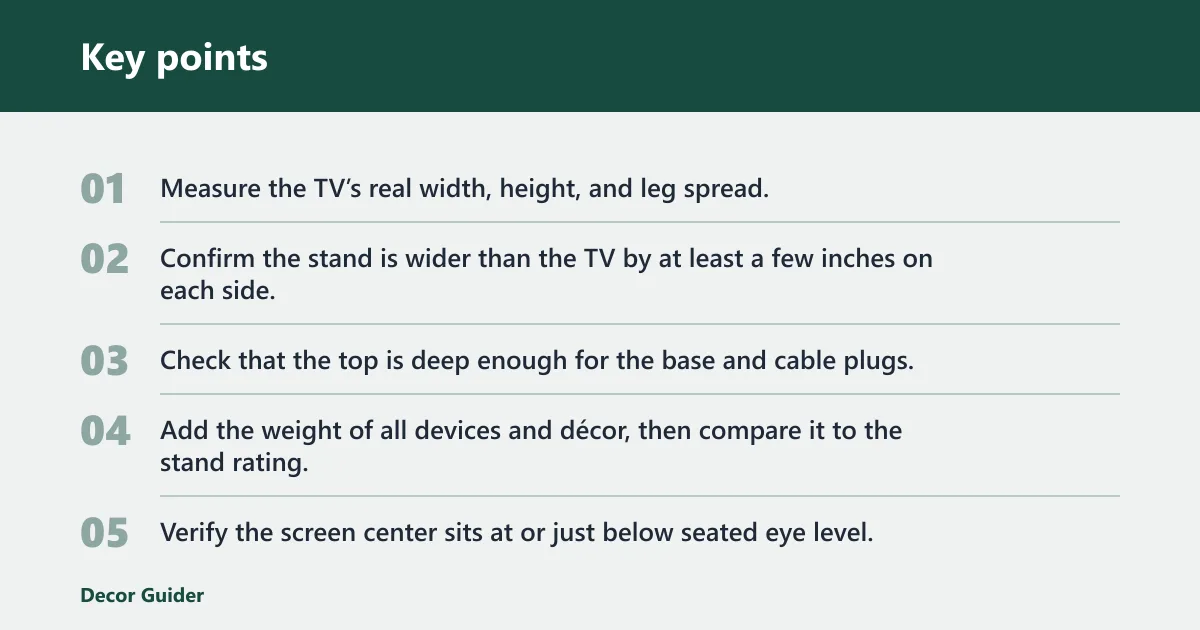
- Measure the TV’s real width, height, and leg spread.
- Confirm the stand is wider than the TV by at least a few inches on each side.
- Check that the top is deep enough for the base and cable plugs.
- Add the weight of all devices and décor, then compare it to the stand rating.
- Verify the screen center sits at or just below seated eye level.
- Make sure the setup clears doors, drawers, and walking paths.
Frequently asked questions
What size tv for a room size?
Small rooms usually work better with smaller or mid-size screens, while medium and large rooms can support wider displays if seating distance allows it. A 50-inch TV is about 44 to 46 inches wide, and a 75-inch TV is about 66 inches wide and 37 inches tall. Use width, height, and viewing distance together.
How big is a tv stand?
TV stands range from compact media tables to wide consoles. The useful measure is not the style name but the usable top surface, depth, and height. A stand should be wider than the TV, deep enough for the base, and strong enough to support the total load without bowing or tipping.
Room size vs tv size?
Room size controls viewing distance, walkway clearance, and how large the furniture can be without crowding the space. TV size controls actual width, stand width, and eye-level height. When those two sizes work together, the screen feels balanced instead of too large for the room or too small for the seating distance.
Products related to this article
Sponsored / affiliate links. As an Amazon Associate I earn from qualifying purchases. I may earn additional commission from eligible campaigns.