How to Check If a TV Stand Will Fit Your TV
A TV stand fits when the TV’s actual width, base footprint, and stand top all work together with enough clearance for cables, airflow, and safe movement around the room. The diagonal label alone is not enough. Check the exact model dimensions, then confirm the base sits fully on the usable top surface before you buy or place anything.
Why diagonal size doesn’t match real width


Quick fit checklist
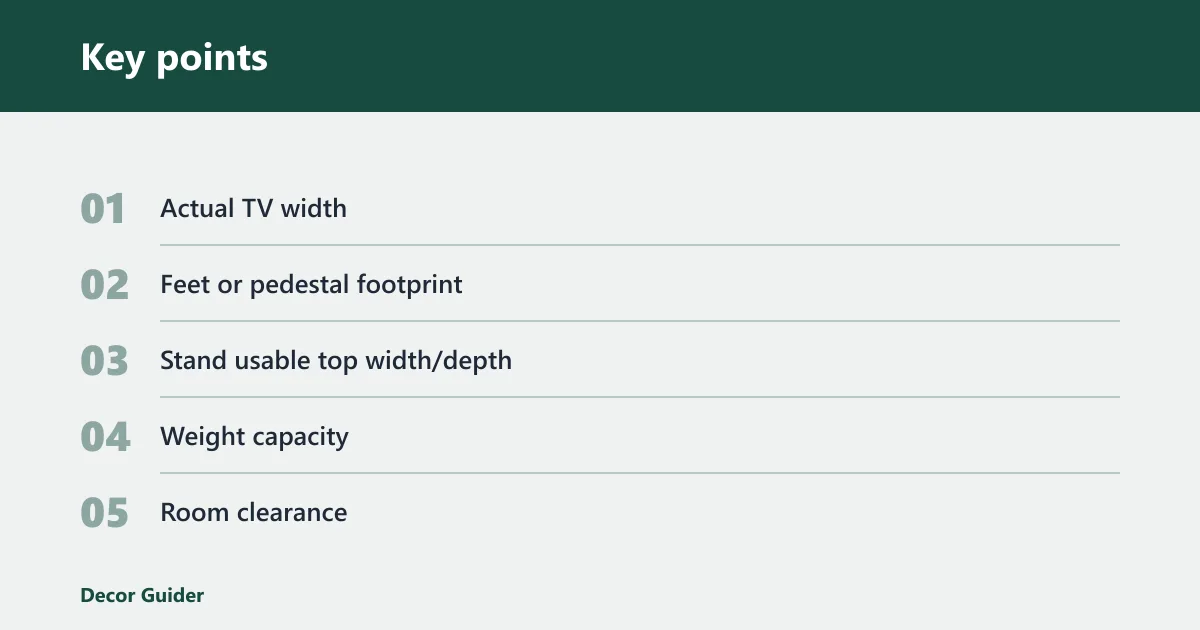
Use this short checklist first. If any item fails, the stand is not a safe match without a different layout or a larger surface.
- Actual TV width: Pass only if the TV’s edge-to-edge width is less than the stand’s usable top width.
- Feet or pedestal footprint: Pass only if the outer foot or pedestal width and depth sit fully on the flat top surface.
- Stand usable top width/depth: Pass only if the flat surface, not the outer frame, supports the base with margin to spare.
- Weight capacity: Pass only if the TV and any devices stay under the stated top-shelf and shelf limits.
- Room clearance: Pass only if doors, walkways, cords, vents, and nearby furniture remain unobstructed.
Diagonal size versus actual width
TV size is measured diagonally across the screen, but diagonal size does not tell you how wide the set is from left to right. The Consumer Technology Association’s sizing convention and manufacturer spec sheets both use diagonal labeling, while the actual width varies by model and bezel design. A 55-inch, 65-inch, 75-inch, or 85-inch TV can have different widths, feet spacing, and base shapes.
That is why the model number matters. It lets you look up the exact width, height, depth, and stand footprint instead of guessing from the label alone.
Why the model number matters
The model number is the fastest way to get the exact measurements that affect fit. Use the product spec sheet or the manufacturer’s manual, then confirm the TV’s actual width edge to edge. That number matters more than the diagonal when you are checking whether the screen will sit safely on a stand.
Suppose a 65-inch set has narrow bezels but wide offset legs. It may fit a wide console easily, yet still fail on a narrower stand because the feet land outside the usable top surface.
How do you measure the TV base?
Measure the base the way it sits on the stand. If the TV has two feet, measure the outside width between the outer edges of both feet and the front-to-back depth of each foot. If it has a central pedestal, measure the full footprint of that pedestal, not just the neck.
Measuring feet or a pedestal base
Place the TV on a flat surface and measure the widest points that touch the stand. For legs, that means the outside width of the feet and how far each foot reaches front to back. For a pedestal, measure the full base width and depth, including any rounded or offset edges that contact the top panel.
A common first-timer mistake is checking only the screen width and forgetting that the TV’s base or feet may extend past it. The screen may be wide enough, but the feet may sit too far apart or too far forward for the stand top.
Checking whether the base sits fully on the stand
The feet or pedestal should rest completely on the usable top surface. Do not compare the TV to the stand’s outside frame alone. Many stands have side trim, overhang, or a rear lip that reduces the usable depth and width where the base can actually land.
If the base hangs over the edge, the setup can rock or tip when you lean on it, adjust a cable, or open a drawer. Full contact beats a close visual match.
Will the stand top actually fit the TV?
Compare the TV’s actual width with the stand’s usable top width, not just the outside dimensions. A TV stand should generally be wider than the TV, and Wayfair’s guidance leaves 2 to 3 inches of clear space on either side. That gives the screen visual balance and reduces crowding around the edges.
Usable top width versus outside width
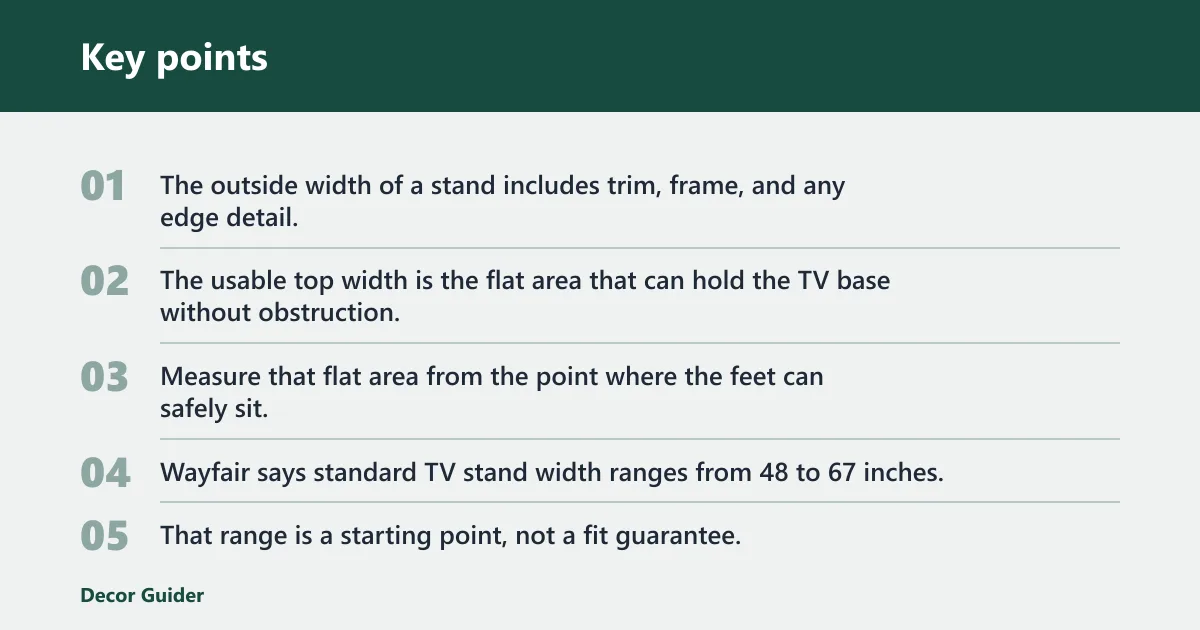
The outside width of a stand includes trim, frame, and any edge detail. The usable top width is the flat area that can hold the TV base without obstruction. Measure that flat area from the point where the feet can safely sit, and check whether the base stays well inside the top panel.
Wayfair says standard TV stand width ranges from 48 to 67 inches. That range is a starting point, not a fit guarantee. A 60-inch stand can work for some TVs and fail for others if the feet spread too wide or the top surface is too shallow.
For room sizing, a reputable viewing-distance source such as RTINGS’ size-to-distance guidance can help confirm that the stand and TV do not overwhelm the seating area.
Side clearance rules that reduce crowding
Leave enough side clearance for stability and for the screen to look centered. A practical target is about 2 to 3 inches on each side, or about 4 to 6 inches total extra width beyond the TV. That spacing also gives you room for cable strain relief and small alignment errors.
Centered placement is safer than a tight edge-to-edge fit. A stand that barely matches the TV width leaves no margin for a slightly crooked base, an uneven floor, or a cable box placed too close to the edge.
How deep and tall should the stand be?
Depth and height matter as much as width. Depth has to support the feet or pedestal, make room for devices and cords, and still leave walking space. Height affects viewing comfort and the way the TV balances visually in the room. Standard TV stand height ranges from 21 to 32 inches, but the right height depends on where you sit.
Depth for devices, airflow, and cords
Check the stand depth against the TV base depth first. Then add room for cable plugs, a soundbar, consoles, and any device that needs air around it. A shallow stand can leave ports pinched against the wall, while an overly deep stand can crowd a narrow room and block walking space.
If the stand has a raised lip or curved edge, measure the flat usable depth, not the full outside depth. That detail matters when the feet are deep and the back panel sits close to the wall.
Height for seated viewing comfort
TV stand height affects where the screen center lands relative to seated eye level. A stand that is too low can force a downward look; one that is too high can strain the neck and make the setup feel top-heavy. Height also affects whether shelves can hold a soundbar without blocking the screen.
The same source says standard TV stand height ranges from 21 to 32 inches. Use that range as a guide, then confirm the screen center will sit comfortably from your main seat.
What should you check for a safe setup?
Weight capacity, room clearance, and anchoring can turn a good size match into a bad setup if you skip them. The TV may fit on paper and still be unsafe if the top panel cannot hold the load or if the stand blocks a door, walkway, or wall outlet.
Weight capacity for the top panel and shelves
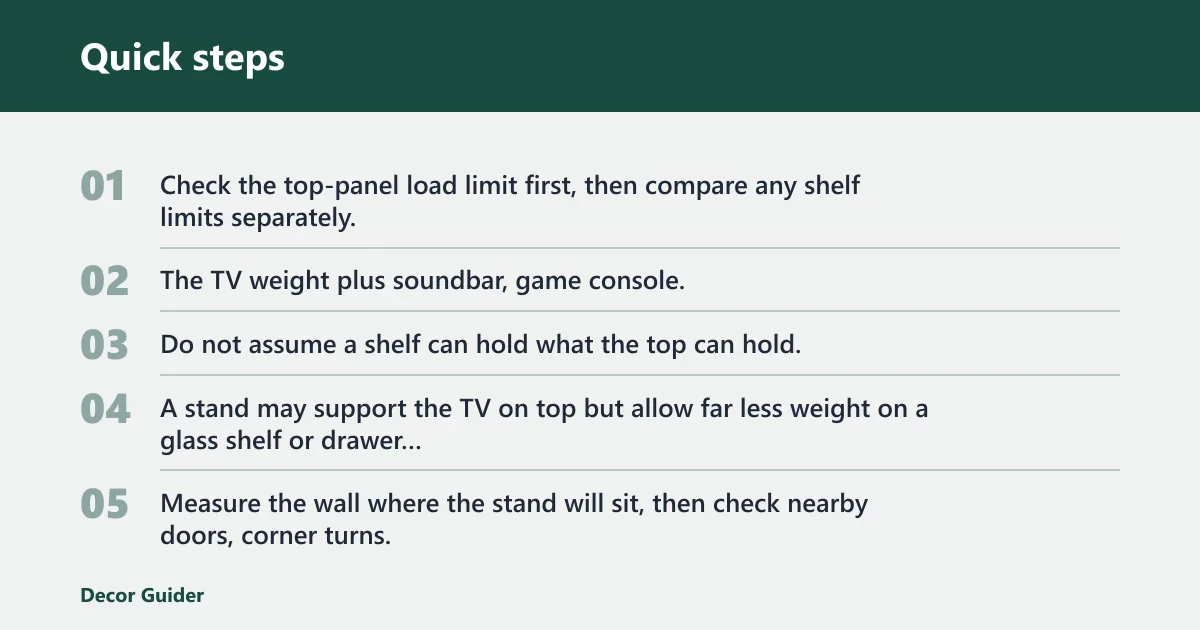
Check the top-panel load limit first, then compare any shelf limits separately. Those numbers may differ. The TV weight plus soundbar, game console, or media box must stay within the stated limit for each surface that carries the load.
Do not assume a shelf can hold what the top can hold. A stand may support the TV on top but allow far less weight on a glass shelf or drawer shelf beneath it.
Wall width, doors, and walking paths
Measure the wall where the stand will sit, then check nearby doors, corner turns, and walking paths. If the stand is too wide for the wall, it can crowd the room even if the TV fits on top. Depth also matters if the stand sits near a hallway or a tight passage.
For a quick layout check, compare the stand footprint against the room’s traffic path, then confirm the TV leaves enough viewing distance for your seating. A useful rule of thumb is that larger TVs belong farther back, not just on a wider stand.
Anchoring and anti-tip hardware
Anchoring or anti-tip hardware matters because a stand can be stable in place and still tip if pulled forward. That risk is higher with children, pets, drawers, or a no-drill setup where the unit is not fixed to the wall. The U.S. Consumer Product Safety Commission recommends anchoring furniture and TVs to reduce tip-over hazards, especially in homes with young children.
If drilling is off the table, the safest path is a stand with a lower center of gravity, a wide base, and enough depth for the TV feet to sit fully flat.
What about soundbars, cables, and corner setups?
Soundbars need both height and depth clearance so they do not block the screen or press against the TV’s front edge. Rear cables also need space for a gentle bend, not a sharp kink, especially when the stand sits close to a wall. Corner stands need extra attention because the angled layout can reduce usable depth even when the front width looks adequate.
Can a 65-inch TV fit on a 60-inch stand?
Sometimes, but only if the TV’s actual width and feet footprint are smaller than the stand’s usable top surface. The 65-inch label is diagonal size, not width. Check the exact model measurements first, because one 65-inch TV may fit while another will not.
| Field | Example entry | What to check |
|---|---|---|
| TV model number | QN65Q80D | Use this to confirm exact width, depth, and base shape |
| Actual TV width | 57.1 in | Edge-to-edge width, not diagonal size |
| Feet/pedestal width | 44.0 in | Outside width of the part that touches the stand |
| Stand usable top width/depth | 52.0 in / 14.0 in | Flat usable surface, not outside frame |
| Required side clearance | 2 to 3 in per side | Keep the TV centered with space on both sides |
| Fit | Pass | TV width and base fit on the usable top surface |
| Stability | Pass | Base sits fully flat and weight limits are respected |
| Room clearance | Pass | Doors, paths, and cable bends stay clear |
Frequently asked questions
How do I measure my TV for a stand?
Measure the TV’s actual width from edge to edge, then measure the feet or pedestal footprint separately. After that, compare those numbers with the stand’s usable top width and depth. The diagonal label helps identify the TV class, but it does not tell you whether the set will sit safely on the furniture.
Should a TV stand be wider than the TV?
Yes. A stand needs to be wider than the TV, with clear space on both sides. A practical target is 2 to 3 inches of clear space on either side. That gives you a safer margin for centering, cable bends, and small placement errors.
How do I know if my TV feet will fit on the stand?
Measure the outside width and front-to-back depth of the feet, then compare those numbers with the stand’s usable top surface. The feet should rest fully on the flat area without hanging over the edge. If the legs sit near the corners, check both width and depth before you buy.
What measurements do I need besides TV size?
You need the TV’s actual width, the feet or pedestal footprint, the stand’s usable top width and depth, the stand height, and the available room width around the setup. If you are adding a soundbar or console, include their depth and height too. Weight limits matter just as much.
How much clearance should I leave on each side of the TV?
Wayfair advises leaving 2 to 3 inches of clear space on either side. That spacing helps the TV sit centered and reduces crowding against the stand edges. If the room is tight, use the upper end of the stand width range only if the feet still land safely on the top.
Products related to this article
Sponsored / affiliate links. As an Amazon Associate I earn from qualifying purchases. I may earn additional commission from eligible campaigns.