How to Measure a TV Stand
Measure the TV’s width, depth, and height first, then pick a stand that is at least as wide as the TV, leaves some side clearance when the room allows it, and has enough depth for the base. A stand that is too small or too shallow can make the TV unstable, block vents, or force a return. This guide shows how to measure the TV, the stand, and the room in one order that helps avoid fit mistakes before you buy.
How do you choose the right TV stand size?

Start with the TV’s actual width and base footprint, then compare those numbers with the stand top, depth, and height. A good fit usually gives the TV stable support, leaves space for cables and accessories, and keeps the screen near seated eye level. For many homes, that means a stand slightly wider than the TV and deep enough for the feet or pedestal.
Step-by-step workflow
- Measure the TV’s diagonal size, actual width, and base footprint.
- Check the TV manual or product page for the VESA pattern and stand requirements.
- Measure the stand opening, usable top, depth, and height.
- Compare the TV base to the stand depth and the foot spacing to the stand width.
- Check viewing height from the seating position and confirm cable, soundbar, and ventilation clearance.
- For corners, measure wall-to-wall space and diagonal clearance before you buy.
What you’ll need
- Tape measure
- Paper and pen, or a notes app
- TV manual or product page for the exact model
- Room measurements, including wall length and corner depth
- Optional: painter’s tape for marking stand width on the floor
How do you measure the TV?
Measure the TV three ways: diagonal screen size, actual width with bezels included, and base footprint. The diagonal gives the advertised size. The width and base measurements decide whether the TV will sit safely on a stand, fit in a corner, or leave room for accessories.
Measure the screen diagonal
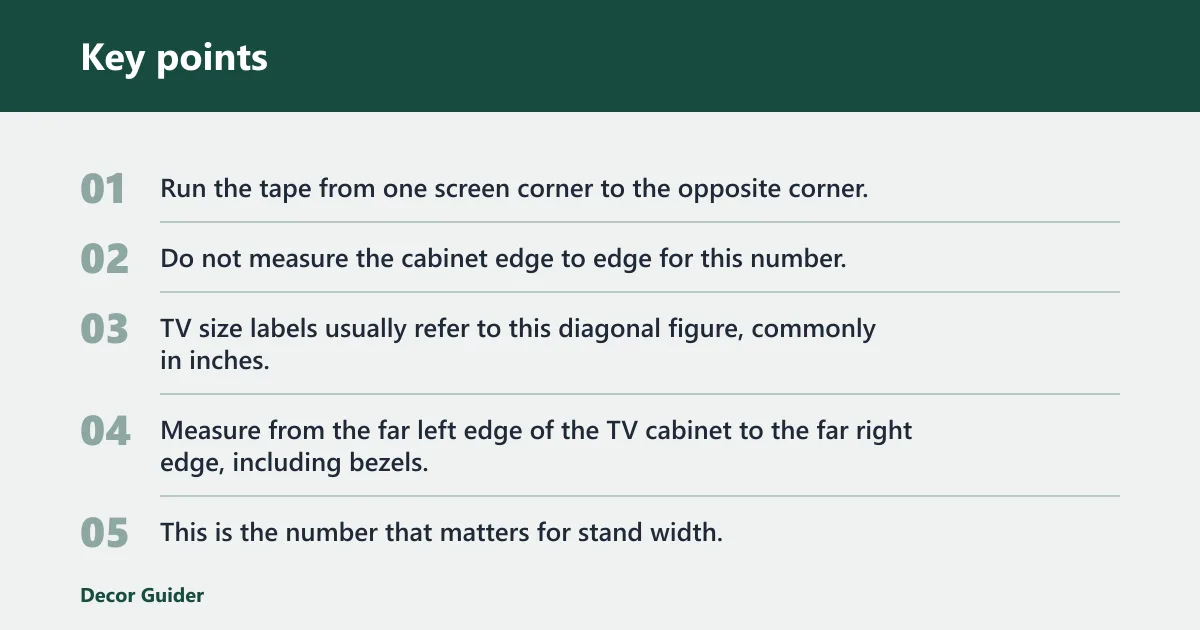
Run the tape from one screen corner to the opposite corner. Do not measure the cabinet edge to edge for this number. TV size labels usually refer to this diagonal figure, commonly in inches.
Measure the actual width
Measure from the far left edge of the TV cabinet to the far right edge, including bezels. This is the number that matters for stand width. A 55-inch TV is not 55 inches wide.
Measure the base or feet footprint
Measure the distance between feet on two-leg TVs, or the width and depth of a center pedestal. If the feet sit wide apart, the stand top must be wider than the foot spacing. If the TV uses a pedestal, measure the full base outline.
Check the VESA pattern
If the TV will sit on a mount or bracket attached to a stand, note the VESA pattern in millimeters, such as 200×200 or 400×400. VESA spacing helps with mount compatibility, but it does not replace width, depth, or base checks. For a quick reference, many TV makers and retailers list VESA details on product pages and manuals, including Samsung support, Best Buy, and Sony support.
How do you size the stand?
Size the stand by matching width, depth, and height to the TV and the room. The stand top should exceed the TV width, the depth should support the feet or pedestal, and the height should place the screen near eye level from the seating position. Leave room for devices and airflow, especially if the TV or soundbar vents to the rear or sides.
Compare stand width to TV width
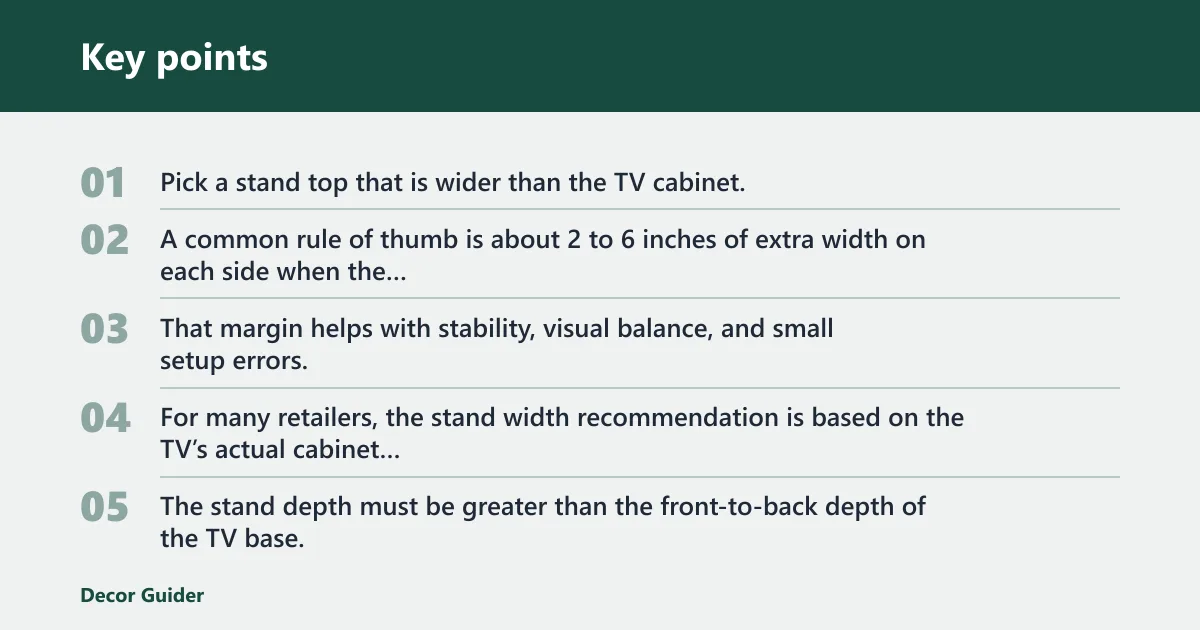
Pick a stand top that is wider than the TV cabinet. A common rule of thumb is about 2 to 6 inches of extra width on each side when the layout allows it. That margin helps with stability, visual balance, and small setup errors. For many retailers, the stand width recommendation is based on the TV’s actual cabinet width rather than the diagonal label.
Check stand depth against the base footprint
The stand depth must be greater than the front-to-back depth of the TV base, with extra room if you plan to place a soundbar, console, or cable box on the same surface. If the stand is shallow, the TV can overhang or sit too close to the front edge. Many manufacturer setup guides recommend checking the full base depth, not just the front lip of the stand.
Set height from eye level
TV stand height affects neck comfort and glare. Measure seated eye height from the floor, then compare it to the center of the screen. For many living rooms, the screen center often lands near seated eye level when the stand is in the 20- to 30-inch range, but seating height changes the target. Major TV makers and ergonomic guidance generally point to keeping the screen comfortable to view without a large upward tilt.
Leave accessory and cable space
Keep clear space behind and beside the TV for plugs, cords, and ventilation. If a soundbar will sit on the stand, measure its width and height too. A shallow shelf can block ports even when the TV itself fits. For airflow and rear-access clearance, many product pages call for several inches of open space behind the set and around vents.
TV stand fit calculator
Use this table to compare the TV size to the stand dimensions before you buy. The widths below are practical minimums, not universal rules. If your TV has wide feet, a deep pedestal, or a corner setup, use the larger end of the range. Decision rule: minimum stand width should be at least the TV cabinet width plus 4 to 12 inches total; minimum stand depth should be at least the TV base depth plus 2 to 4 inches for cord and port clearance; and the TV base must fit entirely within the usable top.
| TV diagonal | Actual TV width | TV base footprint | Wide-feet TVs: recommended minimum stand width | Center-pedestal TVs: recommended minimum stand width | Recommended depth | Recommended height range | Corner-setup clearance notes |
|---|---|---|---|---|---|---|---|
| 32 in | 28 to 29 in | about 18 to 22 in wide, 6 to 10 in deep | 32 to 36 in | 30 to 34 in | 14 to 16 in | 20 to 26 in | Leave 4 to 6 in from each wall for plug access and swivel room |
| 43 in | 37 to 38 in | about 24 to 30 in wide, 8 to 11 in deep | 40 to 46 in | 38 to 42 in | 15 to 17 in | 20 to 28 in | Check that the stand corners do not strike adjacent walls when angled |
| 50 in | 43 to 44 in | about 28 to 36 in wide, 8 to 11 in deep | 46 to 52 in | 44 to 48 in | 15 to 17 in | 21 to 29 in | Measure the diagonal path if the stand must rotate into place near a corner |
| 55 in | 48 to 49 in | about 30 to 40 in wide, 8 to 12 in deep | 52 to 58 in | 50 to 54 in | 16 to 18 in | 22 to 30 in | Allow room for cables and a soundbar if the stand sits diagonally |
| 65 in | 57 to 58 in | about 36 to 48 in wide, 10 to 13 in deep | 60 to 66 in | 58 to 62 in | 18 to 20 in | 24 to 32 in | Measure the full diagonal footprint, not only the wall-facing width |
| 75 in | 66 to 67 in | about 42 to 54 in wide, 11 to 14 in deep | 70 to 76 in | 68 to 72 in | 19 to 21 in | 25 to 33 in | Confirm the stand top can hold the full base and leave service access behind it |
Worked example: 32-inch TV
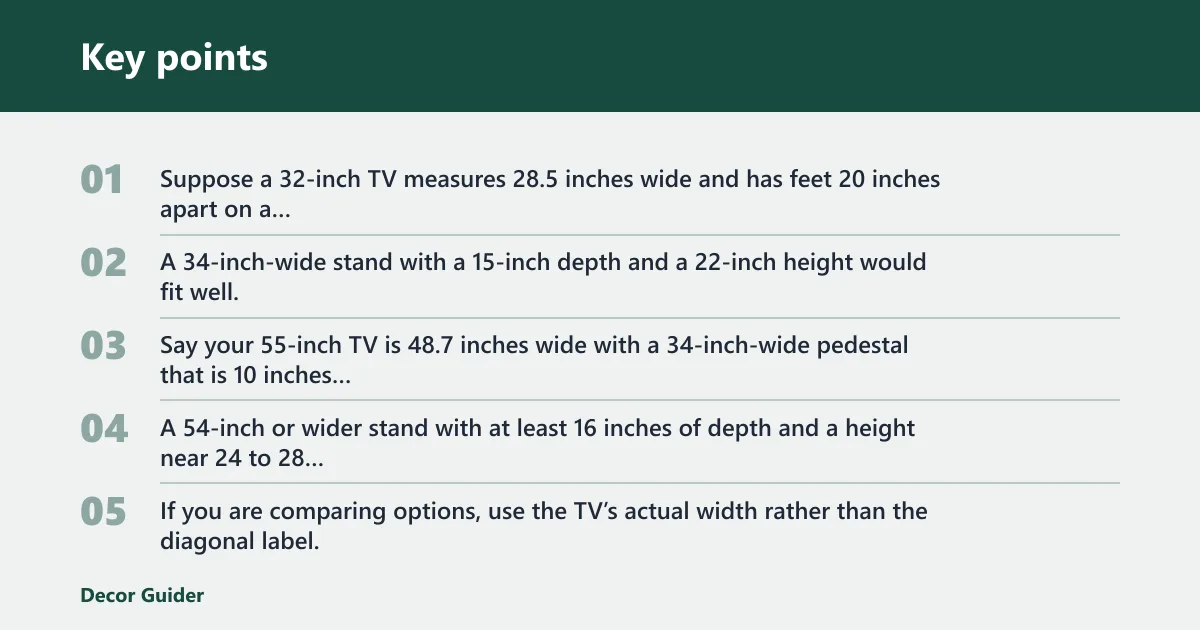
Suppose a 32-inch TV measures 28.5 inches wide and has feet 20 inches apart on a 7-inch-deep base. A 34-inch-wide stand with a 15-inch depth and a 22-inch height would fit well, while still leaving room for a small streaming box and cable slack.
Worked example: 55-inch TV
Say your 55-inch TV is 48.7 inches wide with a 34-inch-wide pedestal that is 10 inches deep. A 54-inch or wider stand with at least 16 inches of depth and a height near 24 to 28 inches gives a better fit for a soundbar and keeps the screen at a more comfortable viewing height. If you are comparing options, use the TV’s actual width rather than the diagonal label, and check the stand’s usable top, not just the outer frame. For example, a stand for a 55-inch TV should still have enough uninterrupted surface for the pedestal and any center device.
Worked example: 65-inch TV
Picture a 65-inch TV that is 57.2 inches wide, with feet that span 44 inches and sit 12 inches deep. A stand around 62 inches wide, 18 to 20 inches deep, and 24 to 30 inches high is often a safer match, especially if the TV sits in a room with a sofa set several feet away.
How do you measure for a corner TV stand?
Measure a corner setup from wall to wall, then test the diagonal path the stand will follow. Corner stands need more than width alone. The angled placement can hit baseboards, nearby walls, or doors even when the TV itself fits on top. Use the corner link as a planning step, then verify the actual wall lengths and diagonal clearance with tape on the floor.
Measure the corner footprint
Measure the two wall lengths that meet at the corner, then note the open floor space at the diagonal point. Compare those numbers with the stand’s front width, back width, and depth. A stand with angled sides needs clearance on both walls.
Check clearance for doors and cables
Open nearby cabinet doors, closet doors, or room doors before buying. Then check where the power cord, HDMI leads, and antenna cable will run. A corner stand that fits on paper can still fail if a door swings into it or the cord exits from the wrong side.
Confirm swivel and viewing angle
If the TV will angle toward a sofa, leave room for the screen to turn without striking the wall. The diagonal setup often needs a few extra inches of clearance on the side closest to the seating area. That margin is easy to miss in narrow rooms.
Common mistakes to avoid
Most fit problems come from using the advertised screen size as if it were the cabinet width, skipping foot spacing, or ignoring depth. A stand can look wide enough and still fail because the pedestal is too deep, a soundbar blocks the front edge, or a wall leaves no cable room.
- Do not buy by diagonal size alone.
- Do not assume two TVs with the same screen size have the same footprint.
- Do not forget the feet or center pedestal.
- Do not choose a stand that is shallower than the base.
- Do not ignore seated eye level and screen height.
- Do not skip corner clearance if the stand sits diagonally.
- Do not leave no room for cables, consoles, or ventilation.
A common first-timer mistake is ordering a 55-inch stand for a 55-inch TV and finding that the feet land outside the top surface. The fix is simple: measure the actual TV width and foot spacing first, then pick the stand around those numbers rather than the label.
If that still feels tight, move up one size class. Add 2 inches of width and 1 inch of depth, then recheck the feet, soundbar, and cord path. That extra margin often prevents a return when the TV has a wide pedestal or rear-facing ports.
When can the usual sizing rules change?
Some setups need different guidance from the standard width-and-depth rule. Wall-mounted TVs placed on a stand can need less top support but more cable and soundbar clearance. Oversized soundbars may need a wider shelf or a lower TV position. Rear-facing ports, ventilation grills, and anti-tip straps can also change the final choice.
What size should a TV stand be?
A TV stand should be wide enough to support the TV with extra side room, deep enough to hold the feet or pedestal, and tall enough for comfortable viewing from the main seat. There is no single size that fits every TV, because room depth, seat height, and accessories change the answer.
As a general buying target, use the TV’s actual width to set the minimum stand width, then add space for a soundbar or console if those items will share the top. For height, compare the stand to seated eye level instead of guessing from the TV size label. Manufacturer recommendations and retailer fit guides usually frame this as a practical range rather than a hard rule.
Frequently asked questions
How do you measure a TV stand?
Measure the stand from its widest left-to-right point, deepest front-to-back point, and top surface height from the floor. Use the usable top, not only the outer frame, because shelves, lips, or legs can reduce the space available for a TV base or accessories. If the stand has a recessed shelf, measure that interior opening too.
How tall should a TV stand be?
The right height depends on where your eyes sit when you are seated. Measure from the floor to your eye line, then aim for the screen center to land close to that height. Many living-room setups land between 20 and 30 inches, but seating changes the target. If the TV is mounted above the stand, the stand height can be lower as long as viewing remains comfortable.
How wide should a TV stand be compared with the TV?
Choose a stand that is wider than the TV cabinet, with extra space on both sides. A practical margin is 2 to 6 inches per side when the room allows it. That gives more stability, better visual balance, and room for remotes or small devices. If the TV has very wide feet, the usable top must exceed the foot spread, not just the cabinet width.
How do you measure a TV for a stand?
Measure the diagonal, the actual cabinet width, and the base footprint. The diagonal tells you the TV size class, but the width and feet spacing decide whether the TV will fit safely on the stand. Add the soundbar and cable path if they share the same surface. For wall-mounted TVs resting above a stand, check that the stand still clears the hanging cables and ports.
Sources
- Samsung support
- Sony support
- Best Buy
Products related to this article
Sponsored / affiliate links. As an Amazon Associate I earn from qualifying purchases. I may earn additional commission from eligible campaigns.