Corner TV Stand Price
Most corner TV stand prices are commonly reported to fall between about $70 and $300. Pay above that only for solid wood, a higher weight limit, or better storage hardware. Buy badly, and the stand can waste corner space, sag under the TV, or leave cords in view. This guide breaks down what you pay for, what you should skip, and which features justify a higher price.
Material tiers, corner geometry, and storage features
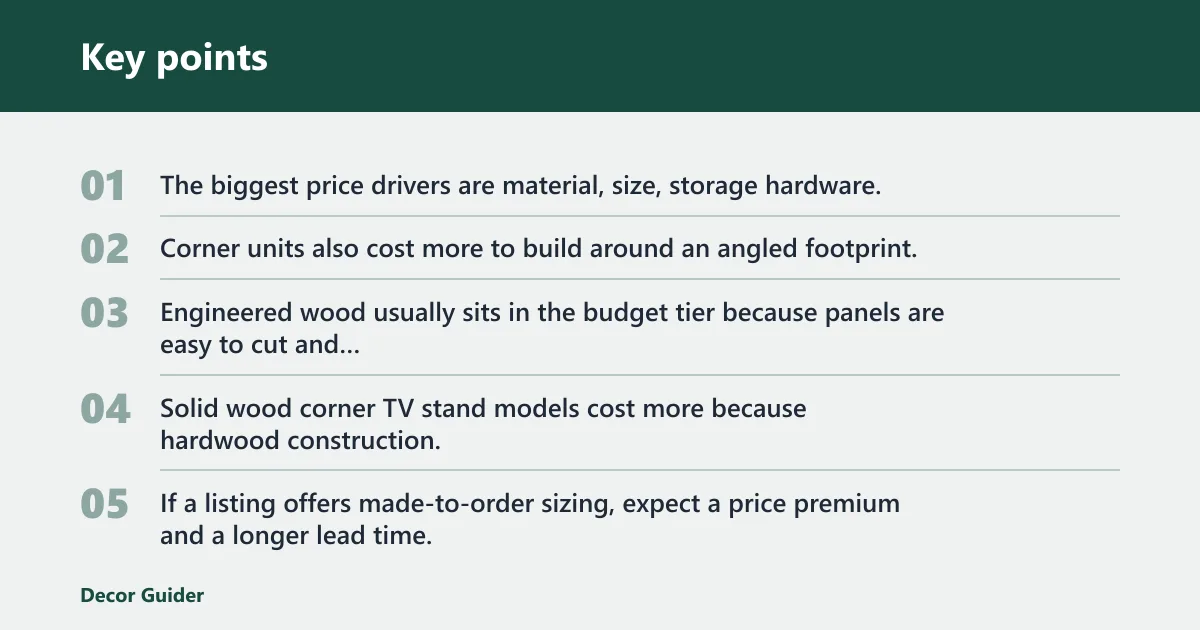


The biggest price drivers are material, size, storage hardware, and whether you want a floor console or a wall-mounted corner solution. Corner units also cost more to build around an angled footprint, so you often pay for extra labor and more material waste than a straight stand of the same width.
Material costs by tier
Engineered wood usually sits in the budget tier because panels are easy to cut and machine, and the finish is often simple laminate or veneer. Solid wood corner TV stand models cost more because hardwood construction, finish options, and custom sizing add labor and material cost. If a listing offers made-to-order sizing, expect a price premium and a longer lead time.
How corner geometry adds labor and waste
A corner unit has to fit a back-angle geometry that a straight console does not. That means more careful cut lines, a shape that meets two walls at once, and more offcuts from the material sheet or board. The extra work is one reason corner units are often priced above similar straight TV stands with the same storage count.
Why storage features change the total price
Price rises when the stand adds cabinet doors, adjustable shelves, cord management, or deeper storage bays. A shallow shelf costs less than a cabinet that can hide a media box, game console, and power strip. Hardware quality matters too, because hinges, soft-close doors, and cable pass-throughs all add cost.
| Tier | Material | Typical dimensions | Storage level | TV size fit | Assembly/install needs | Buyer warning |
|---|---|---|---|---|---|---|
| Budget | Engineered wood | About 32-48 in. wide, shallow depth | Basic shelf storage, often open | 32-43 in. TVs, some small 50 in. sets | Flat-pack assembly, basic tools | Check weight limit closely; low-cost boards can sag under heavier top loads. |
| Mid-range | Engineered wood with better hardware, or mixed materials | About 40-55 in. wide, deeper cabinet layout | Medium storage, doors or adjustable shelves | 43-65 in. TVs | More parts, better alignment needed | Do not pay extra for decorative trim if you need only one shelf and a cable opening. |
| Premium | Solid wood corner TV stand | About 45-60 in. wide, custom depths possible | High storage, enclosed cabinets, better layout | 55-75 in. TVs, depending on width and support | Heavier assembly, may need two people | Price premium should buy fit, finish, and stronger joinery, not only a nicer look. |
| Custom | Hardwood construction, made to order | Built to room dimensions | Configured to your devices and cords | Any supported size within design limits | Planning, ordering, and possible install help | Custom sizing can solve a tight corner, but it is the easiest way to overspend. |
How do you measure for fit?
Measure the corner first, not the product photo. You need the wall lengths, the usable opening, and the back-angle geometry so the stand clears both walls and centers the screen where you want it. A good fit leaves space for plugs, vents, and cable bends, not only for the stand itself.
Measure the corner opening and back angle
Start with the two wall lengths that form the corner. Then measure the depth available from the corner point outward, because a stand that looks narrow in a listing can still project too far into the room. If the room is tight, a floor console that sits flush in a room corner is often easier to place than a deeper cabinet.
Check stand width, depth, and clearance
Match the stand width to the TV and to the clearance you need at the sides. For a console, cabinet depth matters because deeper storage often increases bulk. For a wall-mounted solution, check whether the arm can extend far enough for the TV to clear the adjacent wall without hitting trim or molding.
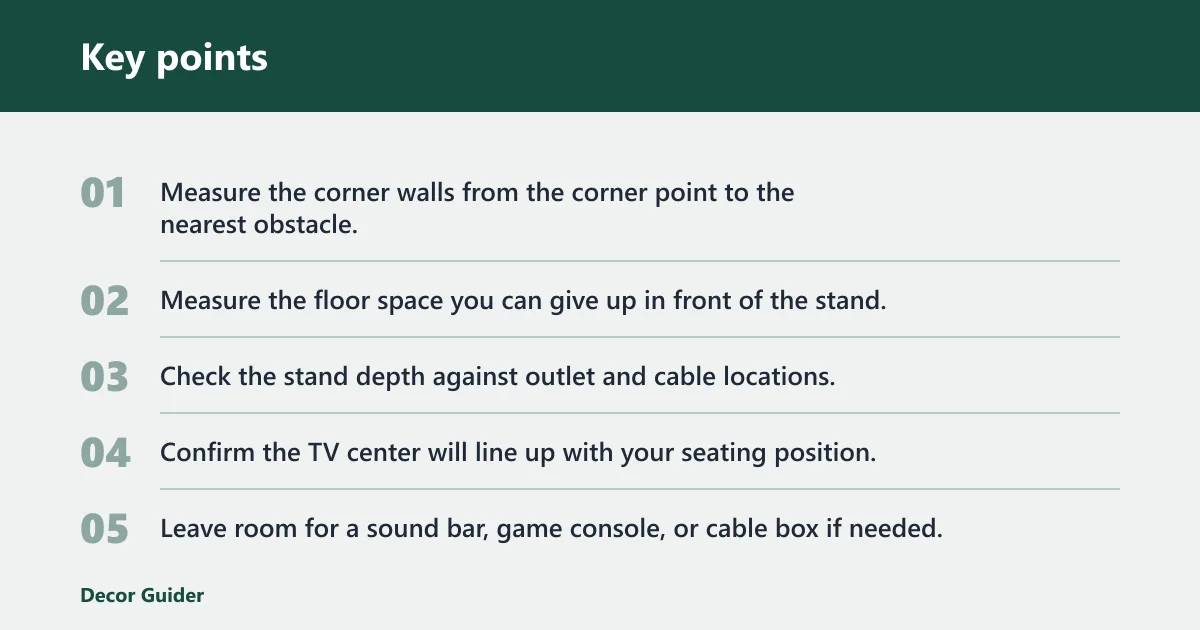
- Measure the corner walls from the corner point to the nearest obstacle.
- Measure the floor space you can give up in front of the stand.
- Check the stand depth against outlet and cable locations.
- Confirm the TV center will line up with your seating position.
- Leave room for a sound bar, game console, or cable box if needed.
Match TV size to screen centering
TV size compatibility is not only about inches on the box. A 43-inch LED can fit many corner setups, but the screen still has to sit centered over the base or the mount plate. A 75-inch TV may technically fit a mount or stand size range, yet still crowd the room if the corners are too tight.
For a narrow corner with a 43-inch LED, choose a shallow console with open shelves. It gives the screen room to center without pushing the front edge too far into the room.
Console or wall mount?
Choose a corner console when you need storage, cable concealment, or a heavier furniture piece that stays in place. Choose a wall mount when the room needs more floor space and the TV can be fixed safely to the wall. The better option depends on room use, not on price alone.
When a corner console makes more sense
A corner TV console is usually the better choice if you want cabinet depth, shelf count, and cord management in one piece. It also makes sense for renters who prefer furniture over drilled wall hardware, or for rooms that need a stable place for streaming boxes, game systems, and remotes.
When a wall mount fits the room better
A wall mount works well when you want the TV out of the way and the wall can take the load. One featured corner TV wall mount fits TVs from 32 to 75 inches, uses a 40.9-inch extension arm, supports up to 132 pounds, and offers 180-degree swivel with plus or minus 8 degrees of tilt. That kind of adjustment helps correct viewing angles in awkward corners.
Cost tradeoffs: hardware, install, and storage
A wall mount may look cheaper at checkout, but the real cost can include mounting hardware, stud finding, and installation labor. A console usually costs more in furniture terms, yet it gives you storage without drilling and often avoids extra install spending. If you need hidden storage, a mount does not replace a cabinet.
What features are worth paying for?
Pay for features that solve a real room problem. Solid wood, stronger joinery, usable shelf layout, and better cord management are worth more than decorative trim. A higher price should buy better fit, better support, or better storage access, not only a fancier finish.
Solid wood and finish quality
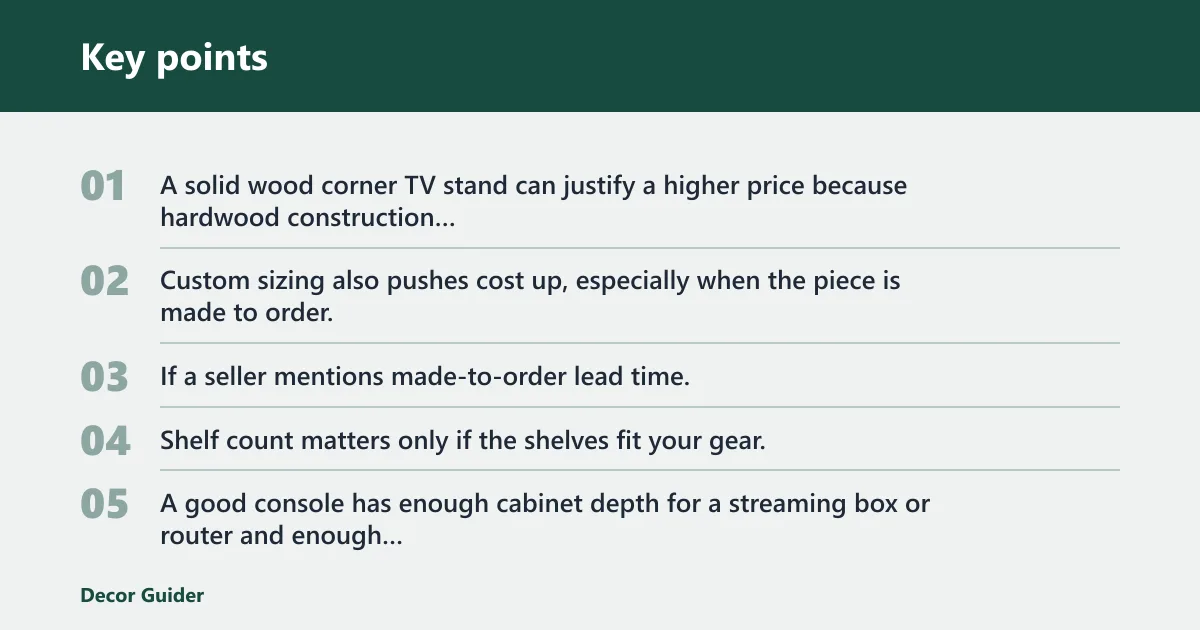
A solid wood corner TV stand can justify a higher price because hardwood construction usually lasts longer than thin engineered panels, and the finish options are broader. Custom sizing also pushes cost up, especially when the piece is made to order. If a seller mentions made-to-order lead time, you are paying for planning and shop labor as much as for materials.
Shelf layout, cord management, and cabinet depth
Shelf count matters only if the shelves fit your gear. A good console has enough cabinet depth for a streaming box or router and enough vertical space for cable bends. Cord management holes and rear openings can keep the setup tidy, and they are worth paying for if the unit will hold several devices.
Weight capacity and load limits
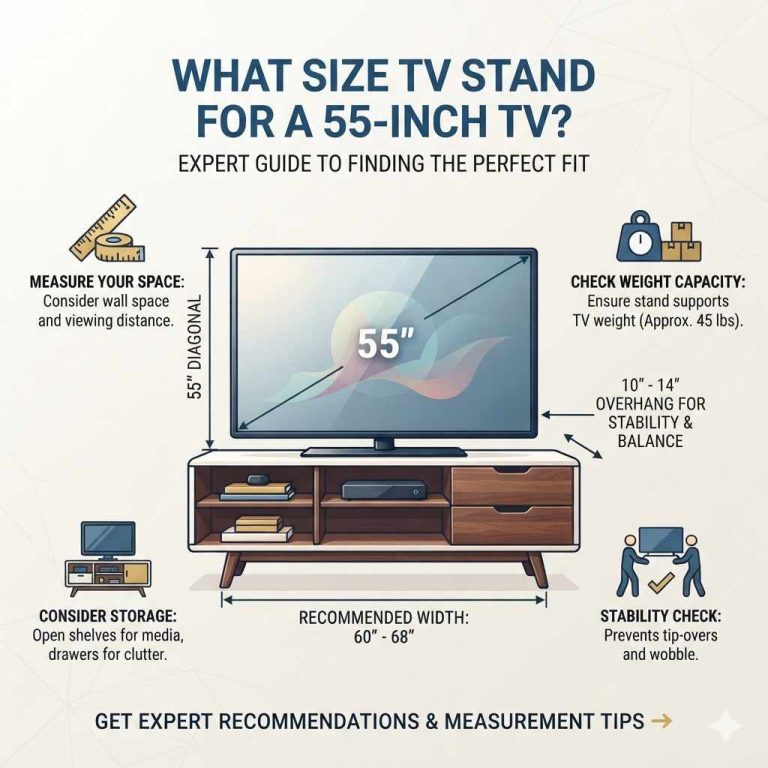
Check the difference between top-load and shelf-load limits. The top may need to carry the TV plus a sound bar, while shelves may only need to hold smaller devices. A 132 lb capacity example looks generous, but you still want a safety margin above the actual TV weight and any accessories. That buffer matters more than a big number by itself.
A common first-timer mistake is buying a stand for the screen size only, then placing a heavy receiver, game console, and decor on the shelves. The top may be within limits while the shelves are not, or the reverse may happen.
Do corner TV stands fit your TV?
Yes, many do, but only within the stated size and weight range. A corner TV stand can work for 32-inch, 43-inch, and even 75-inch TVs if the width, depth, and support match the room. The screen still has to sit centered and clear the walls, especially in a tight corner.
32-inch and 43-inch screen fit
Smaller screens fit most easily because they need less width and less side clearance. A 43-inch LED is a common sweet spot for a corner setup, especially in apartments or smaller living rooms. Budget stands often aim at this range because the cabinet can stay compact and still hold basic storage.
Larger screens up to 75 inches
Larger TVs bring two extra checks: the stand must be wide and stable enough, and the corner must allow enough viewing distance. For a 75-inch TV, the base or wall plate should support the set without forcing the screen too far into the room. If the corner is shallow, a console may feel bulky even when the TV technically fits.
Swivel, tilt, and viewing-angle correction
Wall-mounted corner solutions add flexibility that a fixed console cannot offer. A 180-degree swivel can help aim the screen toward a sofa on one side of the room, and plus or minus 8 degrees of tilt can reduce glare or correct a slightly high mounting position. These features justify a premium when the seating layout is off-center.
If the sofa sits left of the corner and the TV faces straight ahead, a mount with swivel and tilt can fix the angle without moving the furniture. A console locks the screen in one direction.
Frequently asked questions
Why are corner units more expensive?
Corner units usually cost more because the angled shape needs more planning, more precise cuts, and more waste from the material sheet. They also often include special storage layouts or corner-friendly hardware. You are paying for fit and labor, not only for the size of the cabinet.
How do I measure for a corner TV stand?
Measure both wall lengths from the corner point, then check the depth and the front clearance you can spare. Confirm the stand can sit flush without blocking outlets, vents, or walking space. After that, match the TV width and weight to the stand’s listed limits.
Why are TV stands so expensive?
TV stands get expensive when they use better materials, stronger joinery, soft-close hardware, or more storage features. Corner versions can cost even more because of the geometry and the added labor needed to make them fit a room corner cleanly. Finish quality and custom sizing also raise the price.
What is a fair price for a corner TV stand?
A fair corner TV stand price is often $70 to $300, depending on material and storage. Budget engineered wood models sit at the low end, mid-range consoles land higher, and solid wood or custom pieces cost more. If the price climbs, the added value should be visible in fit, finish, or support.
How much should I budget for a corner TV stand with storage?
For a corner TV stand with storage, plan for the mid-range rather than the cheapest tier. Extra shelves, cabinet doors, and cord management usually push the price above a bare-bones stand. If you want hidden storage and a sturdier top, the higher end of the common price band is more realistic.
Should I buy a corner TV stand or a wall mount?
Choose a corner TV stand if you need storage, want a furniture piece, or do not want wall hardware. Choose a wall mount if you need floor space and your wall can handle the load. A wall mount can fit TVs from 32 to 75 inches, but it does not replace cabinet storage.
Products related to this article
Sponsored / affiliate links. As an Amazon Associate I earn from qualifying purchases. I may earn additional commission from eligible campaigns.