TV Stand Size in CM: How Wide to Buy
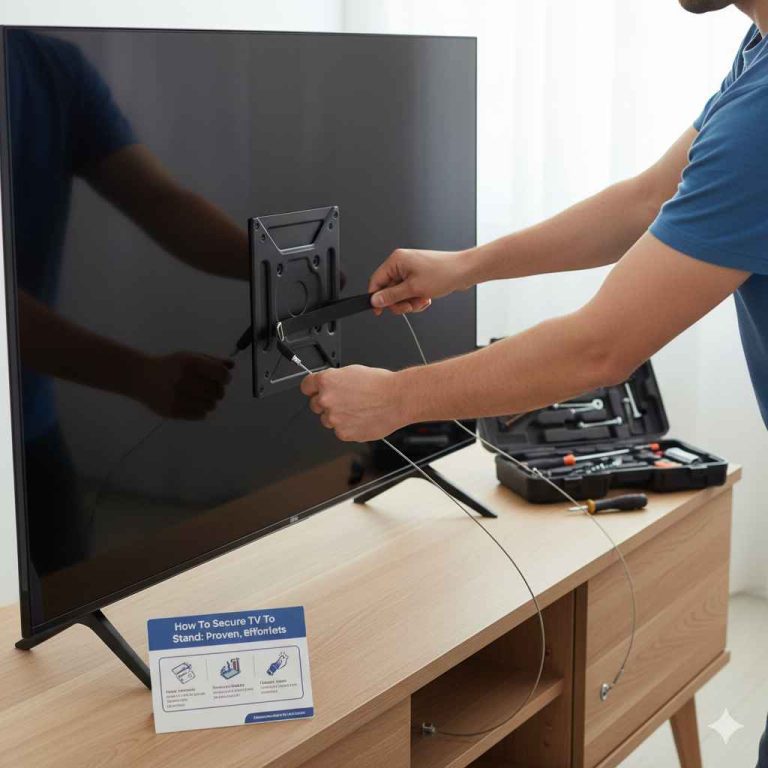
Choose a TV stand at least 10 cm wider than the TV on each side, and make sure the top is wider than the TV’s feet spread; for many sets, that means adding about 20–30 cm to the screen width rather than using the diagonal size. Buy too narrow and the TV can overhang, tip risk rises, and the stand looks cramped. This guide shows how to convert screen size to centimetres, check foot spacing, and set a safe width range.
How to measure for a TV stand
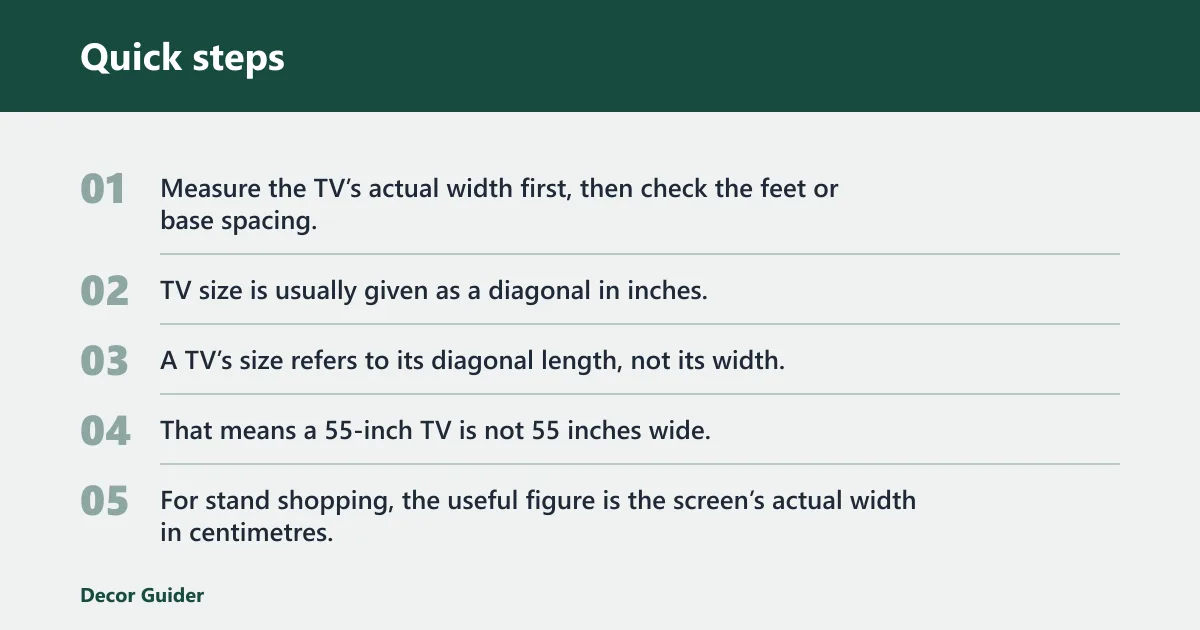


Measure the TV’s actual width first, then check the feet or base spacing, and only then compare the result with the furniture width. TV size is usually given as a diagonal in inches, so the number on the box is not the number you need for the stand.
Measure the TV width, not only the diagonal
A TV’s size refers to its diagonal length, not its width, and most TV sizes are expressed in inches. That means a 55-inch TV is not 55 inches wide. For stand shopping, the useful figure is the screen’s actual width in centimetres, plus a margin on each side.
Check the feet or base spacing first
Wide-set feet can make a nominally small stand unusable. Measure the distance between the outer edges of the feet, or check the width of the central pedestal base if your TV uses one. The stand top must be wider than that footprint, even if the screen itself would fit.
Leave room for cables and airflow
Leave a small gap behind the TV for plugs, aerial leads, and ventilation. A practical starting point is about 5 cm at the back if the stand sits against a wall, with extra depth if the plugs face straight out. Width matters most, but depth can still block cables or push the screen too far forward.
TV size chart
Use the table below as a centimetre-first sizing calculator. It converts common diagonal sizes into estimated TV width and a safe minimum stand width with a 10–20 cm buffer on each side. If the feet are spread wide, use the foot-spread mini-table as the real minimum.
| TV diagonal size | Estimated TV width in cm | Recommended minimum TV stand width in cm |
|---|---|---|
| 32 inch | about 71 cm | 91 to 111 cm |
| 43 inch | about 95 cm | 115 to 135 cm |
| 50 inch | about 111 cm | 131 to 151 cm |
| 55 inch | about 122 cm | 142 to 162 cm |
| 65 inch | about 144 cm | 164 to 184 cm |
| 75 inch | about 166 cm | 186 to 206 cm |
| 85 inch | about 188 cm | 208 to 228 cm |
| 98 inch | about 217 cm | 237 to 257 cm |
These widths are practical estimates for flat-panel TVs with standard widescreen proportions. Product dimensions vary by model, so check the spec sheet for the exact cabinet width before ordering.
| TV size class | Minimum internal top width for wide-set feet |
|---|---|
| Up to 43 inch | about 95 to 105 cm |
| 50 inch | about 111 to 121 cm |
| 55 inch | about 122 to 132 cm |
| 65 inch | about 144 to 154 cm |
| 75 inch | about 166 to 176 cm |
- Measure the TV diagonal size, then look up the estimated width.
- Measure the outer footprint of the feet or pedestal.
- Compare both figures with the stand’s usable top width.
- Add 10 to 20 cm of side buffer where space allows.
- Check cable clearance and the stand depth before buying.
How wide should a TV stand be?
A TV stand should be wider than the TV, because the feet need support and the wider top gives the setup a steadier look. A safe target is the TV width plus 20 to 30 cm overall, which gives roughly 10 to 15 cm on each side. If the feet sit near the edges, the feet measurement becomes the real limit.
Width bands by TV size class
Mallet & Plane recommends 90–120 cm furniture for TVs up to 43 inches, 120–140 cm for 50-inch TVs, 140–160 cm for 55-inch TVs, 160–180 cm for 65-inch TVs, and 180 cm+ for 75-inch TVs. Those bands line up with the cm-first sizing above and give you a quick shopping shortcut.
When a wider stand makes sense
Go wider if you want drawers, open shelves, or side space for a soundbar and consoles. A larger room also takes a broader unit better, since a narrow one can look undersized against a long wall. For a 65-inch or 75-inch screen, a broad base helps the whole arrangement look settled rather than top-heavy.
What size TV stand do I need in cm?
The right stand size in centimetres depends on the TV’s actual width, not the diagonal label. For most living rooms, a 32-inch set fits a stand around 90 to 120 cm, a 55-inch set works well at 140 to 160 cm, and a 65-inch set usually needs 160 to 180 cm or more.
32 to 43 inch TVs
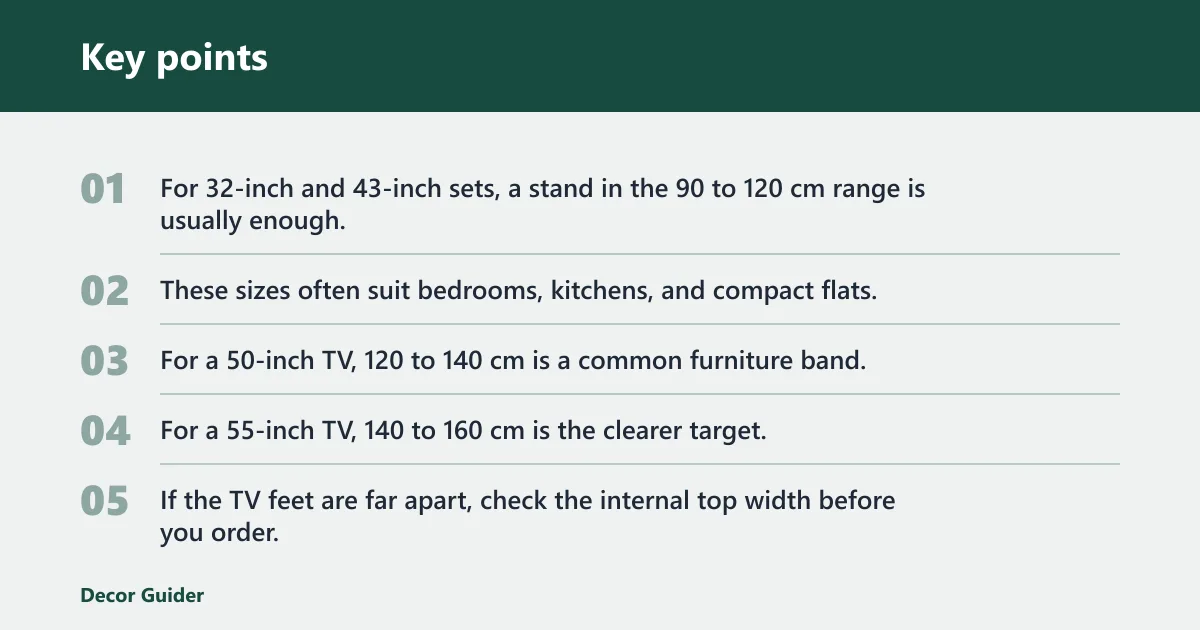
For 32-inch and 43-inch sets, a stand in the 90 to 120 cm range is usually enough, and 120 cm gives more comfort if you want shelves or side storage. These sizes often suit bedrooms, kitchens, and compact flats, where the furniture has to stay narrow but still leave a little space around the screen.
50 to 55 inch TVs
For a 55-inch TV, 140 to 160 cm is the clearer target, and that lines up with the width ranges above. If the TV feet are far apart, check the internal top width before you order, not after delivery.
65 to 98 inch TVs
For 85-inch and 98-inch screens, you need a very wide base, often with storage that spreads the load. A stand that looks small under these sizes is usually too small in practice.
Room-type matrix for size, distance, and stand width
Bedroom setups usually suit smaller TV classes, a shorter viewing distance, and narrower furniture bands; small living rooms sit in the middle; family rooms and home cinema spaces can support larger screens, longer viewing distances, and wider stand ranges. Match the room first, then confirm the TV’s actual width and feet spread.
Picture a 55-inch TV with feet that sit near the edges. The screen width may fit the room, but the feet may land outside the top surface of a narrow stand. In that case, the furniture fails even though the screen size sounded manageable at first. For shoppers comparing larger units, stand around 140 cm and above is the safer direction when the feet spread is wide.
Viewing distance and room size
Viewing distance should help you decide the screen size you buy, then the screen size should guide the stand width. Samsung lists 32-inch TVs at a 1.1 m viewing distance, 43-inch TVs at 1.4 m, 55-inch TVs at 1.7 m, 65-inch TVs at 2.0 m, and 75-inch TVs at 2.3 m. Samsung also says the best immersive experience occurs when 40 degrees of field of view are filled by the screen.
1.1 m to 3.0 m examples
At about 1.1 m, a 32-inch TV suits a small bedroom or kitchen corner. At about 1.4 m, a 43-inch screen fits a compact living space or gaming setup. At 1.7 m to 2.0 m, 55-inch and 65-inch sets suit a family living room. At 2.3 m and beyond, 75-inch screens start to make sense, especially in larger rooms or home cinema setups.
1.2x screen-size reference
A common planning rule is to start with a viewing distance of about 1.2 times the screen size, then adjust for room layout and personal comfort. It is a rough guide, not a fixed rule, but it helps you avoid a screen that feels too small across the room or too large for a short viewing gap.
Room-led choices
Home cinema rooms can take wider furniture and larger screens, because the setup usually sits on a central wall with clear sightlines. Family living rooms often need storage space and a broader unit that looks steady. Bedrooms and kitchens usually call for narrower stands, while gaming setups often need room for consoles, controllers, and cable access.
What width works for wall-mounted TVs?
Wall mounting gives you more furniture options because the screen no longer depends on the stand for support. Even so, the furniture under it still needs to feel balanced. A sideboard or storage unit should sit wide enough to support the visual weight of the screen and leave space for media boxes, soundbars, or game consoles.
Keep the setup visually balanced
For a wall-mounted TV, the stand can be narrower than the screen in some rooms, but it should not look lost underneath it. A good rule is to keep the unit roughly centered and broad enough to anchor the wall area below the display. Very narrow furniture can make the screen look as if it is floating without a base.
When a sideboard or storage unit fits better
If you need drawers, baskets, or closed storage, a sideboard may work better than a traditional TV stand. This is common in rented flats, where a wall mount frees the floor but the owner still wants practical storage below the screen. In that setup, balance matters more than matching the stand width exactly to the TV.
How wide should tv stand
The simplest answer is wider than the TV, with 10 to 20 cm of space on each side where the room allows it. That margin gives you safer placement, a cleaner look, and room for feet that sit outside the screen edges. If the TV has wide-set legs, use the leg spacing as the minimum, not the screen width alone.
A common first-timer mistake is choosing a TV stand based only on the screen’s diagonal instead of checking its width in cm. A 65-inch TV can look fine on paper, then fail at the feet because the legs sit farther apart than the stand top. The fix is simple: check the actual width and the footprint, then buy to the larger measurement.
Frequently asked questions
How to measure for a TV stand: measure the TV’s actual width
Measure the TV’s actual width, then measure the distance between the outer edges of the feet or the full width of the pedestal base. Next, compare both numbers with the stand’s usable top width and leave 10 to 20 cm extra if possible. That sequence avoids the most common sizing mistake.
What is the standard TV stand size in cm?
The right size still depends on the TV’s actual width and feet spacing.
Can a TV stand be narrower than the TV?
It can be, but it is usually a poor choice unless the TV is wall mounted and the furniture is there mainly for storage. If the TV sits on its own feet, the stand must be wider than the feet spread. A narrower unit raises the risk of overhang, awkward balance, and a cramped look.
How do I measure my TV feet for a stand?
Measure from the outside edge of one foot to the outside edge of the other foot when the feet are installed in their normal positions. If the TV uses a central pedestal, measure the full base width instead. Use that figure as the minimum top width, then add a little extra if you want easier placement.
What size TV stand do I need in cm for a 55 inch TV?
The screen itself is about 122 cm wide, so you want room on both sides and enough top width for the feet or central base. If the feet are wide-set, check the internal top width before you buy.
What size TV stand for 65 inch TV in cm?
The same source lists 65-inch TVs at a 2.0 m viewing distance, which suits many family living rooms. If you want side storage or a soundbar, moving closer to the wider end of that range is usually the safer choice.
Products related to this article
Sponsored / affiliate links. As an Amazon Associate I earn from qualifying purchases. I may earn additional commission from eligible campaigns.