Can a TV Stand Be Smaller Than the TV?
Yes, a TV stand can be smaller than the TV if the feet or base sit fully on the top and the setup remains stable. Support, depth, base design, load rating, anchoring, and manufacturer guidance all affect safety. Below, you’ll get a width rule, depth checks, and the point where a smaller stand becomes a no-go.
Why diagonal size doesn’t determine fit

Sometimes, yes. You need the TV’s actual width, the foot-to-foot span of the base, the stand’s depth, and the stand’s load rating. Diagonal screen size does not answer the fit question because the same inch class can vary in width and weight. A smaller stand works only when the base sits fully supported and the setup stays stable.
Why the TV size label does not settle it
The diagonal size on the box is not a fit rule. TV width matters, and the base shape can change the answer completely. A 55-inch model with narrow pedestal feet may fit a compact stand, while another 55-inch model with wide legs may not.
The product description and manufacturer specs give you the numbers that matter: actual width, actual weight, and often the foot spacing. Fit depends on support, not screen size alone.
The first three checks
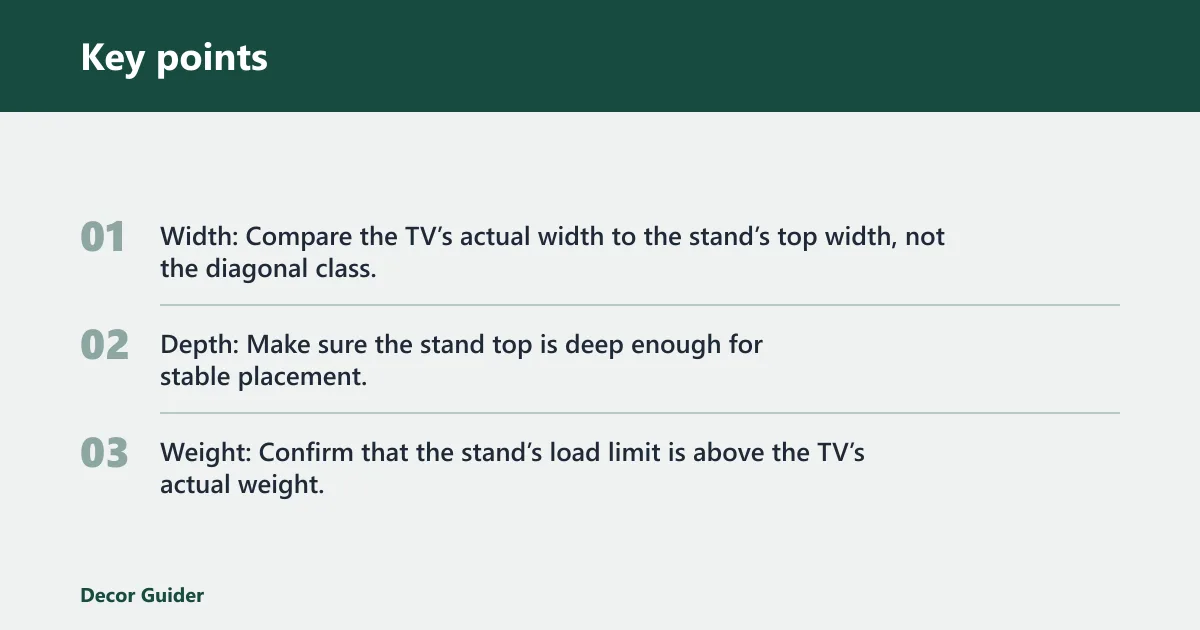
- Width: Compare the TV’s actual width to the stand’s top width, not the diagonal class.
- Depth: Make sure the stand top is deep enough for stable placement.
- Weight: Confirm that the stand’s load limit is above the TV’s actual weight.
When is a smaller stand acceptable?
A smaller stand can work when the TV’s feet fit fully on the top, the stand depth keeps the set stable, and the load rating covers the TV’s actual weight. Small side overhang can be acceptable if the base remains stable and the TV does not lean beyond the support area.
What makes the setup safe
The base must sit flat, not perch on the edge. The stand should also limit side overhang enough that the TV does not wobble when you bump the furniture or adjust cables. If the setup feels narrow at the feet, treat that as a warning.
A common mistake is choosing a narrow stand that leaves no room for the soundbar, game console, or cable box beneath the TV. Say your TV is 48 inches wide with a 36-inch foot span, and your stand is 42 inches wide but only 12 inches deep. If the feet sit near the front edge, the width may look workable while the depth makes the whole setup unstable.
TV stand compatibility checklist
Use this table as a decision filter. Safe means the TV base fits fully, the load rating is sufficient, and the overhang is minor. Conditional means the setup may work only with extra caution or wall securing. Unsafe means the base overhangs too much, the stand is too shallow, or the load limit is not enough.
| TV width | Foot-to-foot span | Stand width | Stand depth | Weight capacity | Overhang amount | Verdict |
|---|---|---|---|---|---|---|
| 44 in | 28 in | 36 in | 16 in | 75 lb | 0 in | Safe |
| 48 in | 34 in | 38 in | 14 in | 70 lb | 2 in total | Conditional |
| 52 in | 40 in | 36 in | 12 in | 60 lb | 4 in total | Unsafe |
| 55 in | 30 in | 34 in | 18 in | 80 lb | 0 in | Safe |
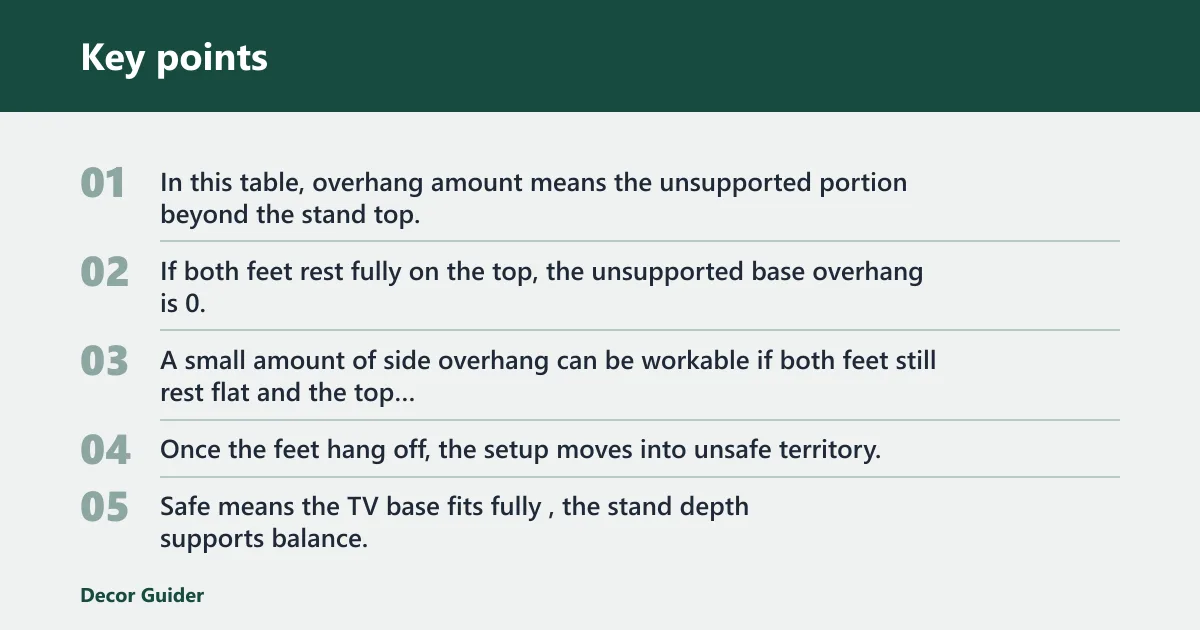
In this table, overhang amount means the unsupported portion beyond the stand top, measured across the full base footprint. If both feet rest fully on the top, the unsupported base overhang is 0. A small amount of side overhang can be workable if both feet still rest flat and the top is deep enough to resist tipping. Once the feet hang off, the setup moves into unsafe territory.
How to read safe, conditional, and unsafe
Safe means the TV base fits fully, the stand depth supports balance, and the load rating is comfortably above the TV weight. Conditional means the width is tight, so wall anchoring or a wider replacement should be considered. Unsafe means the base overhangs too far, the stand is shallow, or the load limit is too low.
How width, depth, and weight work together
Width alone is not enough. A stand can be wide enough and still be unsafe if it is shallow or weak. Stand depth affects whether the TV can tip or fall, especially when the feet sit near the front of the top. Fit depends on support, not just span.
Why shallow tops raise tip risk
A shallow stand can shift the balance point forward. Even if the feet fit side to side, a narrow front-to-back footprint can let the TV lean under a bump, a pull on a cable, or an uneven floor. This is one reason the same TV can feel stable on one stand and shaky on another.
Check the product description for load limits, and compare that number with the TV’s actual weight from the manufacturer specs. The stand must not be overloaded by TV weight. Also remember that one model can be much heavier than another model of the same screen size.
How to check the manufacturer specs
- Find the TV’s actual width and weight in the manufacturer listing or manual.
- Measure the foot-to-foot span, including any outward angle of the legs.
- Measure the stand’s top width and depth, not the cabinet body alone.
- Compare the TV weight with the stand’s load limit.
- Check whether the feet sit fully on the top with room to spare.
Does the TV base fit on the stand?
It can, but only if the feet or pedestal sit fully on the stand surface. A TV whose base fits within the stand can be acceptable. The base style matters because pedestal feet, wide-leg designs, and center pedestals place weight in different ways, and those differences change the answer.
Pedestal feet
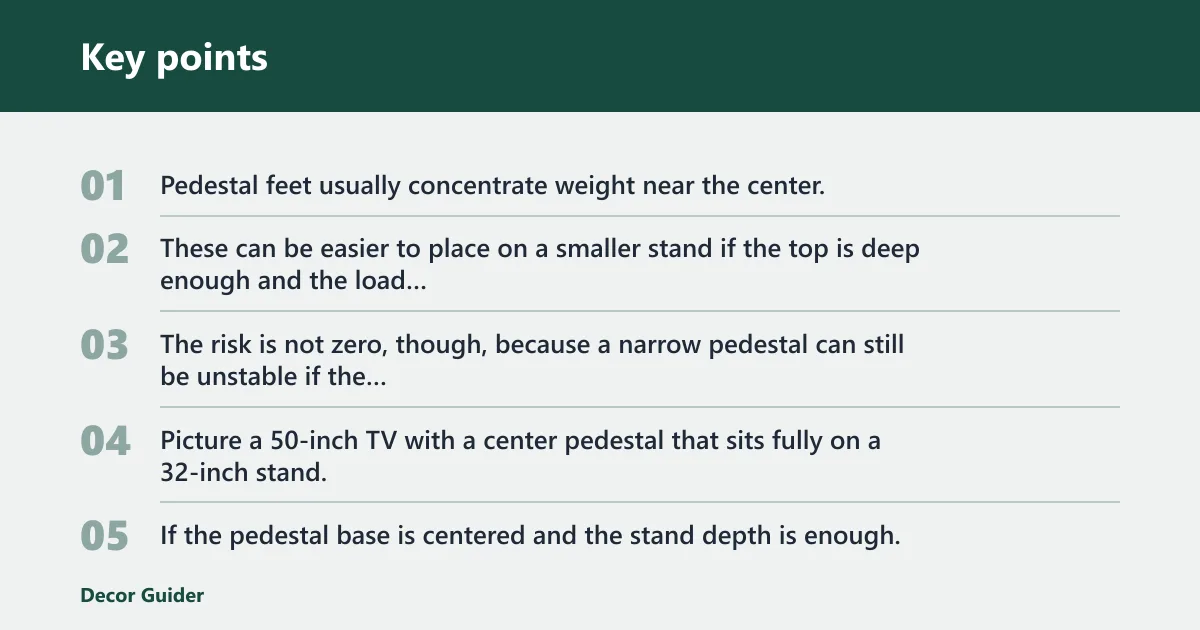
Pedestal feet usually concentrate weight near the center. These can be easier to place on a smaller stand if the top is deep enough and the load rating is sufficient. The risk is not zero, though, because a narrow pedestal can still be unstable if the stand is too shallow or if cables pull from the back.
Picture a 50-inch TV with a center pedestal that sits fully on a 32-inch stand. If the pedestal base is centered and the stand depth is enough, the setup may be acceptable. If the pedestal sits close to the edge, the same width can turn into a tipping risk.
Wide-leg TVs
Wide-leg TVs are harder to place on a smaller stand because the feet may sit near the outer edges. That means the stand width has to match the foot-to-foot span, not the screen size label. If one foot hangs off, the setup is usually unsafe unless the manufacturer allows that arrangement and the stand remains fully stable.
Center pedestals and compact bases
Compact bases are the most likely to work on a smaller stand, but they still need depth and load support. A compact base can fit on a narrow top and still fail if the stand is shallow or top-heavy. Always check whether the stand gives the base enough flat contact area.
What to do if the TV overhangs
If the TV overhangs, treat the setup as conditional at best. Wall anchoring is an extra precaution for smaller stands, and it reduces tip risk, especially where children or pets are present. It is not a substitute for proper fit, but it can lower the chance of an accident.
Renter-friendly no-drill checks and limits
If you cannot drill, start by lowering the risk in other ways. Use the stand only if the feet fully rest on the top, move heavier devices lower in the cabinet, and keep cords from pulling forward. If the TV still feels unstable, replace the stand or use a freestanding safety strap system that does not require permanent wall damage where allowed.
For example, a 43-inch TV may have feet that fit on a 40-inch stand, but a top that is about 10 inches deep can be too shallow if the set sits forward of center. That setup may look tidy, yet it can be a no-go if a child tugs the corner or a pet bumps the cabinet. In that case, a deeper stand or wall securing is the safer route.
When to choose a wider or deeper stand
Choose a wider stand if the feet hang off or the overhang leaves too little margin. Choose a deeper top if the TV is balanced side to side but feels unstable. Either change can solve a problem that width alone will not fix.
Frequently asked questions
Can a TV stand be smaller than the TV?
Yes, in some cases. A smaller stand can work if the TV’s feet or base fit fully on the top, the depth supports front-to-back balance, and the load rating exceeds the TV’s actual weight. If the base hangs off or the setup feels unstable, it is unsafe.
Can a TV console be smaller than the TV?
Yes, but only when the console gives full support to the TV base and meets the load limit. Console width alone is not enough. You still need to check the foot-to-foot span, the depth, and whether the TV sits flat without edge overhang.
Can a TV unit be smaller than the TV?
It can be, but only under the same safety checks as any stand. The unit must hold the actual TV weight, support the full base footprint, and stay stable if bumped. If the TV is wider than the unit but the base fits safely, the setup may still work.
Can a TV stand be shorter than the TV?
Yes, if “shorter” means the stand is narrower than the TV width. That can be acceptable when the feet fit fully and the stand is deep enough. It is not acceptable if the base overhangs or if the load rating and balance do not support the TV.
Can a TV stand be smaller than a mounted TV?
Yes, because a wall-mounted TV does not rely on the stand for support. Even then, the stand still needs enough size for devices, cable management, and stable placement below the screen. If the stand sits under a mounted TV and holds gear, width and depth still matter for appearance and safety.
How much bigger should TV stand be than TV?
There is no single number that fits every setup. A common rule of thumb is to give the feet full support with about 2 inches of support on each side, then confirm the depth and load capacity. Wider than the base is better for stability and visual balance, but fit comes first.
Products related to this article
Sponsored / affiliate links. As an Amazon Associate I earn from qualifying purchases. I may earn additional commission from eligible campaigns.