What Size Should a TV Stand Be?
Choose a TV stand at least 2 to 6 inches wider than your TV on each side. Set the height so the screen center lands near seated eye level. A stand that is too narrow or too tall can tip visually, block airflow, or put the screen at a bad angle. This guide gives a simple width, height, and viewing-distance method, plus a fallback for tight rooms.
Measure your TV’s frame—not the diagonal
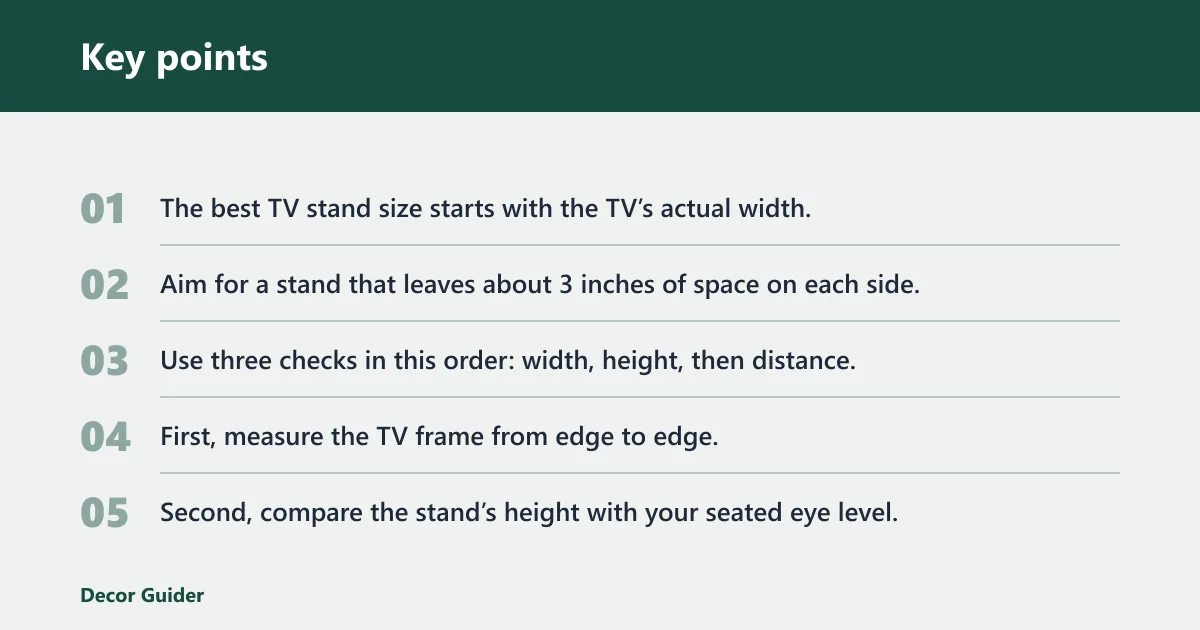


The best TV stand size starts with the TV’s actual width, not the diagonal number on the box. Aim for a stand that leaves about 3 inches of space on each side, keeps the screen center near seated eye level, and fits the room without crowding walkways or storage needs.
The quick sizing rule
Use three checks in this order: width, height, then distance. First, measure the TV frame from edge to edge. Second, compare the stand’s height with your seated eye level. Third, make sure the viewing distance fits the screen size and the room layout.
A common first-timer mistake is choosing a stand only because it matches the TV diagonal. A 65-inch TV can be too wide for a short console, while a 55-inch TV on a very tall unit may leave the screen uncomfortably high. Width and height need to work together.
When the room changes the rule
If the room is narrow, the stand may need to be smaller than the ideal width, but it still has to support the TV safely. In that case, put the TV feet, weight capacity, and stable placement ahead of symmetry. Storage, soundbar space, and wall clearance can also change the target size.
How do you measure your TV for a stand?
Measure the TV’s actual width from frame edge to frame edge, then check the feet or base if the set will sit on the stand. The diagonal size is useful for shopping, but the real fit depends on the TV’s width, foot spread, and any soundbar or console that will sit below it.
Measure the actual width
Use a tape measure across the widest point of the screen assembly. Do not rely on the diagonal label alone. Two TVs with the same diagonal can have different widths if the bezel or frame shape differs, so the stand should be sized to the real footprint.
- Measure the TV from outer edge to outer edge.
- Measure the distance between the feet, if the TV uses separate legs.
- Measure the depth of the feet or center base.
- Measure any soundbar height if it will sit in front of the screen.
- Compare those numbers with the stand’s top surface and shelf openings.
Account for feet, base, and soundbar space
The stand must fit the TV’s base or feet safely. If the feet sit far apart, the top surface needs enough width to support them fully. If the TV has a center pedestal, check the base depth too. A soundbar may need a low, open shelf or enough clearance in front of the screen.
How wide should a TV stand be?
A TV stand should usually be about 3 inches wider on each side than the TV, as long as the feet fit safely. That extra width gives the set a steadier look and helps keep the edges from overhanging the stand. If the room is tight, the stand still needs enough top surface for the TV base.
Use the side-clearance rule
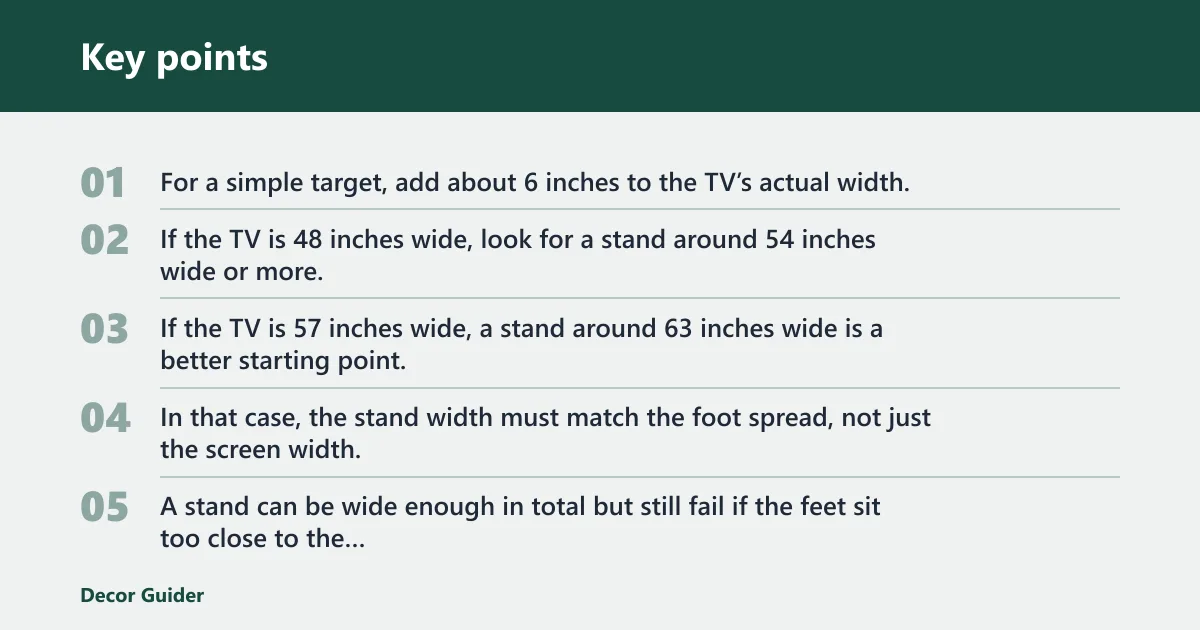
For a simple target, add about 6 inches to the TV’s actual width. If the TV is 48 inches wide, look for a stand around 54 inches wide or more. If the TV is 57 inches wide, a stand around 63 inches wide is a better starting point.
Match the stand width to the TV feet
Some TVs have wide feet near the corners. In that case, the stand width must match the foot spread, not just the screen width. A stand can be wide enough in total but still fail if the feet sit too close to the edges or hang partly off the top.
| TV diagonal | Actual TV width | Minimum stand width | Recommended stand height | Seated eye level | Viewing distance | Common conflict flags |
|---|---|---|---|---|---|---|
| 55 inches | About 47.9 inches | About 53.9 inches | 24 to 30 inches | About 42 to 48 inches | About 8 to 9 feet | Soundbar clearance, wide feet, tight shelf opening |
| 65 inches | About 56.7 inches | About 62.7 inches | 24 to 30 inches | About 42 to 48 inches | About 9 to 11 feet | Foot overhang, large console, corner fit |
| 75 inches | About 65.4 inches | About 71.4 inches | 24 to 30 inches | About 42 to 48 inches | About 10 to 13 feet | Walkway clearance, back panel visibility, weight limit |
How tall should a TV stand be?
The screen center should be at or just below eye level when you are seated. For many sofas and chairs, that puts the stand in a common working range of about 24 to 30 inches tall. If you do not measure eye height, 44 inches is a safe estimate for seated eye level.
Set the screen center near seated eye level
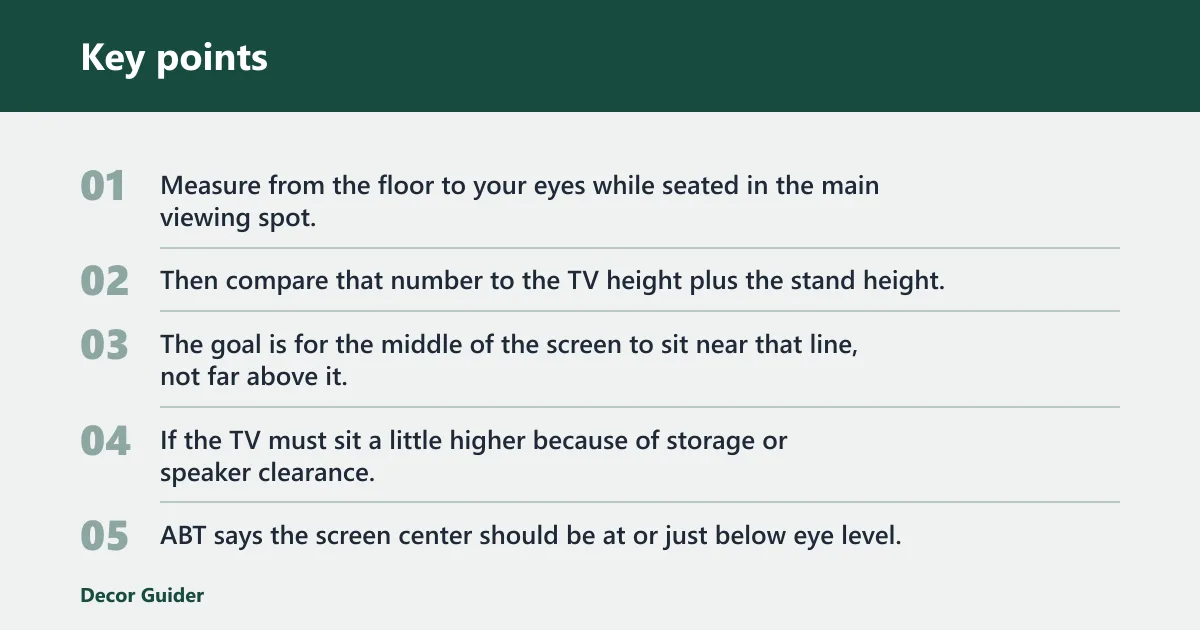
Measure from the floor to your eyes while seated in the main viewing spot. Then compare that number to the TV height plus the stand height. The goal is for the middle of the screen to sit near that line, not far above it.
If the TV must sit a little higher because of storage or speaker clearance, keep the tilt modest and avoid pushing the screen so high that neck angle becomes a problem. ABT says the screen center should be at or just below eye level, and 44 inches is a safe estimate if you do not measure.
Choose a height for sofas, beds, and low chairs
Sofas usually work well with a mid-height stand because seated eye level is often around the 42 to 48 inch range. Beds and low lounge chairs can change the target. In a bedroom, a slightly higher unit may work if the screen is viewed from a reclined position.
Say your sofa seat places your eyes near 45 inches from the floor. A 26-inch stand can work if the TV’s center sits close to that level. If you add a tall soundbar shelf under the screen, the display may need a lower stand or a different layout to stay comfortable.
TV stand sizing worksheet
Use this worksheet as a quick planning tool before you buy. It is most helpful when the room is tight, the TV has wide feet, or you need to fit consoles, media boxes, or a soundbar. If one item conflicts, you can decide which limit matters most.
How to use the worksheet
Start with the TV’s actual width, then check the stand width and foot placement. Next, compare the stand height with your seated eye level. Finish by checking distance, weight capacity, and room clearance. If two measurements conflict, do not ignore the safety or support issue.
What each conflict flag means
Soundbar clearance means the shelf or top surface may block the bar or press it too close to the TV. Foot overhang means the TV legs extend past the stand edges. Tight shelf means devices may not fit with airflow space. Walkway clearance means the stand may crowd traffic paths.
| Step | Check | What to record |
|---|---|---|
| 1 | TV width | Measure edge to edge |
| 2 | TV feet or base | Measure foot spread and depth |
| 3 | Stand width | Confirm at least about 3 inches extra on each side |
| 4 | Stand height | Match the screen center to seated eye level |
| 5 | Viewing distance | Check the room against the screen size |
| 6 | Weight capacity | Include TV, consoles, speakers, and accessories |
What size should a TV stand be for your room?
Your room can change the ideal stand size more than the TV does. A living room often needs stronger storage and a wider footprint, while a bedroom may need a lower, smaller unit. Corner placement, finished backs, and walkway space also affect the final choice.
Living room versus bedroom setups
A living room usually works best with a wider stand that supports consoles, remotes, and media storage. A bedroom may call for a shorter unit if the TV is viewed from a bed. In both spaces, the screen center still needs to stay near seated eye level.
Picture a 65-inch TV in a small apartment living room. The stand may need to be narrower than the open wall would allow because a walkway has to stay clear. In that case, the buyer may need a model with deeper storage or a different furniture layout rather than a larger console.
Corner placement, walkways, and finished backs
If the stand will sit against a wall, a standard back panel may be fine. If it will float in the room or be visible from behind, choose a finished back. Also check how far doors, chairs, and walking paths need to stay clear of the corners and edges.
How do storage, weight, and material affect the choice?
Storage, weight capacity, and material determine whether the stand works in daily use. A unit should support the TV plus consoles, speakers, and accessories, while still leaving room for cables and airflow. Wood, engineered wood, metal, and glass each change durability, weight, and look.
Storage for devices, games, and media
Open shelves make cable access easier and help keep devices cool. Enclosed storage hides games, remotes, and media boxes, but it can trap heat and make cord routing harder. If you use multiple devices, look for rear cutouts, adjustable shelves, and enough depth for power strips.
Weight limits, anti-tip stability, and common materials
Check the manufacturer’s maximum capacity before buying. The stand must hold the TV and anything else you place on it, and heavier sets need stronger construction and better anti-tip protection. Stability matters even more in homes with kids or pets.
Wood often gives the most solid feel. Engineered wood can be more affordable and lighter, but the hardware and panel thickness matter. Metal usually offers a slimmer profile and strong support. Glass can look lighter visually, yet it needs careful handling and clean support points.
Frequently asked questions
What size should a TV stand be?
A TV stand should usually be wider than the TV by about 3 inches on each side, and tall enough to keep the screen center near seated eye level. Start with the TV’s actual width, then check the feet, weight limit, and room layout before choosing the final size.
What height should a TV stand be?
A common working range is about 24 to 30 inches, but the better rule is to place the screen center at or just below seated eye level. If you do not know your eye height, 44 inches is a safe estimate for planning.
What size should a TV stand be for a 65 inch TV?
A 65-inch TV is roughly 56 to 57 inches wide, so a stand should be about 63 inches wide or more under the usual clearance rule. The stand still has to fit the TV feet, support the full weight, and leave enough room for any soundbar or devices.
How big should my TV stand be for a 55 inch TV?
A 55-inch TV is about 47.9 inches wide, so a stand around 53.9 inches wide is a solid starting point. If the TV has wide feet or a center base, check that the top surface and shelf openings can hold them without overhang or crowding.
How do I measure my TV for a stand?
Measure the TV from outer edge to outer edge, then measure the distance between the feet and the depth of any base. After that, compare those numbers with the stand width, shelf openings, and top depth so the TV and accessories fit safely.
What viewing distance should I use for my TV stand setup?
A common shortcut is to aim for about double the diagonal size. That puts a 55-inch TV around 8 to 9 feet away and a 65-inch TV around 9 to 11 feet away, as a common rule of thumb. Tight bedrooms, apartments, and corner layouts may need a slight adjustment.
How do I choose the right TV stand height for seated viewing?
Measure your seated eye level, then pick a stand height that keeps the screen center at or just below that point. If you do not want to measure, 44 inches is a safe estimate for eye level, and many setups work well with stands around 24 to 30 inches tall.
What size should a tv stand be: measure the TV first
Measure the TV first, then choose a stand that is wider than the set and tall enough to keep the screen center near seated eye level. The diagonal size is only a starting point. Feet, storage, viewing distance, and room clearance decide the final fit.
What height should a tv stand be: the right height depends
The right height depends on where your seated eyes fall. For many setups, 24 to 30 inches works well, but the screen center should stay at or just below eye level. If you do not measure, 44 inches is a safe planning estimate for seated eye level.
What height should a tv unit
A TV unit should be tall enough to raise the screen to a comfortable seated view, but not so tall that the screen sits above eye level. Use the same rule as a stand: aim for the screen center at or just below seated eye level, then check storage and device clearance.
Products related to this article
Sponsored / affiliate links. As an Amazon Associate I earn from qualifying purchases. I may earn additional commission from eligible campaigns.