TV Stand Weight Capacity Problems
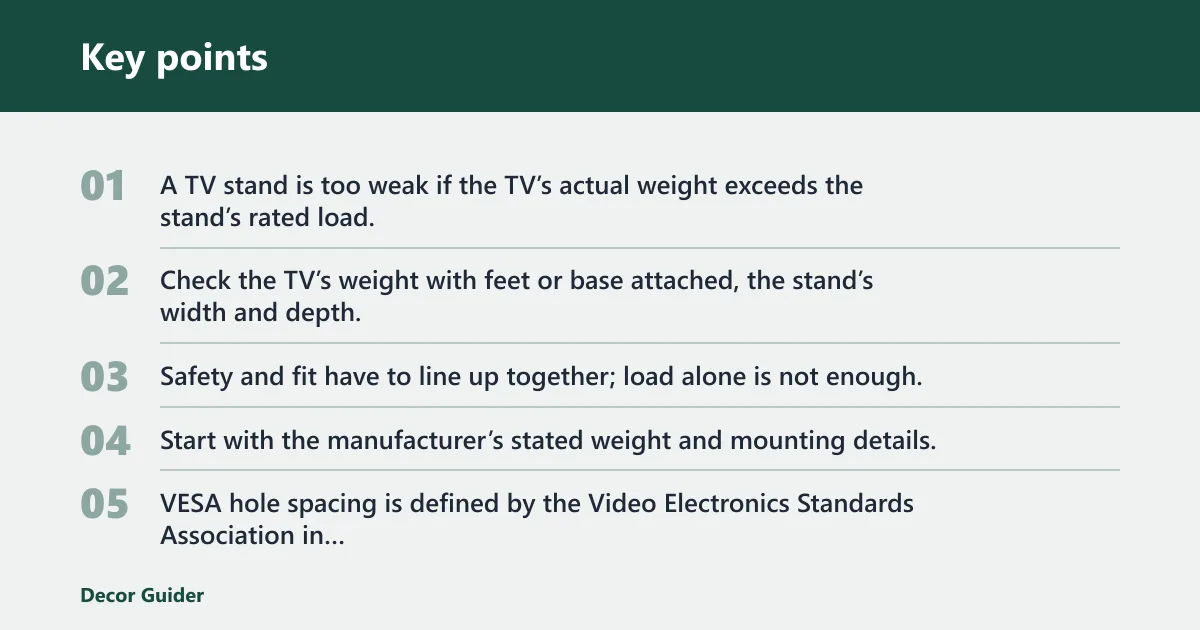
A TV stand is too weak if the TV’s actual weight exceeds the stand’s rated load, or if the fit is wrong even when the rating looks adequate. Check the TV’s weight with feet or base attached, the stand’s width and depth, the foot-to-foot span, the VESA pattern, and the screw depth. Safety and fit have to line up together; load alone is not enough.
Start with the manufacturer’s stated weight and mounting details, then verify the footprint on the furniture. VESA hole spacing is defined by the Video Electronics Standards Association in millimeters, and TV manufacturers typically list screen dimensions, weight, and mounting information in the product specifications or manual. If you need a quick refresher on fit problems, see TV stand weight-capacity problems.
How do you know if the stand is too weak?


Signs of overload versus normal movement
Normal movement is small and controlled. Overload often looks different: the frame bows, the shelf sags, the TV leans, or the stand rocks when you touch the screen lightly. If the cabinet creaks, fasteners loosen, or the base shifts under ordinary use, treat that as a fit or load problem rather than normal settling.
Not every wobble means failure. A swivel stand or a tall pedestal will move more than a heavy low console. The key question is whether the motion returns cleanly to center or keeps growing after you stop touching it.
Why a high weight rating can still wobble
Manufacturer ratings describe maximum safe load, not every real-world setup. A stand may support the pounds on paper but still feel unstable if the TV’s center of gravity sits high, the feet are spread wide, or the base is too narrow. That is why TV stand weight-capacity problems often start as fit problems.
A stand that is too narrow can make a large TV feel unstable even if it technically supports the weight. The same is true when a pedestal leaves too little side clearance for a wide screen.
Capacity checklist
| Symptom | Likely cause | Measurement to verify | Safe fix | When to replace the stand |
|---|---|---|---|---|
| Frame sags or shelf bows under the TV | Overload | Compare the TV’s actual weight, including the base or feet, with the stand’s rated capacity | Move to a stand with a higher safe load rating and keep heavy devices off the top shelf | Replace it if the structure bends, cracks, or the rating leaves little margin |
| TV looks balanced, but the base feels tippy | Too-narrow base | Measure stand width against the TV width edge to edge | Use a wider stand or a base with more side clearance | Replace it if the TV overhangs the stand or the feet sit near the edge |
| Front-heavy lean or close-call tipping near the edge | Shallow depth | Measure stand depth and compare it with the TV foot placement | Choose a deeper stand or relocate the TV feet if the design allows it | Replace it if the feet cannot sit fully on the stand without overhang |
| TV feet land outside the available top surface | Wide TV feet | Measure foot-to-foot spacing and the top shelf width | Use a wider console, a different leg position, or a mount-style stand that bypasses the feet | Replace it if the feet cannot fit safely on the stand at any setting |
| Mount holes do not line up | Mismatched VESA | Measure VESA hole spacing in millimeters and compare it with the stand’s supported range | Use a compatible universal stand or a stand made for that VESA pattern | Replace it if the holes remain outside the supported range |
| Wobble remains after rechecking all fasteners | Assembly-related wobble | Check for missing hardware, uneven feet, and loose joints after assembly | Retighten in sequence, level the base, and confirm every joint is seated | Replace it if joints keep loosening or the frame stays unstable after correct assembly |
Suppose a TV sits on a stand that is under its weight limit, but the feet rest close to the front corners. The set may still feel unsafe because the problem is depth and footprint, not load alone. In that case, a wider or deeper stand is the safer fix.
How much does your TV weigh?
Check the manufacturer specifications for the TV’s actual weight before you buy a stand. Use the listed weight with the base or feet attached, because that is the load the stand must carry. Screen size alone does not tell you the weight, and it does not tell you how the mass is distributed.
Most major TV brands publish weight, dimensions, and mounting information on the product page or in the user manual. That is the number to use when comparing stands, not a guess based on diagonal size. If you are still comparing options, a separate reference on TV stand styles can help you narrow the build type before you measure.
Find the real weight on the spec sheet
Most TV brands list weight in pounds and kilograms on the product page, user manual, or specification sheet. Look for the number labeled with the stand or feet installed if you plan to place it on a tabletop stand. If the TV can be used with or without feet, use the heavier ready-to-use configuration.
Many buyers skip the television’s width, VESA pattern, and weight before buying a stand. That mistake leads to returns, wobble, or a mount that cannot be set up safely.
Why screen size does not tell you the load
A TV is measured diagonally, not by width or weight. Two TVs with the same diagonal size can have different panel shapes, different bases, and different masses. A stand rated for one model may fit poorly with another one in the same size class.
There is no universal “65-inch equals this much weight” rule that is safe to rely on. The better workflow is to measure the actual TV and compare it directly with the stand’s published load rating.
Do width and depth matter more than size?
Yes. Width and depth often matter more than diagonal size because they determine balance, leg placement, and side clearance. A stand can be rated for the TV’s weight and still be a bad fit if the screen overhangs the edges or the feet hang off the front.
Measure TV width edge to edge
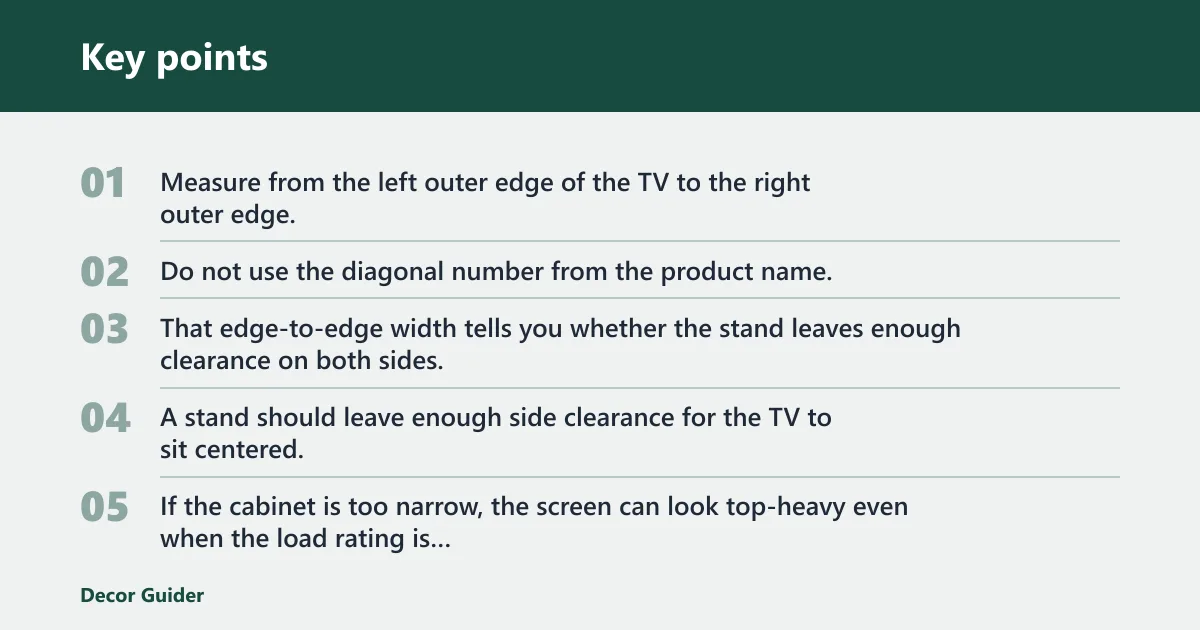
Measure from the left outer edge of the TV to the right outer edge. Do not use the diagonal number from the product name. That edge-to-edge width tells you whether the stand leaves enough clearance on both sides.
A stand should leave enough side clearance for the TV to sit centered, with room for cables and any movement of a swivel base. If the cabinet is too narrow, the screen can look top-heavy even when the load rating is fine.
Use a measurement workflow instead of a guess
For a safer fit check, measure in this order: TV weight with feet, TV width, foot-to-foot span, stand top width, stand depth, VESA pattern, screw depth, and any corner or swivel clearance. That sequence catches the most common mismatch points before the stand is assembled.
As a general rule, the stand should be wide enough for the TV’s footprint and deep enough that the feet sit fully on the surface. The exact clearance depends on the design, but the footprint should never force the feet or base to hang off the edge.
Why stand depth matters for wide TV legs
Depth matters when the TV has wide-set legs or feet that sit far from the back edge. A shallow stand can force the feet forward, which moves the center of gravity closer to the front. That raises tipping risk, especially if the stand gets bumped.
A common first-timer mistake is buying a wide stand with a shallow top. The TV appears to fit, but the feet land too close to the edge and the front of the set feels light when touched.
Comparison: tabletop pedestal, furniture console, and corner solution
| Stand type | What it is | Best for | Key fit checks | Main risk if mismatched |
|---|---|---|---|---|
| Tabletop universal pedestal stand | Stand with a center column or bracket that replaces or works with the TV feet | Users who need VESA-based mounting and cleaner cable management | VESA pattern, screw depth, height adjustment, base footprint, swivel clearance | Bracket mismatch or unstable center balance |
| Furniture console | Cabinet-style TV furniture with a flat top surface | TVs with feet that sit on the surface and need storage space below | TV width, foot-to-foot span, stand top width, stand depth | Feet overhanging the edge or shallow depth causing a front-heavy feel |
| Corner solution | Corner-capable furniture or mount-style setup meant to fit into a room corner | Rooms where wall placement is limited or corner viewing is preferred | Corner depth, swivel arc, wall clearance, TV width, VESA pattern | Arm swing or cabinet angle hitting the wall or nearby furniture |
What if the VESA pattern does not match?
The VESA pattern is the spacing between mounting holes on the back of the TV, and it is measured in millimeters. If the stand’s bracket range does not match that hole pattern, the TV may not mount securely, even if the stand says “universal.”
VESA patterns are typically written as horizontal by vertical spacing, such as 100×100 or 400×400. The stand has to support the TV’s actual hole pattern, the hardware has to seat properly, and the mount must still stay within the stand’s load limit. VESA guidance from the industry standard defines these hole patterns in millimeters, not inches.
Common VESA sizes and what they mean
Common VESA sizes include 100×100, 200×200, 400×400, and 600×400. The first number is the horizontal spacing and the second is the vertical spacing. A universal TV stand must support the TV’s actual VESA pattern, not just its screen size.
Universal stands often include height adjustment, swivel, tilt, and cable management. Those features help with placement, but they do not override the mounting-hole limits.
Why a mismatched pattern is a safety issue
Universal stands work only when the VESA range, weight rating, and base fit all line up. If the holes do not match, the screws may not seat correctly or the bracket may sit under stress. That can create uneven loading and an unstable hold.
Check screw depth as well. Even with the correct pattern, screws that are too long or too short can prevent proper contact between the bracket and the TV. Manufacturer manuals typically specify the correct screw length and thread type for that model.
Are universal and corner stands safe?
Universal and corner stands can be safe, but only when the VESA range, load limit, width, depth, and placement all match the TV. A corner setup needs separate checks because corner fit changes the usable footprint and can affect swivel clearance more than a straight console does.
What a universal TV stand should actually match
A universal TV stand should match three things at once: VESA pattern, weight limit, and base fit. Height adjustment, swivel, and tilt are useful, but they do not solve a mismatch in width or mounting-hole spacing. Treat “universal” as a range, not a guarantee.
When shopping, compare the TV’s actual weight with the stand’s maximum safe load, then confirm the back pattern and foot clearance. If any one of those does not line up, the stand is not a safe fit.
What to check on a corner TV stand
Corner TV stands are not the same as standard tabletop cabinets. Some are floor consoles designed to sit in a corner, while others are corner-capable mount arms meant to hold the TV away from the wall. Measure the corner depth, not just the front width.
A model with a 40.9-inch extension arm, support for TVs from 32 to 75 inches, a 132 lb capacity, 180-degree swivel, and plus or minus 8-degree tilt. Those features can be useful, but they still need to match the TV’s width, VESA pattern, screw depth, and room layout.
Fit checks for corner and swivel setups
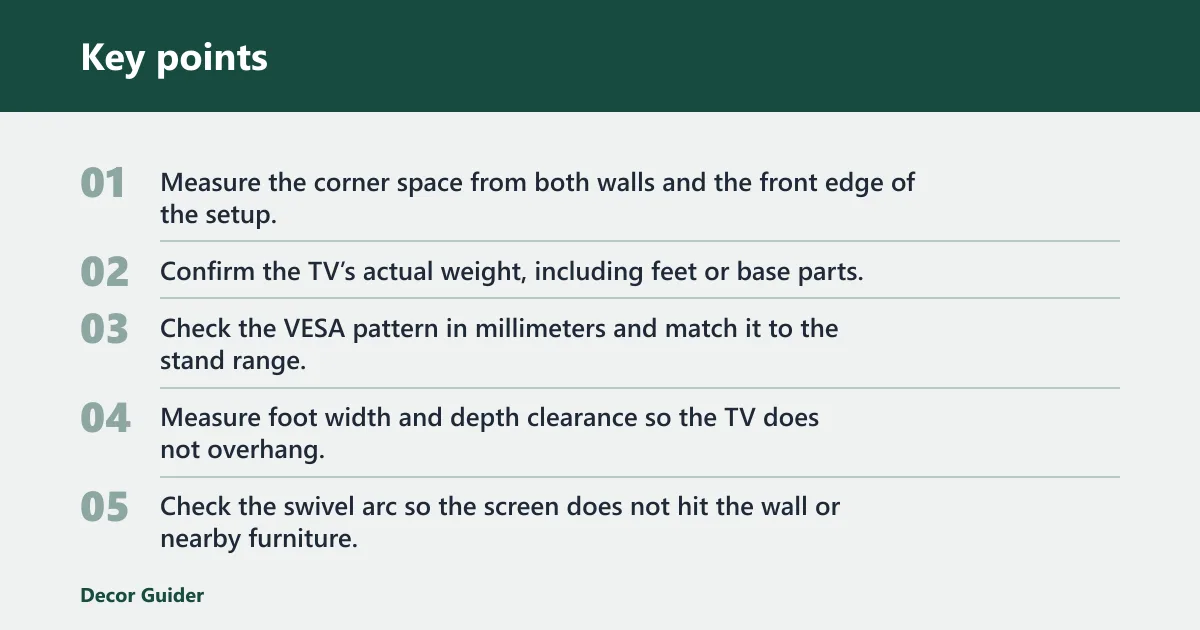
- Measure the corner space from both walls and the front edge of the setup.
- Confirm the TV’s actual weight, including feet or base parts.
- Check the VESA pattern in millimeters and match it to the stand range.
- Measure foot width and depth clearance so the TV does not overhang.
- Check the swivel arc so the screen does not hit the wall or nearby furniture.
- Confirm the stand’s load rating leaves room above the TV’s full weight.
How much does a TV stand weigh? That depends on the build, but the stand’s own weight is separate from the TV’s load rating. A heavier stand may feel steadier, yet the only number that matters for safety is whether the structure is rated for the TV and fits its footprint.
Frequently asked questions
How do I know if my TV stand weight capacity is enough?
Check the stand’s rated maximum load and compare it with the TV’s actual weight, including the base or feet. The rating should exceed the TV’s actual weight, but that alone may not be enough. Also confirm width, depth, and VESA fit so the TV does not sit with poor support.
How much does my TV weigh before I buy a stand?
Use the manufacturer’s specification sheet, not the screen size. Look for the listed weight with the feet attached, since that is the setup the stand must hold. If the model has different configurations, use the heavier one for a safer comparison.
Can a TV be bigger than the stand it sits on?
Yes, the TV can be wider than the stand only if the feet or mounting base still sit safely on the structure and the screen does not overhang in a risky way. In practice, a stand that extends beyond the TV edges is usually the safer choice for balance and clearance.
Should a TV stand be wider than the TV?
Often, yes. A wider stand usually gives better side clearance and a steadier footprint, especially for large screens. The better target is not a fixed number of inches; it is enough width and depth for the feet, the base, and any swivel movement to remain fully supported.
What happens if a TV stand is overloaded?
An overloaded stand can sag, bow, or crack, and the TV may shift as the frame flexes. In severe cases, the stand can fail or tip. If the stand shows bending, creaking, or repeated loosening after tightening, stop using it until you replace it with a properly rated setup.
How do I measure a TV’s weight and VESA before buying a stand?
Check the TV’s listed weight with the feet attached, then measure the VESA hole spacing in millimeters on the back of the set. Match both numbers to the stand’s load rating and VESA range. If the stand is universal, confirm that the range, base fit, screw depth, and swivel clearance all line up.
Products related to this article
Sponsored / affiliate links. As an Amazon Associate I earn from qualifying purchases. I may earn additional commission from eligible campaigns.