TV Stand Shelf Not Working? How to Fix It Right
If your TV stand shelf is not working, check three things first: clearance, load rating, and hardware alignment; if any one fails, the shelf needs a different layout, stronger support, or a smaller TV. Ignoring it can lead to sagging, wobble, blocked ports, or a tipped screen. This guide shows how to diagnose fit, stability, and room-layout problems, then choose the right fix.
Tv stand shelf not troubleshooting matrix
A TV stand shelf usually fails for one of three reasons: the TV base or accessory does not fit the shelf opening, the shelf cannot safely carry the load, or the joints and brackets are loose or misaligned. Start with measurements, then inspect hardware, then decide whether repair or replacement is safer.
TV stand shelf troubleshooting matrix
| Symptom | Likely cause | Measurement to take | Safe fix | Repair or replace? |
|---|---|---|---|---|
| TV base hits the shelf edge | Clearance mismatch | Measure TV base footprint, shelf width, shelf depth, rear cable gap, and front overhang | Reconfigure shelves, move to a wider unit, or use a wall mount | Repair only if an adjustable shelf creates enough clearance; otherwise replace |
| Shelf bows in the middle | Sag from overload or weak material | Check the manufacturer load rating and span length | Reduce load, move heavy gear to a lower shelf, or add support only if the maker allows it | Replace if sag remains visible after load reduction |
| Unit rocks or shifts | Uneven floor contact or loose fasteners | Use a level on the top panel and check each foot | Shim the feet, tighten hardware to the assembly instructions, and anchor to studs with an anti-tip strap | Repair first if the frame is sound; replace if joints are stripped or cracked |
| Brackets feel loose or spin in the hole | Stripped holes or missing fasteners | Inspect each screw, cam lock, and bracket attachment point | Install the missing hardware only if the hole still holds torque; otherwise stop using that shelf | Replace if the fastening point cannot hold the load securely |
| Ports, vents, or power strip are blocked | Rear layout conflict | Measure rear cutout depth and ventilation gap | Reroute cords, move the power strip, or switch to a deeper shelf | Repair if the opening can be freed; replace if the layout cannot support airflow |
When to stop using the shelf right away
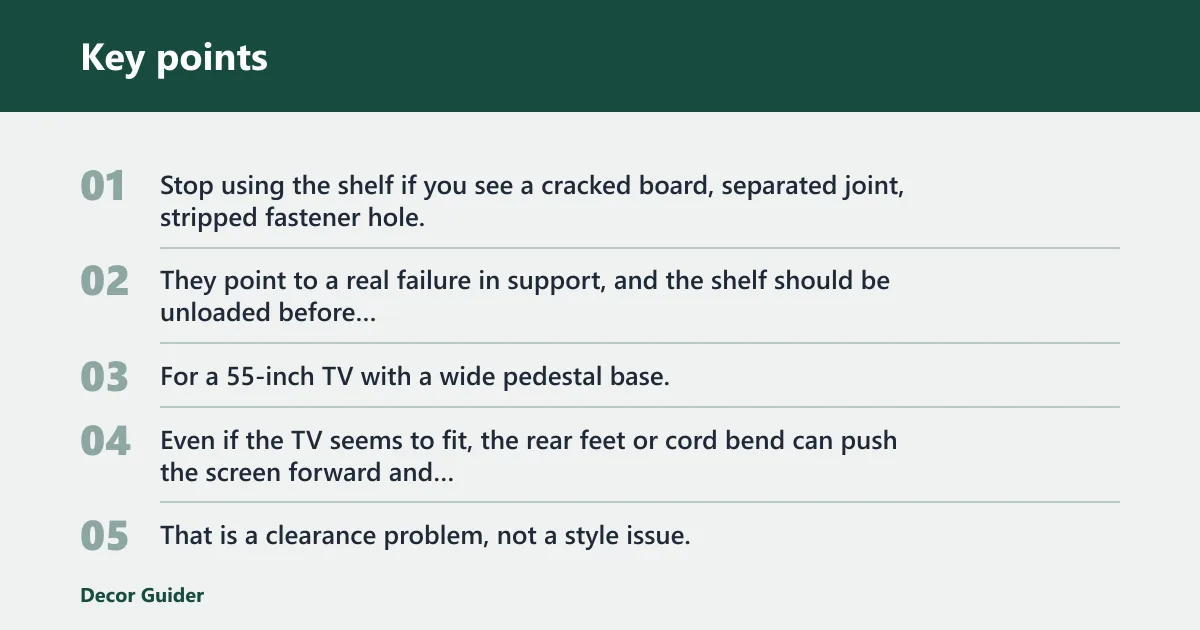
Stop using the shelf if you see a cracked board, separated joint, stripped fastener hole, noticeable bowing, or a TV base that sits partly off the shelf. Those are not cosmetic issues. They point to a real failure in support, and the shelf should be unloaded before anything is moved again.
For a 55-inch TV with a wide pedestal base, a stand shelf that is only slightly deeper than the base may still be unstable. Even if the TV seems to fit, the rear feet or cord bend can push the screen forward and make the setup unstable. That is a clearance problem, not a style issue.
What size shelf do you need?
Choose shelf size from the TV base footprint first, then check the shelf depth, shelf width, and rear clearance for cables and airflow. A shelf that looks large enough from the front can still fail if the base overhangs the edge or the power cord gets pinched behind the panel.
Measure the TV base footprint before the stand
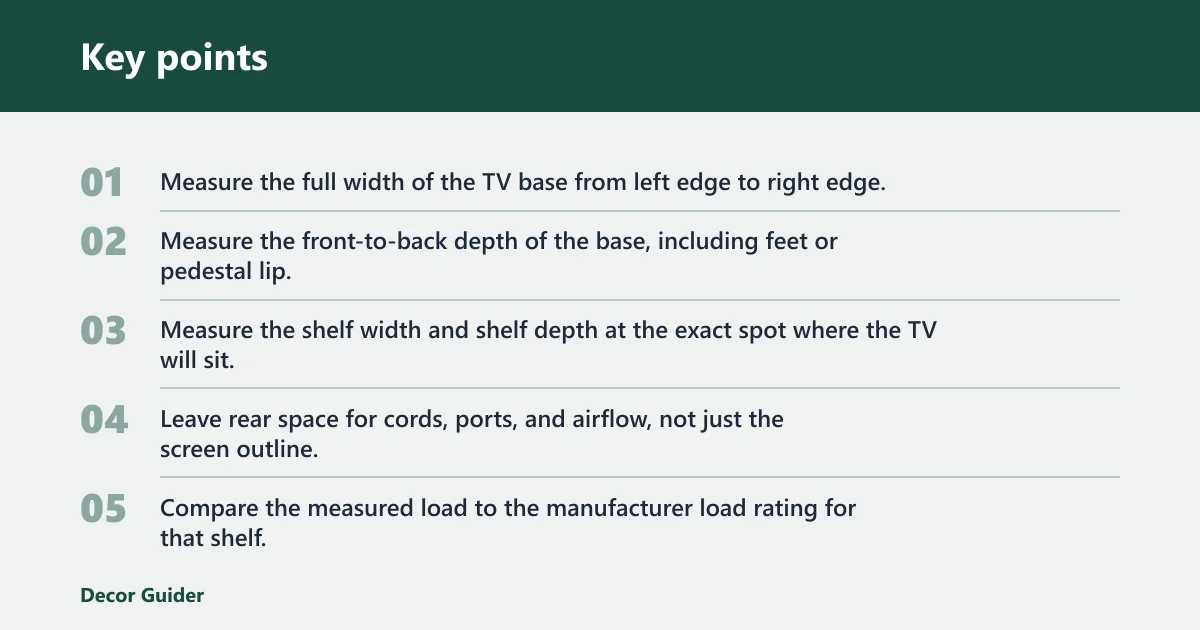
- Measure the full width of the TV base from left edge to right edge.
- Measure the front-to-back depth of the base, including feet or pedestal lip.
- Measure the shelf width and shelf depth at the exact spot where the TV will sit.
- Leave rear space for cords, ports, and airflow, not just the screen outline.
- Compare the measured load to the manufacturer load rating for that shelf, not the full cabinet.
How to tell if the fit is safe
For most setups, the shelf should be wider than the TV base by at least a few inches on each side, and deeper than the base by enough room for cable clearance at the back. A practical minimum rear cable gap is about 2 to 3 inches; deeper is better when plugs, HDMI heads, or wall outlets sit behind the stand. If the base overhangs the front edge, treat it as unsafe.
Use a tape measure from the left and right edges of the base to the shelf edges, then from the back of the base to the rear panel or wall. If the base is wider than the shelf, or if the rear cable gap is too small to avoid bending connectors, the shelf should be replaced or the TV moved to a different support.
Allow space for soundbars, consoles, and airflow
If you need a soundbar or center channel under the TV, measure its height against the opening below the shelf and the TV screen height above the shelf. Consoles and cable boxes also need rear access, so the shelf should not press them into the back panel. Keep a clear ventilation gap around heat-producing gear.
A 42-inch soundbar may fit by width under a low TV shelf, but it can still block sensors or displays if the vertical clearance is limited. The soundbar may fit by width but still block the IR sensor, the display, or the top edge of a console. In that case, a different shelf height or a wall-mount alternative solves the layout better than force-fitting the gear.
What size TV stand shelf do I need?
Pick a shelf that fits the TV base footprint, not just the screen size. The shelf should have enough width for the base with side margin, enough depth for the full pedestal, and enough rear space for cables and airflow. If the base overhangs, or if plugs bend sharply against the back panel, the shelf is too small.
Direct fit rule
Measure the base width and depth, then compare those numbers with the usable shelf dimensions. The shelf is only suitable if the base sits fully on top without edge overhang and without blocking rear connections. If the shelf width matches the TV size only in inches, that is not enough; pedestal dimensions matter more than screen diagonal.
Open shelves vs cabinets
Open shelves usually give better airflow and easier access to ports, remotes, and cable management. Cabinets can hide gear, but they often need extra depth and rear cutouts so the equipment does not overheat. If a cabinet front looks neat but the back is cramped, choose the open design or a deeper cabinet.
Why is my TV stand wobbling?
A wobbling TV stand usually points to uneven floor contact, loose joints, or missing anchoring. Level the unit first, then tighten all hardware to the assembly instructions. If the stand still moves, use an anti-tip strap and make sure the fasteners attach to a stud rather than just drywall. CPSC guidance and ASTM furniture-tip-over standards both emphasize anchoring heavy furniture to reduce tip-over risk, especially when a TV is involved.
Level the unit and check floor contact
Place a level across the top shelf and check side to side and front to back. If one foot hangs off a low spot in the floor, the frame can twist and the shelf can drift under load. A small shim under the low foot is a safer fix than over-tightening the frame.
Tighten joints to the maker’s torque guidance
Loose cam locks, bolts, or shelf pins are common causes of shake. Tighten them only to the manufacturer’s instructions. Excess torque can strip engineered wood or crack a glass-shelf bracket, which turns a minor wobble into a structural failure.
Use an anti-tip strap and confirm stud attachment
A wall anchoring kit can help prevent tip-over, but only if the strap fastens to a wall stud with the right hardware for the wall type. Check the strap rating, the fastener type, and the stud location before loading the shelf. For renters, ask whether removable anchoring hardware is allowed. If the anchor point cannot hold the cabinet and TV load securely, do not use it for safety support.
How much weight can a TV stand shelf hold?
How much a shelf can hold depends on the manufacturer’s load rating, the shelf material, the support span, and how the weight is distributed. A shelf that holds a soundbar and a streaming box may fail if a heavy receiver or console is added to the same span. Use the rating for the individual shelf or panel, not the entire stand.
Load rating and shelf material
| Material | Typical behavior | Best use | Common risk |
|---|---|---|---|
| Solid wood | Strong and forgiving, but still limited by span and fasteners | TV bases, medium accessories, mixed storage | Sag if the shelf is long and heavily loaded |
| Engineered wood | Depends on board thickness, edges, and support points | Light to moderate loads with proper support | Stripped holes and visible bowing under concentrated weight |
| Glass shelf | Can be strong in the right frame, but edge support matters | Light AV gear with proper brackets | Break risk from impact, bad hardware, or uneven installation |
| Metal frame | Often resists flex better when the frame is well braced | Open shelves, heavier electronics, corner layouts | Rattle or twist if the frame is not square |
How adjustable shelves change support limits
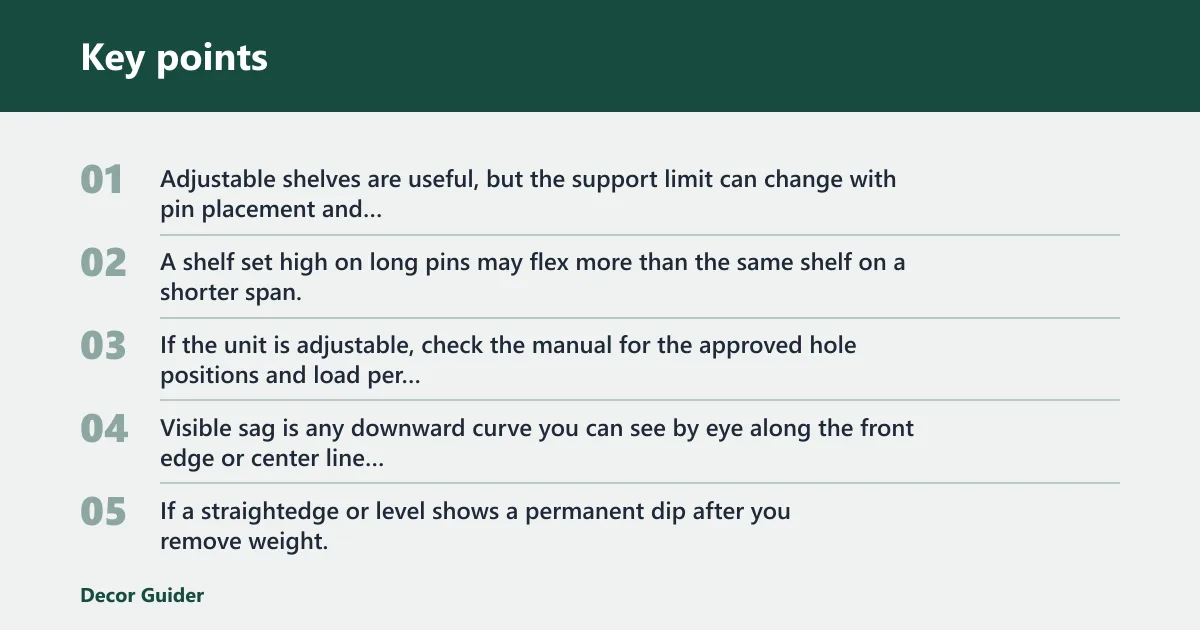
Adjustable shelves are useful, but the support limit can change with pin placement and span length. A shelf set high on long pins may flex more than the same shelf on a shorter span. If the unit is adjustable, check the manual for the approved hole positions and load per shelf.
What counts as visible sag
Visible sag is any downward curve you can see by eye along the front edge or center line of the shelf, especially if the shelf no longer looks flat from end to end. If a straightedge or level shows a permanent dip after you remove weight, the board has likely bent beyond normal use. That is a replace-not-repair sign.
When sag means replacement
Light bowing that disappears after the load is reduced may be a setup problem. Visible sag that stays after you move weight off the shelf is different. That usually means the board has permanently bent, the hardware has failed, or the span is too long for the material. Replace it if the shape will not recover.
Why are TV stands so low?
Many TV stands sit low to keep the screen at a comfortable viewing height, reduce visual bulk, and leave room for wall art or a mounted TV above. Low units can work well, but they also reduce clearance for center channels, soundbars, and tall consoles, so the layout must be checked carefully. For a broader setup explanation, see why TV stands sit low and how viewing height affects setup.
Viewing height and ergonomics
Low stands are common because seated viewers usually look slightly downward toward the center of the screen. That helps reduce neck strain and keeps the TV from dominating the room. The tradeoff is that the lower the stand, the less room there is for components, ventilation, and cable bends under the screen.
Room layout fixes
In a corner, check both wall angles and cord paths before placing the stand. A corner setup often needs extra rear clearance for plugs and a wider turning space for walking paths. In small apartments, a shallow stand may work better than a deeper cabinet if it preserves passage space.
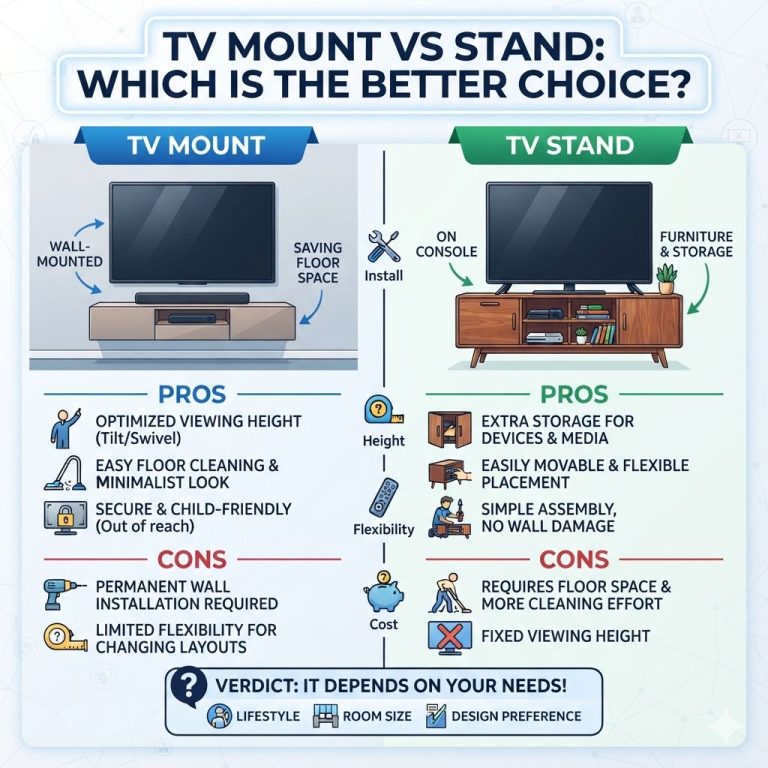
For low-profile setups, compare the TV base height to the shelf opening before you buy. If the shelf is too low for a soundbar or game console, a wall-mounted TV with a lower media bench may be the cleaner solution. That also frees the shelf from carrying the full screen load.
Wall anchoring and placement decisions
Use anchoring when the unit is tall, top-heavy, or placed where children or pets can pull on it. If the stand sits in a narrow walkway or on an uneven floor, anchoring is more than a good idea. It is part of the safety plan.
Will standby mode use a lot of electricity?
Standby mode usually uses much less power than active viewing, but it is not zero. U.S. Department of Energy Energy Saver guidance notes that standby and “off” modes can still draw electricity for clocks, sensors, and network features. The exact amount depends on the TV and connected devices, so a power strip or settings change can matter over time.
Standby power context
If the TV, streaming box, game console, and sound system all stay plugged in, their combined standby draw can add up. The issue is not usually heat from one device alone, but the total number of always-on components in a closed space. Keep those devices in an open shelf or cabinet with enough airflow to avoid trapping warmth near the back panel.
Should you leave your TV on standby?
Standby is convenient because it keeps the TV ready for remote power-on and background updates, but it is not ideal if the setup is crammed into a tight cabinet. If you use standby, leave ventilation room behind the TV and do not block power bricks or vents. If you want to cut idle use further, use a switched power strip or the TV’s power-saving settings where appropriate.
Is a TV stand shelf safe without wall anchoring?
A low, wide stand on a flat floor may be stable enough without anchoring, but taller or top-heavy furniture is safer with a strap, especially in homes with children or pets. Anti-tip guidance from CPSC and furniture-tip standards from ASTM are meant to reduce tip-over risk, not just keep the cabinet from sliding. If the unit rocks, tilts, or sits on carpet, anchor it.
Assembly quality as a wobble cause
Sometimes the problem is not the floor or the load, but the assembly itself. If parts are reversed, cams are not fully seated, back panels are out of square, or screws are missing, the frame can wobble even when the floor is level. Recheck the assembly order before blaming the shelf design.
Frequently asked questions
Why is my TV stand shelf wobbling?
Wobble usually means the frame is not level, the joints are loose, or the stand is not anchored well enough for its height and load. Check floor contact with a level, tighten hardware to the assembly instructions, and add an anti-tip strap fastened to a stud if the unit can tip.
Repair or replace?
If the wobble disappears after leveling and tightening, repair is usually enough. If the joints stay loose, the holes are stripped, or the frame twists under normal load, replacement is the safer choice.
How do I fix a TV stand shelf that won’t fit the TV?
Measure the TV base footprint, then compare it with shelf width, shelf depth, and rear cable space. If the shelf is only slightly short, an adjustable shelf or different component placement may help. If the base overhangs the edge, replace the stand or use a wall-mount setup.
Replacement threshold
Replace the stand immediately if the TV base hangs off the front or side, because that means the load is not fully supported. A shelf that only fits when the TV is angled, pinched, or forced against the back panel is also too small for safe use.
Should you leave your TV on standby?
Standby can be fine for convenience, but it still uses some electricity and may keep components warm in a closed cabinet. Energy Saver notes that standby is not the same as unplugged. If the unit is in an enclosed space, keep vents open and avoid crowding other devices around it.
Standby vs power strip
A switched power strip can reduce idle use for the entire setup, but only if you do not need network standby, app updates, or remote wake features. Choose the option that fits the room layout and the devices connected to the stand.
Sources
- U.S. Consumer Product Safety Commission (CPSC): Furniture and TV tip-over prevention guidance.
- ASTM International: Furniture stability and tip-over related safety standards.
- U.S. Department of Energy, Energy Saver: standby power and efficient TV use guidance.
- Major TV manufacturer setup guides: ventilation, clearance, and placement requirements.
Products related to this article
Sponsored / affiliate links. As an Amazon Associate I earn from qualifying purchases. I may earn additional commission from eligible campaigns.
 12 Inch Shelf Bracket Heavy Duty L Shelf Bracket 12 x 8 Inch Metal Shelf Bracket with Hardware, Black, 4 Pack
 BATODA - 8" Floating Shelf Bracket Heavy Duty (16 pcs)–Solid Steel Blind Shelf Supports - Hidden Brackets for Floating Wood Shelves - Blind Shelf Support Shelving Mounting Hardware Included (Pack 16)