Is an Adjustable TV Stand Worth It? Key Buying Factors
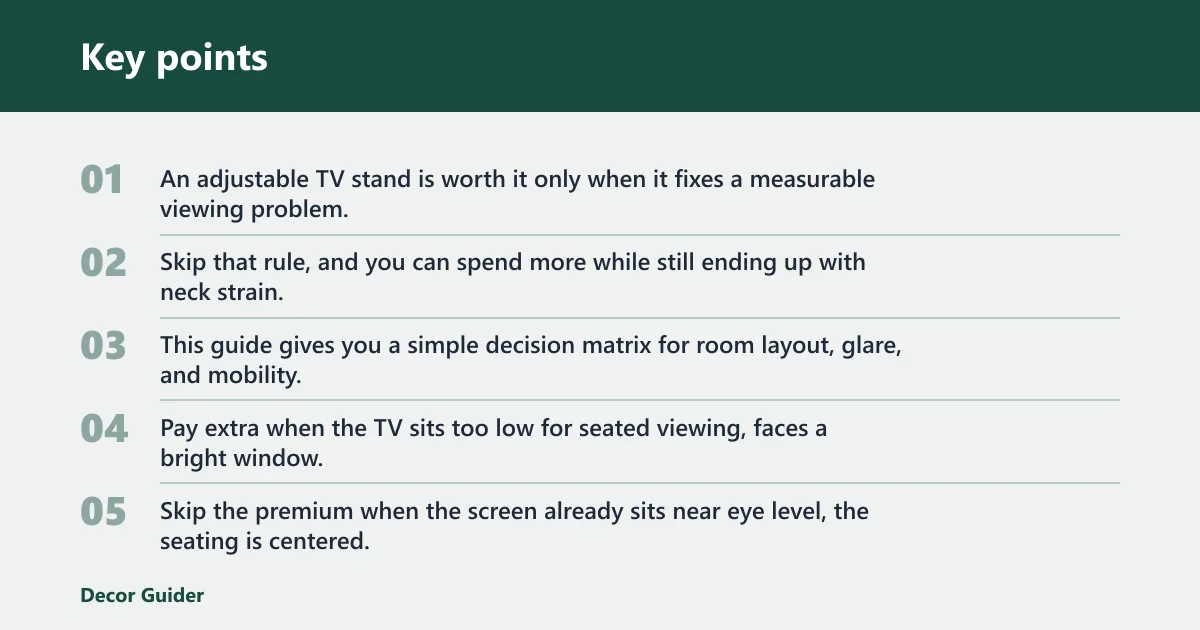
An adjustable TV stand is worth it only when it fixes a measurable viewing problem, glare, bad sightlines, or multi-room mobility. Otherwise, a fixed stand is the better buy. Skip that rule, and you can spend more while still ending up with neck strain, washed-out images, or a stand that moves when it should not. This guide gives you a simple decision matrix for room layout, glare, and mobility, plus the features that matter most when adjustability is worth paying for.
Verdict

- Holds TVs up to 88 lbs safely
- Swivels 60 degrees for flexible viewing angles
- Features 8-level height adjustment for comfort
Pay extra when the TV sits too low for seated viewing, faces a bright window, or needs to move between rooms. Skip the premium when the screen already sits near eye level, the seating is centered, and the room never changes. The value gap is widest in corner setups and shared family rooms with off-center seats.
When adjustability is worth the premium
Adjustability earns its keep when it solves a layout problem you can point to. That means a screen that needs a different height, a swivel arc to counter side seating, or a rolling base for frequent moves. A 30-degree swivel arc each way suits a narrow room, while a full 60-degree swivel works better for open layouts.
When a fixed stand is the better buy
A fixed-base stand is the smarter purchase when the TV stays put and the front row seat is centered. Fixed feet or leveling pads usually cost less, add less bulk, and give you fewer moving parts. They also avoid the wobble that casters can introduce on carpet or soft flooring.
Short verdict by room type
Small apartment: often worth it if the screen doubles for dining and sofa viewing. Large living room: worth it only if seats sit far off-center or glare is a problem. Corner setup: usually worth it. Renter-friendly home: worth it if you cannot wall-mount and need flexible placement. Multi-room mobility: usually worth it.
Specs at a glance
| Spec | What to check | Why it matters |
|---|---|---|
| Height range | Match the screen to a seated eye-level target around 42 to 48 inches from the floor | Too low strains your neck; too high pushes the image above a natural sightline |
| VESA pattern | Must match the TV and stand in millimeters, such as 200×200, 400×400, or 600×400 | Wrong hole spacing can make the mount unusable |
| Weight capacity | Keep the TV at least 20 percent below the rated maximum | That safety margin helps account for accessories and real-world load |
| Swivel and tilt | Use swivel for side seating; use tilt for glare reduction | Angle control matters most when the room layout is uneven |
| Base type | Choose fixed feet, leveling pads, or locking casters based on floor and mobility needs | Mobility helps in some rooms and hurts stability in others |
Who it
Adjustable TV stands fit buyers who need the screen to adapt to the room, not the other way around. That usually means small apartments, corner placements, renter setups without wall mounting, and homes where the TV moves between spaces. If your layout stays constant, the added hardware may not pay off.
Small apartment buyers
Small rooms often mix close seating, limited wall space, and changing viewing angles. A height-adjustable tabletop stand or a compact floor stand can help you align the screen with a sofa, bed, or dining chair without drilling holes. Just make sure the stand footprint does not crowd walkways.
Corner setup households
Corner setups are where swivel matters most. The screen rarely faces one straight-ahead seat, so the ability to turn it toward the main viewing position can reduce glare and keep faces visible from the couch. Corner placement also makes VESA fit more important, because the mounting bracket must line up cleanly with the TV.
Renter-friendly homes
Renters often need a no-drill solution that still fixes height and angle. Fixed feet can work if the TV already sits in a usable spot, but adjustable tabletop stands or rolling floor models give more placement freedom. The tradeoff is that moving parts and casters can add cost and assembly time.
Multi-room movers
If the TV moves from bedroom to den or kitchen to guest room, a rolling base or mobile stand can save repeated lifting. Locking wheels matter here. Without them, mobility becomes a stability problem the moment the TV is parked on carpet or a slightly sloped floor.
Say your 55-inch TV sits in a corner across from a sectional, and the screen catches window glare every afternoon. A 30-degree swivel each way may be enough if the seating is narrow. If the room opens to a second seating zone, the same TV may need the full 60-degree turn instead.
Adjustable TV stand decision matrix
This table weighs the situations where adjustability tends to pay off. Scores run from 1 to 5, with 5 meaning strong performance. The final call reflects whether the extra hardware is likely to earn back its cost in the room described.
| Scenario | Glare control | Neck comfort | Stability | Mobility | Value-for-money | Worth it? |
|---|---|---|---|---|---|---|
| Small apartment | 4 | 4 | 3 | 2 | 4 | Usually yes |
| Large living room | 3 | 3 | 5 | 2 | 3 | Only if seating is off-center |
| Corner setup | 5 | 4 | 4 | 2 | 5 | Yes |
| Renter-friendly home | 4 | 4 | 4 | 3 | 4 | Usually yes |
| Multi-room mobility | 3 | 3 | 3 | 5 | 4 | Yes |
What works best?
Adjustability matters most when it changes what you see and how you sit. Height adjustment helps you get closer to seated eye level, swivel moves the screen toward off-center seats, tilt reduces reflections from lamps or windows, and locking wheels make a stand easier to relocate without lifting.
Height adjustment for seated eye level
The useful target is simple: place the center of the screen near 42 to 48 inches from the floor when seated. If the screen sits well below that range, you often get chin-down viewing. If it sits above it, the neck angle works against you during long viewing sessions.
Swivel and tilt for glare control
Swivel helps when seats are spread across the room or the TV must aim away from a bright side window. Tilt helps when the light source is higher or lower than the screen. These features are not comfort extras in every room; they are most useful when glare or off-axis seating causes a real problem.
Rolling bases for room changes
Casters or a rolling base are useful when you move the TV often, but the wheels must lock. On hardwood, locked wheels can work well if the base is broad and level. On carpet, soft pile can increase drag and reduce steadiness, so mobility should not be treated as a free upgrade.
Leveling pads for uneven floors
Fixed feet or leveling pads are usually the lower-cost answer when the TV stays in one place. They are a good match for small floor irregularities and often give better stability than wheels. If the room never changes, that is the cleaner choice.
What does not?
Adjustability can fail in predictable ways. Carpet can introduce wobble, especially with tall stands and narrow bases. A bolt mismatch or wrong VESA pattern can stop installation before the TV even goes on. Oversized TVs create a second risk: the screen may fit the bracket, but the stand may not provide enough margin for safe use.
Wobble on carpet and soft floors
Soft flooring can let a stand lean slightly under side load, especially if the base is small or the TV is tall. Locking casters help only if the wheels actually hold position under weight. If the TV sits in a high-traffic room, a fixed base is often the safer call.
Bolt mismatch and wrong VESA pattern
VESA pattern compatibility is non-negotiable. It is measured in millimeters, and common examples include 200×200, 400×400, and 600×400. The TV and stand must match. If the pattern is wrong, no amount of height adjustment or swivel range solves the problem.
Oversized TVs and weak safety margins
Weight matters as much as screen size. A solid rule is to keep the TV at least 20 percent below the stand’s rated maximum. That gives a cushion for the real load, including any soundbar shelf or attached accessories the base must support.
When mobility adds cost without value
Mobility can add price, assembly time, and more parts that can loosen later. It also can lower resale appeal if a buyer wants a simple fixed-base stand instead. If the TV never moves and the seating does not change, rolling hardware may cost more without solving anything useful.
Suppose a 43-inch TV sits on carpet in a rental and the only reason to buy a mobile stand is to move it once a month. In that case, a fixed-foot stand with leveling pads may do the job better, cost less, and shake less every time someone walks past.
Should you buy one?
Start with the total cost, not the sticker price. That means the stand price, assembly time, any replacement parts you may need later, and how much value you place on being able to change the setup. An adjustable stand makes more sense when those extra costs buy a clearer view or a safer room layout.
Cost of ownership check
Compare the premium against the problem it solves. If glare or off-center seating is severe, a more flexible stand can be cheaper than living with the wrong angle for years. If the room is already working, a lower-cost fixed stand usually wins on value-for-money.
Assembly and replacement part tradeoffs
More adjustable parts usually mean more steps during assembly. That can be fine if the stand solves a layout issue, but it is not free. Look for simple hardware, clear VESA labeling, and a parts supply that will not become a dead end if a bolt or wheel wears out later.
Resale value and upgrade fit
Adjustable stands can hold resale value better when they fit common TV sizes and VESA patterns. But the upside depends on the next buyer needing the same feature set. A fixed stand may resell just as well if the market wants stability and a lower price more than extra motion.
Alternatives
These options cover different room and size needs. The best choice depends on your TV weight, VESA pattern, and whether the stand must move, swivel, or simply hold steady.
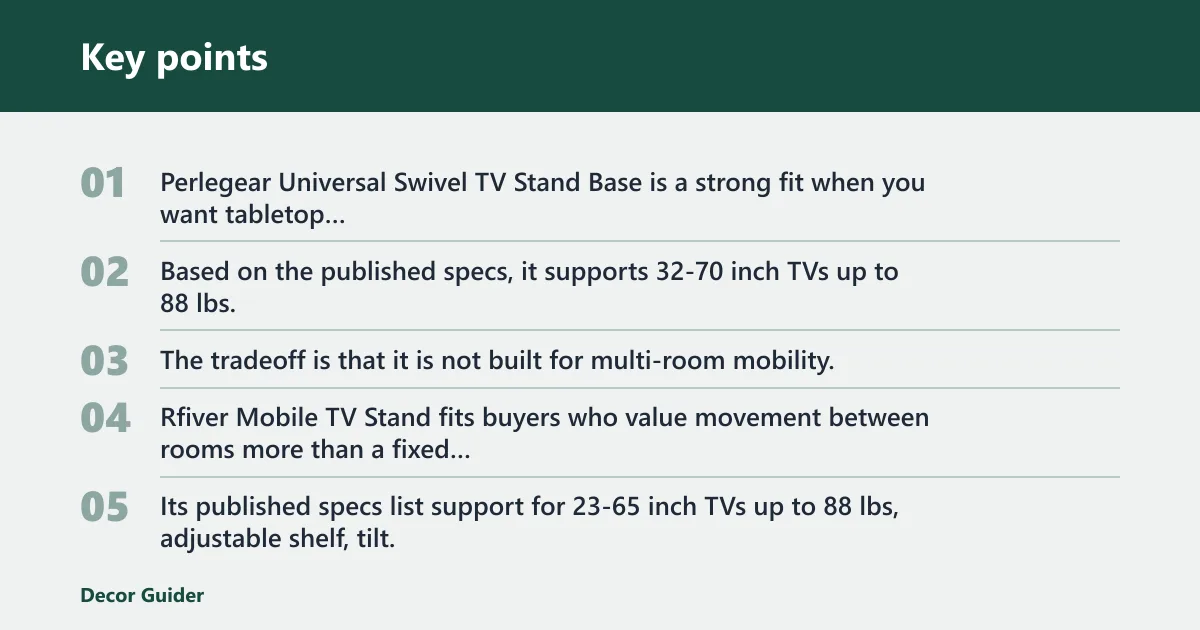
Perlegear Universal Swivel TV Stand Base is a strong fit when you want tabletop adjustability without going to a full rolling base. Based on the published specs, it supports 32-70 inch TVs up to 88 lbs, offers 8-level height adjustment, and swivels 60 degrees. The tradeoff is that it is not built for multi-room mobility.

- Wheels allow easy moving between rooms
- Supports curved and flat TVs up to 65"
- All-metal construction ensures stability
Rfiver Mobile TV Stand fits buyers who value movement between rooms more than a fixed footprint. Its published specs list support for 23-65 inch TVs up to 88 lbs, adjustable shelf, tilt, and a rolling design. The drawback is that casters can be less stable than fixed feet on soft floors unless the base is locked and level.

- Retracts close to wall to save space
- Includes tilt and swivel for ergonomic use
- Backed by a lifetime warranty from brand
Mount-It! Height Adjustable TV Wall Mount is the better route if wall mounting is allowed and you need pull-down motion rather than a floor stand. It fits roughly 23-55 inch screens, supports up to about 44 lbs, raises to about 52 inches, and tilts up to 30 degrees. The limitation is obvious: it is not a furniture-style stand, so renters may not be able to use it.
Frequently asked questions
Is an adjustable TV stand worth it for my room?
It is worth it when the room creates a measurable problem: glare, awkward sightlines, or a need to move the TV. If the screen already sits near eye level and the seating is centered, a fixed stand usually gives better value with fewer moving parts and lower cost.
What size TV stand should I buy for my TV?
Start with the TV’s size class, then check the stand’s stated screen-size range and the VESA pattern. A stand that fits the diagonal size still may not fit the mounting holes or weight. The screen should also have enough clearance so the base does not crowd the room.
How do I choose a TV stand that fits my TV weight?
Use the stand’s rated maximum load and keep the TV at least 20 percent below that number. That safety margin matters because published ratings assume proper setup and no extra surprises. If the TV is near the limit, move to a sturdier model instead of hoping it will hold.
Do I need an adjustable height TV stand?
You need height adjustment if the seated viewing position does not line up with the screen. Eye-level viewing is typically around 42 to 48 inches from the floor, so stands that can reach that range are useful in low sofas, bedrooms, and mixed-use rooms. If the current height already works, skip it.
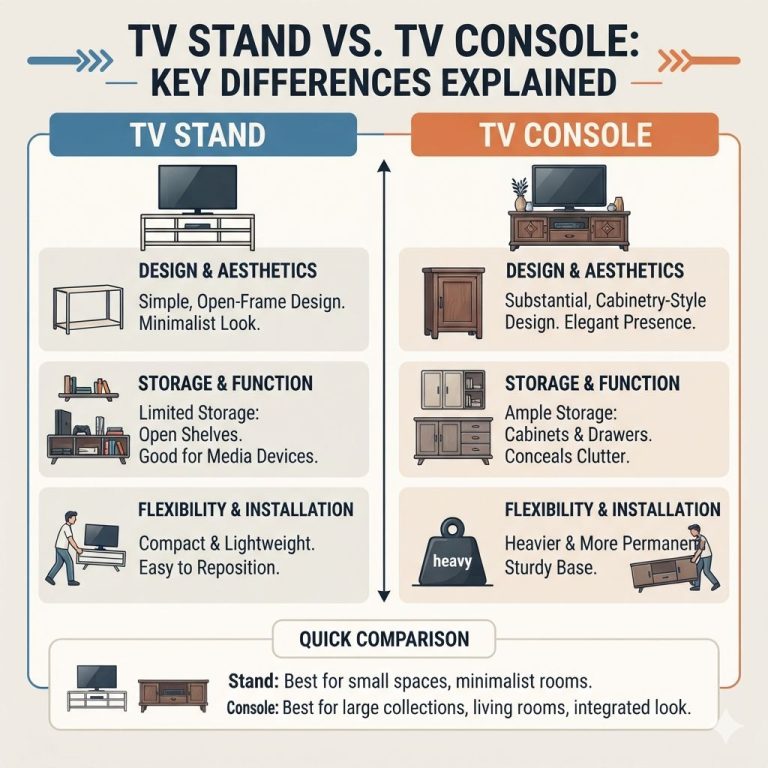
What is the difference between a fixed and adjustable TV stand?
A fixed stand usually uses feet or leveling pads and stays in one position. An adjustable stand changes height, swivel, tilt, or mobility through casters. Fixed bases tend to be simpler and steadier; adjustable models solve layout problems but need tighter compatibility checks.
Can an adjustable TV stand reduce glare and neck strain?
Yes, but only when the room causes the glare or posture issue in the first place. Swivel helps aim the screen away from side windows, and tilt can reduce reflections from lights. Height adjustment helps most when the screen sits above or below the 42 to 48 inch seated target.
What VESA pattern does my TV need?
Your TV needs the VESA pattern that matches its mounting holes, measured in millimeters. Check both the TV and the stand before buying, because the wrong pattern can block installation even when the screen size looks right.
Products related to this article
Sponsored / affiliate links. As an Amazon Associate I earn from qualifying purchases. I may earn additional commission from eligible campaigns.