TV Stand Size Chart: Find the Right Fit for Your TV
Choose a TV stand that is at least 2 to 6 inches wider than the TV, match depth to the feet or pedestal, and set the height so the screen center sits near seated eye level. A stand that is too small can tip, block ports, or put the screen too high or too low for comfortable viewing. This guide turns TV size, base type, and room layout into exact width, depth, and height choices.
This guide is part of our Chairs guide: types, buying and care series.
How TV stand sizing works
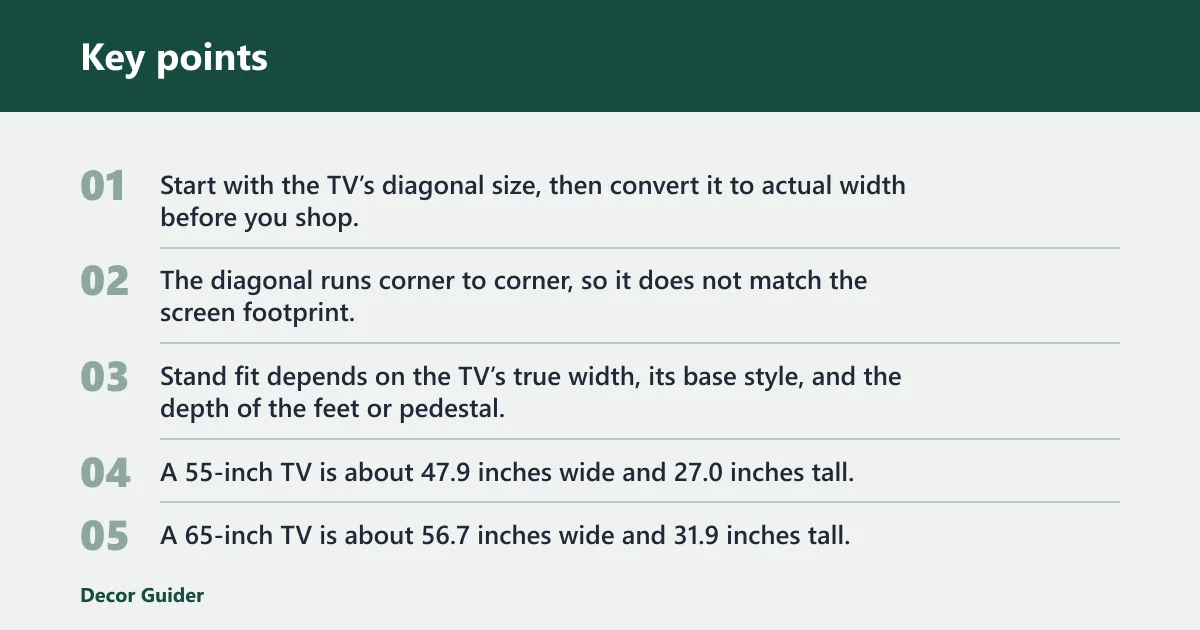


Start with the TV’s diagonal size, then convert it to actual width before you shop. The diagonal runs corner to corner, so it does not match the screen footprint. Stand fit depends on the TV’s true width, its base style, and the depth of the feet or pedestal.
Diagonal size versus actual width
A 55-inch TV is about 47.9 inches wide and 27.0 inches tall. A 65-inch TV is about 56.7 inches wide and 31.9 inches tall. A 75-inch TV is about 65.4 inches wide and 36.8 inches tall. Those widths, not the diagonal labels, decide whether the stand surface is wide enough.
That difference matters because two TVs with the same diagonal can take up very different amounts of furniture space. Screen shape, bezel thickness, and base style change the footprint you need to support safely.
Width, depth, height, and weight capacity
TV stand width should exceed the TV body, with a practical buffer of 2 to 6 inches per side. Depth has to clear the feet or center pedestal, especially on cabinets and in corners. Height affects viewing comfort, and weight capacity must match the TV’s specs for support and tip-over safety.
Also check whether the TV uses wide legs or a center pedestal. Wide feet need a broad top surface. A center base may fit on a narrower stand, but it still needs enough depth so the foot does not hang over the edge.
TV stand size matrix
This sizing matrix turns common TV sizes into furniture-fit numbers. Use it to compare the TV’s actual width with the stand surface, then check depth and room fit before you buy.
| TV size | Estimated actual width | Minimum stand width | Recommended width buffer | Minimum depth for pedestal TVs | Room-fit note |
|---|---|---|---|---|---|
| 50-inch | 43.6 inches | 52 inches | 2 to 6 inches per side | Check the base depth on the spec sheet | Good for apartments and bedrooms where walkways stay tight |
| 55-inch | 47.9 inches | 57 inches | 2 to 6 inches per side | Check the base depth on the spec sheet | Fits many living rooms if you still have storage space around it |
| 65-inch | 56.7 inches | 66 inches | 2 to 6 inches per side | Check the base depth on the spec sheet | Works best in medium living rooms and wider wall runs |
| 75-inch | 65.4 inches | 78 inches | 2 to 6 inches per side | Check the base depth on the spec sheet | Better for larger living rooms than narrow bedrooms |
| 85-inch | 74.1 inches | 86 inches | 2 to 6 inches per side | Check the base depth on the spec sheet | Needs generous wall width and clear traffic flow |
For reference, the guide recommends a 50-inch TV stand at 52 to 60 inches wide, a 55-inch TV stand at 57 to 65 inches wide, a 65-inch TV stand at 66 to 75 inches wide, a 75-inch TV stand at 78 to 85 inches wide, and an 85-inch TV stand at 86 to 96 inches wide.
How wide should a TV stand be?
A TV stand should be wider than the TV, not equal to it. A practical rule is 2 to 6 inches of clearance on each side, which gives the TV visual balance and leaves room for stable feet or a center base. If the stand is narrower than the TV body or legs, the setup can become unstable or look crowded.
Feet, pedestal, and base clearance
Wide feet need the full width of the stand top, while a center pedestal mainly needs enough depth and centered support. Measure the outer edge-to-edge distance of the feet, not only the screen width. If the legs sit near the corners, the stand must exceed that span, even if the screen itself seems to fit.
Say your 65-inch TV is 56.7 inches wide and uses feet that sit near the corners. A 60-inch console may still be too tight for the legs, even though the screen would overhang only slightly. A 66-inch or wider stand gives a safer margin and reduces the chance of a foot hanging over the edge.
How tall should a TV stand be?
A TV stand should place the screen center near seated eye level for the room. That usually means a lower stand in living rooms and a slightly different height in bedrooms, where people recline more and often view from a higher angle. If the screen sits too high, neck strain becomes more likely.
Eye-level viewing by room type
In a living room, a lower console often works better because viewers sit upright on a sofa. In a bedroom, a taller stand may make sense if the bed raises your sightline. In either case, keep the screen center close to the seated or reclining eye line, then adjust for soundbar height and storage needs.
A common first-timer mistake is choosing a tall cabinet for storage first and the screen height second. That can push the display above eye level and make long viewing sessions less comfortable, especially with news, sports, or gaming.
Bedrooms, living rooms, and low consoles
Low consoles usually suit living rooms because they keep the picture anchored and leave room for décor without crowding the screen. Bedrooms can tolerate a bit more height, but the TV should still feel natural from the bed. If a soundbar sits in front, check that it does not block the lower bezel or remote sensors.
What should you measure before buying?
Measure the TV’s full dimensions, not just the screen size, then check the stand space, base style, and cable path. The right order is TV width and weight first, stand depth and wall space second, and then storage, ports, and cable routing. That sequence prevents buying a console that looks right but does not physically fit.
TV width and weight
Record the actual width of the TV from edge to edge, plus the height if you need to judge screen placement. Then check the weight on the product specs and compare it with the stand’s capacity. Weight capacity matters because the stand must support the TV safely without wobble.
-
Measure the TV body. Use the full width, not the diagonal label. The guide says to check the TV’s full dimensions, not just the screen size, because the footprint decides whether the stand surface is wide enough.
-
Check the base style. Identify whether the TV uses wide feet or a center pedestal. Then note the distance between the feet or the depth of the pedestal foot, since both control whether the stand top is deep enough.
-
Measure the available space. Measure the wall width, the alcove width, or the corner span where the stand will sit. The guide says to measure the entertainment center space before buying, so the stand leaves room for doors, drawers, and traffic flow.
-
Check cables and storage. Look for cord cut-outs, rear channels, and shelf space for streaming boxes or consoles. If you need a soundbar, add its width and height to the plan so it does not block the screen or force the TV too high.
Stand depth and wall space
Depth matters most with pedestal TVs, wide feet, and corner setups. A shallow stand can leave the base hanging off the edge or force the TV too close to the wall. That becomes a real problem when the TV has rear ports, because cables need space to bend without kinking.
Picture a 55-inch TV in a narrow alcove. The screen width fits, but the feet sit wider than the console top. The result is a setup that looks unstable and limits where you can place a soundbar or game console.
How does room layout change the right size?
Room layout changes the right stand proportions because the furniture has to fit both the TV and the path around it. Apartments and bedrooms usually need narrower footprints and tighter cable control. Living rooms can handle larger stand widths and deeper storage, while corners need extra care with depth and angle.
Apartments and narrow walkways
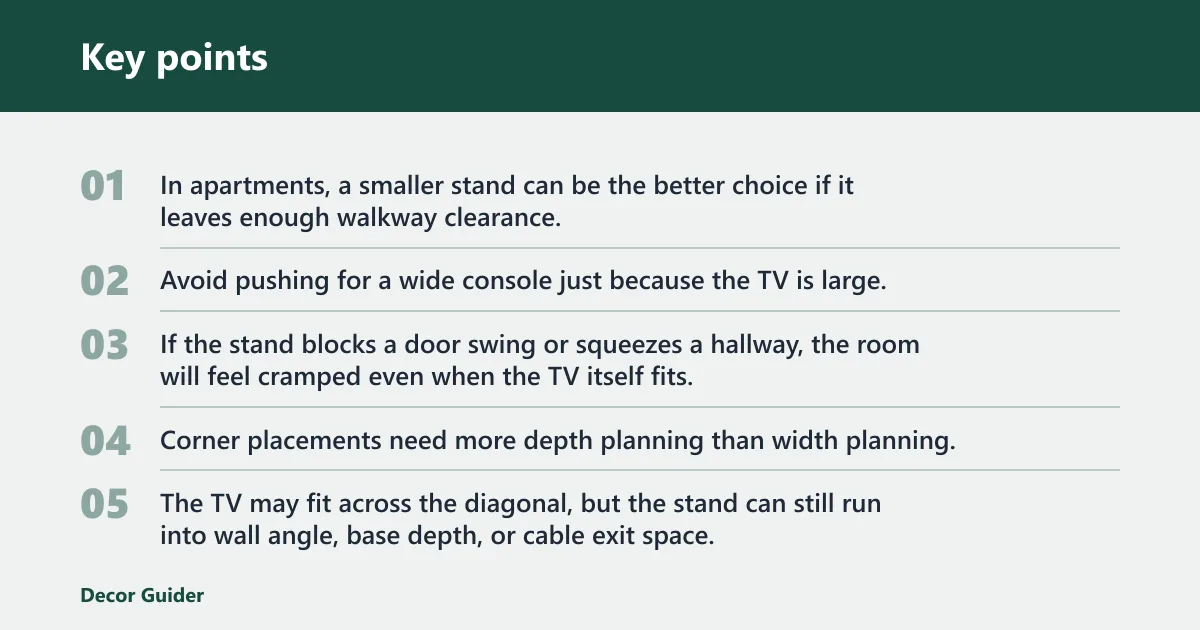
In apartments, a smaller stand can be the better choice if it leaves enough walkway clearance. Avoid pushing for a wide console just because the TV is large. If the stand blocks a door swing or squeezes a hallway, the room will feel cramped even when the TV itself fits.
Corners and shallow alcoves
Corner placements need more depth planning than width planning. The TV may fit across the diagonal, but the stand can still run into wall angle, base depth, or cable exit space. A shallow alcove also makes it harder to use wide feet, because the legs may sit too close to the edge.
Living rooms versus bedrooms
Living rooms often need a balance of screen scale, storage, and cable control. Bedrooms usually favor lower visual bulk and a stand height that keeps the screen comfortable from the bed. If the room is small, prioritize fit first and storage second so the stand does not overwhelm the floor plan.
Frequently asked questions
How big is a TV stand?
A TV stand is big enough when it supports the TV body, base, and accessories without crowding the room. For common sizes, the recommended width ranges from 52 to 60 inches for a 50-inch TV, 57 to 65 inches for a 55-inch TV, and 66 to 75 inches for a 65-inch TV. Depth and weight capacity still have to match the model.
How tall is a TV stand?
TV stand height varies by room and seating height. A lower stand usually works best in a living room because it keeps the screen center closer to seated eye level. Bedrooms can use a taller stand if the bed raises your sightline, but the screen should still feel natural and not force an upward gaze.
How much does a TV stand weigh?
TV stand weight varies by material, size, and storage design, so the product listing should give the exact number. Heavier stands can offer more stability, but they also become harder to move. The more important check is whether the stand’s weight capacity safely exceeds the TV and any devices placed on it.
Should TV stand be wider than TV?
Yes. The stand should be wider than the TV so the body and base sit securely with some clearance on both sides. A wider stand also gives you room for cable cut-outs, a soundbar, and small devices. If the stand is narrower than the TV footprint, fit and stability can both suffer.
Products related to this article
Sponsored / affiliate links. As an Amazon Associate I earn from qualifying purchases. I may earn additional commission from eligible campaigns.