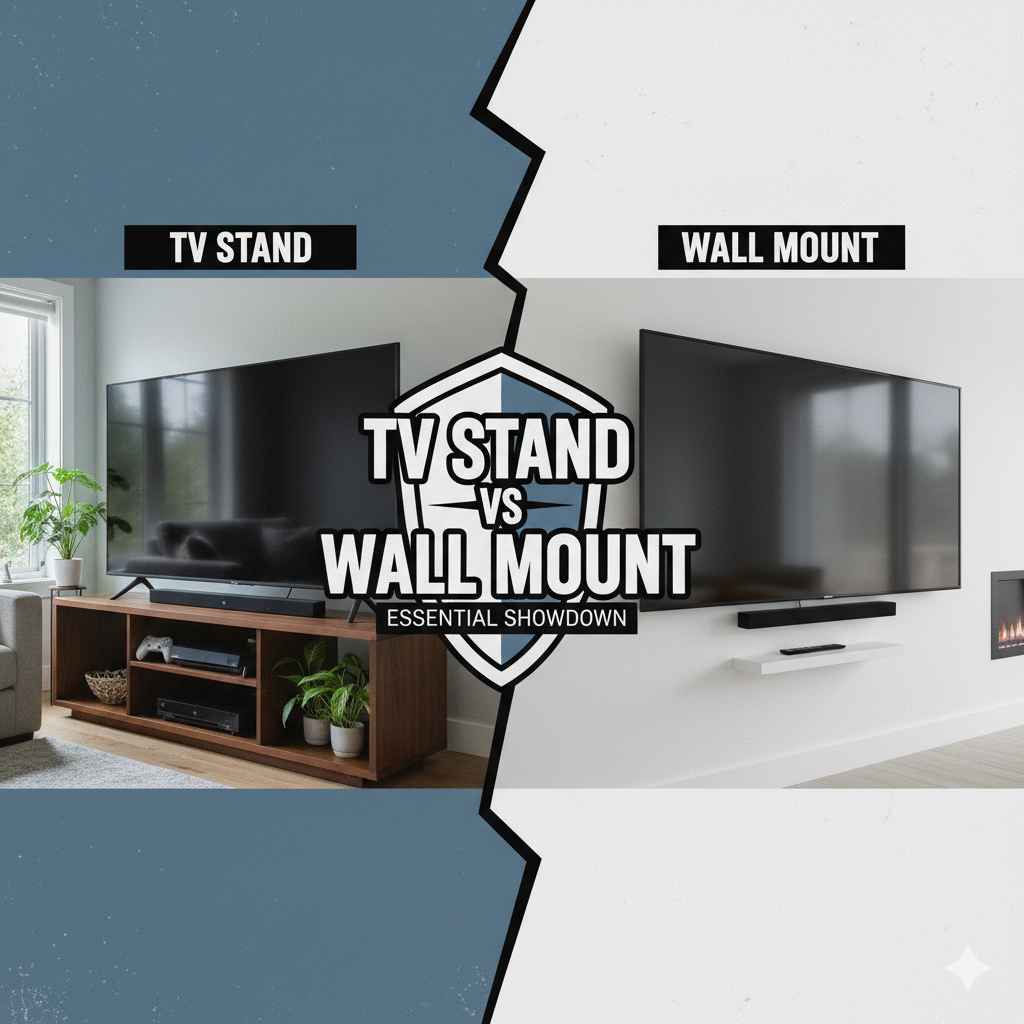
TV stand vs wall mount: Choosing between a TV stand and a wall mount depends on your space, style, and budget. Stands offer easy setup and storage, while wall mounts provide a cleaner look and customizable height. We will break down the pros and cons to help you decide what’s best for your viewing setup.
So, you’ve got a shiny new television, and now you face a classic home setup choice: where does this screen go? Should it sit safely on a dedicated piece of furniture, or should it float elegantly on the wall? This decision—tv stand vs wall mount—can change the look, feel, and functionality of your entire living space. It’s easy to feel stuck between wanting that clean, modern look and needing simple, reliable storage. Don’t worry; making this choice is simpler than you think. We are going to walk through the basics, look at the hidden costs, and discuss safety, so you can pick the perfect spot for your TV with total confidence. Let’s get your viewing area sorted out!
Understanding the Basics: Stand vs. Mount
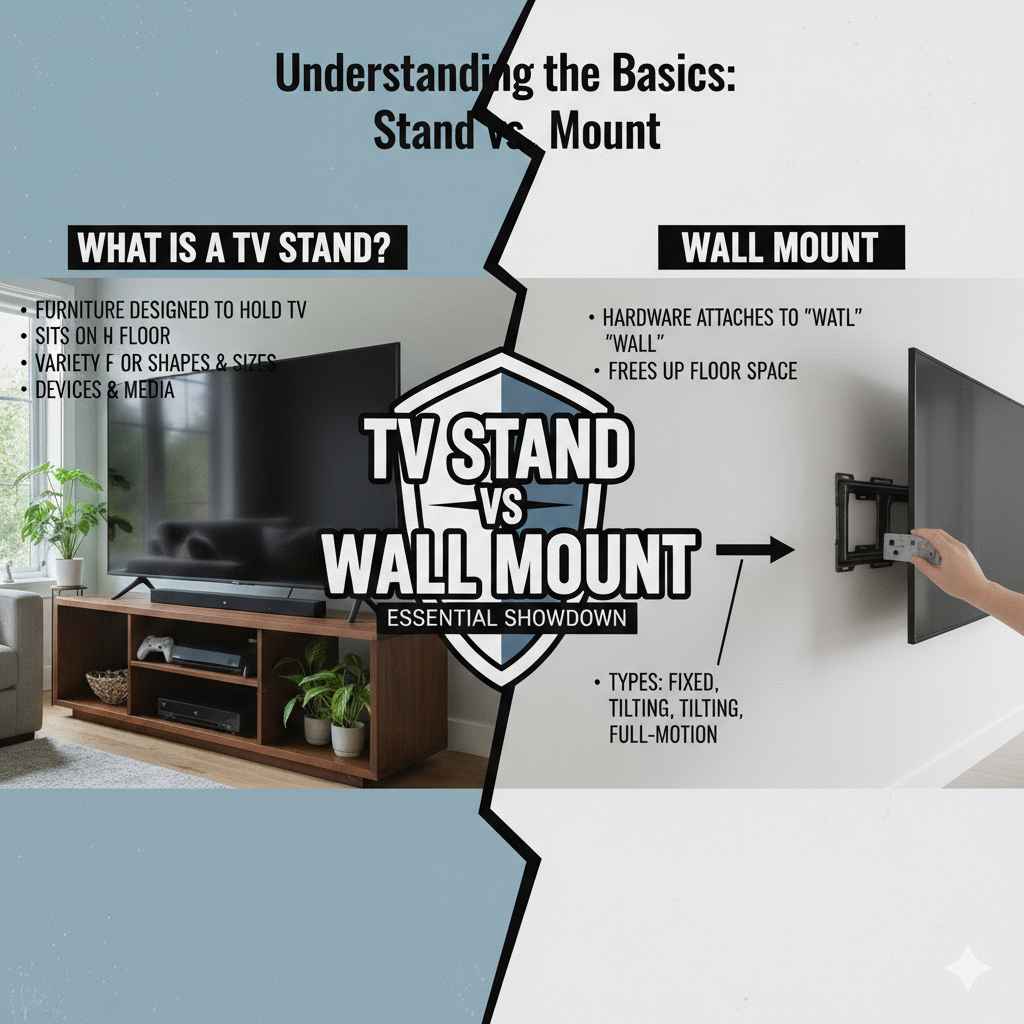
Before we dive into the deep end, let’s quickly define what we are comparing. Think of these as two different approaches to parking your TV.
What is a TV Stand?
A TV stand, sometimes called an entertainment center or media console, is a piece of furniture designed specifically to hold a television. It sits directly on the floor. They come in all shapes and sizes—from small, simple bases to huge cabinets with shelves and doors for storing movies, game consoles, and sound equipment.
What is a Wall Mount?
A wall mount is hardware that attaches directly to your wall studs, securing the television so it appears to float. This hardware is usually hidden behind the screen. Wall mounts can be fixed (flat against the wall), tilting, or full-motion (allowing you to swivel and extend the TV).
The Great Debate: Pros and Cons Comparison
Choosing between these two options really comes down to what you value most: convenience and storage (the stand) or aesthetics and space-saving (the mount). Here is a straightforward breakdown to help you weigh your options.
Pros and Cons of Using a TV Stand
TV stands are the traditional choice, and for good reason. They are straightforward and reliable.
Advantages of a TV Stand:
- Easy Setup: You just assemble the furniture and place the TV on top. No drilling into walls is required!
- Built-in Storage: This is a huge plus. Stands offer space for your cable box, streaming devices, gaming consoles, and media collections right underneath your screen.
- Portability: Need to move the TV to another room or simply want to rearrange your furniture? Stands are easy to move.
- No Wall Damage: Since you aren’t drilling holes, you don’t have to worry about patching drywall when you decide to change things later.
- Cost-Effective Installation: You don’t need to hire a professional installer unless you really want to.
Disadvantages of a TV Stand:
- Takes Up Floor Space: The stand itself occupies physical square footage in your room, which can make smaller rooms feel cramped.
- Cable Management Challenges: Even with built-in cable routing, cords often dangle down the back of the unit, creating a messy look.
- Limited Height: The TV height is fixed by the height of the stand, which might not be the optimal viewing height for your couch.
- Style Limitations: A bulky stand can dominate the room’s design aesthetic.
Pros and Cons of Wall Mounting a TV
Wall mounting creates a sleek, modern look, often preferred in minimalist or contemporary homes.
Advantages of Wall Mounting:
- Sleek Aesthetics: The floating effect is clean, modern, and saves floor space, making your room feel bigger.
- Optimal Viewing Height: You can position the TV at the precise eye level for maximum comfort, which is crucial for long-term viewing comfort.
- Safety (If Done Right): Once securely fastened to studs, the TV is much safer from curious toddlers or pets knocking it over.
- Better Angles: Tilting or full-motion mounts allow you to adjust the screen angle perfectly, regardless of where you are sitting.
- Improved Cable Concealment: Mounting often allows you to hide wires inside the wall for a truly invisible setup (check local electrical codes before attempting in-wall wiring).
Disadvantages of Wall Mounting:
- Installation Difficulty: This requires drilling, finding studs, and ensuring you have the right tools. It can be intimidating for beginners.
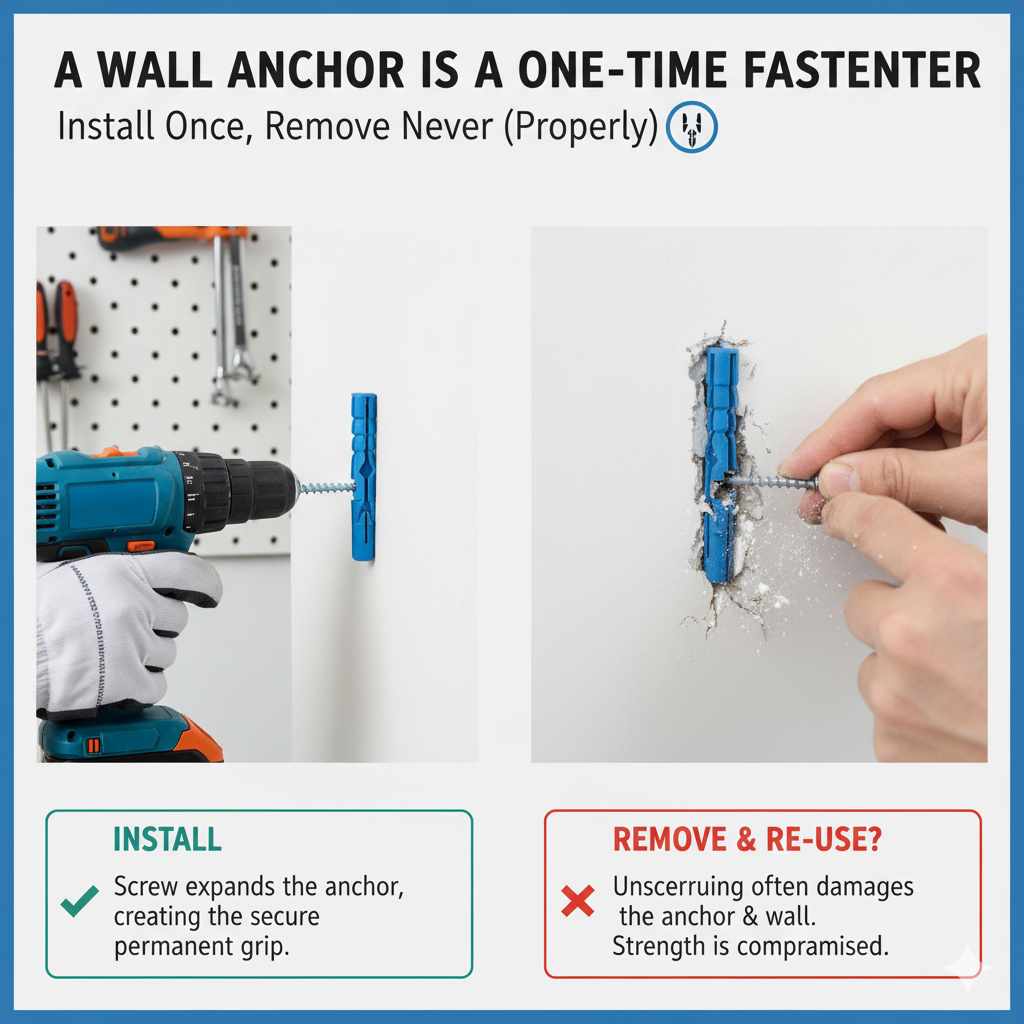
- Potential Wall Damage: If you drill in the wrong spot or use inadequate hardware, you risk damaging drywall or studs.
- Less Storage: You lose the immediate storage space provided by a stand, meaning you need a separate shelf or cabinet for devices.
- Difficulty Changing Setup: Once it’s up, moving it significantly means patching and repainting the wall.
The Critical Factor: Determining Optimal Viewing Height
One of the biggest mistakes people make is placing the TV too high or too low. Proper height isn’t just about aesthetics; it’s about comfort. Your neck will thank you later!
The Golden Rule for TV Height
When sitting comfortably on your primary viewing spot (like your sofa), the center of the TV screen should be roughly at eye level. For most living rooms, this usually means the bottom third of the screen should align with your seated eye level.
If you are mounting high (like above a fireplace), you might need to tilt the screen down, but remember that tilting too aggressively can distort the picture on some panel types.
TV Stand vs Wall Mount: A Head-to-Head Comparison Table
To make the decision easier, here is a quick comparison summary using the key decision-making factors.
| Feature | TV Stand | Wall Mount |
|---|---|---|
| Space Usage | Uses floor space | Saves floor space |
| Installation Effort | Very low (furniture assembly) | Moderate to High (drilling, finding studs) |
| Storage Availability | Excellent built-in storage | Requires separate storage solutions |
| Aesthetics | Traditional, can look bulky | Modern, clean, floating look |
| Flexibility/Relocation | Very easy to move | Difficult to relocate quickly |
| Cost Factor | Cost of the stand itself | Cost of mount hardware + potential installation fee |
Step-by-Step Guide: How to Decide What’s Right for You
To move past the uncertainty, answer these three practical questions. Your answers will point you toward the best solution.
Step 1: Evaluate Your Room Size and Layout
How big is the space where the TV lives?
- Small Rooms or Apartments: If square footage is tight, wall mounting is almost always the superior choice. It clears the floor area, making the room feel substantially larger.
- Large Open Spaces: If you have ample space, a large TV stand or media console can anchor the room nicely without making it feel crowded.
- Multi-Purpose Rooms: If you need to occasionally move the TV (e.g., wheeling it into a dining area for a party), a stand on casters is best.
Step 2: Assess Your Storage Needs
What needs to live near your TV?
- High Storage Requirement: If you have many gaming consoles, a massive Blu-ray collection, or various audio equipment that needs easy access, a TV stand with shelving is highly convenient.
- Minimalist Setup: If you only stream content (one small streaming stick) and have minimal other gear, a wall mount combined with a simple floating shelf underneath will work perfectly, keeping clutter hidden.
Step 3: Consider Your DIY Comfort Level and Budget
How comfortable are you with basic tools?
- Beginner/No Drilling Allowed: If you rent and can’t make holes, or you are deeply uncomfortable with power tools, stick to a TV stand. This is the safest, easiest route.
- Comfortable with Tools: If you own a stud finder, know how to use a drill, and are confident in following instructions, wall mounting is achievable. Remember, many reputable hardware stores offer excellent guides on finding wall studs—a crucial step for safety. You can check resources like those from the International Code Council (ICC) regarding structural mounting best practices, though for a standard TV mount, following the mount manufacturer’s instructions carefully is usually sufficient.
Deep Dive: Wall Mounting Installation Considerations
If you lean toward the clean look of a wall mount, you need to understand the hardware and the wall structure. This is where many DIY jobs can go wrong if you rush.
Choosing the Right Mount Hardware
There are three main types of wall mounts:
Fixed Mounts (Low Profile)
These hold the TV as close to the wall as possible. They are great if you always sit directly in front of the TV and want the slimmest look. They are the simplest and often the cheapest.
Tilting Mounts
These allow you to angle the TV downward. This is excellent if the TV needs to be mounted slightly higher than perfect eye level (like over a mantelpiece) to adjust for downward viewing angle.
Full-Motion Mounts (Articulating)
These swing out, tilt, and swivel. They are perfect for corner installations or rooms where viewing angles change often (e.g., kitchen/dining room combos). They are generally the most expensive and require the strongest wall attachment points because they exert more leverage on the wall.
The Importance of Finding Wall Studs
This is the most non-negotiable part of wall mounting. Drywall alone cannot safely support the weight of modern televisions.
A television mount must be secured directly into the solid wood framing members inside your wall—the studs. Most modern homes use 2×4 lumber spaced 16 or 24 inches apart.
Safety Tip: Always use a reliable electronic stud finder. After finding a stud, verify its location by gently tapping or by drilling a very small pilot hole (using the smallest drill bit you own) into the center of the stud before driving in the heavy lag bolts supplied with your mount. For example, the manufacturer of a high-quality mount like Sanus or Rocketfish will specify the exact lag bolt sizes required to meet safety standards.
Deep Dive: TV Stand Setup and Cable Management
If you choose the stand route, your main focus shifts from structural integrity to organization and flow.
Selecting the Right Size Stand
The stand must be wide enough to safely support your TV, even if the TV is only resting on the top surface.
A good rule of thumb is that the TV should not overhang the sides of the stand significantly. If you have a 65-inch TV, look for a stand that is at least 55 inches wide to provide a stable base.
Mastering Cable Clutter with a Stand
The biggest aesthetic drawback of a stand is the wires. Here are practical ways to minimize them:
- Use Built-in Channels: Many modern stands have hollow legs or vertical panels designed to hide wires as they drop down the back. Feed your HDMI, power, and speaker wires through these first.
- Adhesive Cable Clips: For the few wires that must run along the back edge, use small, adhesive cable clips to secure them neatly to the back edges of the stand, keeping them taut and off the floor.
- Cable Sleeves or Wraps: Bundle all the necessary cables together into one neat, flexible sleeve. This turns five messy wires into one tidy tube running from the back of the TV down to the shelf.
- Utilize Back Panels: If your stand has a back panel (often removable), use zip ties to secure the wires tightly to this panel before reattaching it.
Cost Analysis: Stand vs. Mount Installation
When comparing tv stand vs wall mount, you must look beyond the purchase price of the hardware.
Cost Breakdown for a TV Stand Setup
1. Stand Purchase: Varies wildly, from $50 for a basic particleboard unit to $500+ for high-end wood cabinetry.
2. Assembly: Usually free (your time) or minimal if you pay someone for furniture assembly.
3. Total Installation Cost: Generally low, centered on the furniture piece itself.
Cost Breakdown for a Wall Mount Setup
1. Mount Hardware: Basic fixed mounts start around $30–$50. Full-motion mounts can run $100–$250, depending on the weight capacity and brand.
2. Tools: You might need to buy a stud finder ($20–$40) if you don’t own one.
3. Installation Labor: If you hire a professional (handyman or Geek Squad type service), expect to pay between $100 and $250 for mounting and cable concealment.
4. Cable Concealment (Optional but Recommended): If you hide wires in the wall, the cost is minimal if you do it yourself, but if you hire an electrician to ensure code compliance for in-wall wiring, costs increase significantly.
The Takeaway on Cost: A stand setup is usually cheaper initially because you avoid labor fees. A wall mount might be more expensive upfront unless you are confident doing the installation yourself.
When is a Wall Mount the ONLY Good Option?
Sometimes, space constraints dictate the choice. If any of these scenarios apply, skip the stand debate and focus on mounting:
- Fireplace Placement: Placing a TV on a stand on top of a high hearth is awkward and dangerous. Mounting is necessary for proper viewing angles above a mantel.
- High Traffic Areas: In hallways or narrow entryways, any furniture sticking out into the walkway is a tripping hazard.
- Viewing from Multiple Angles: If the TV needs to be swiveled frequently to be seen from the kitchen, dining area, and living area, only a full-motion mount can handle that flexibility.
- Protecting Valuables: If you have very young children or pets prone to climbing, securing the TV to the wall eliminates the risk of tip-overs.
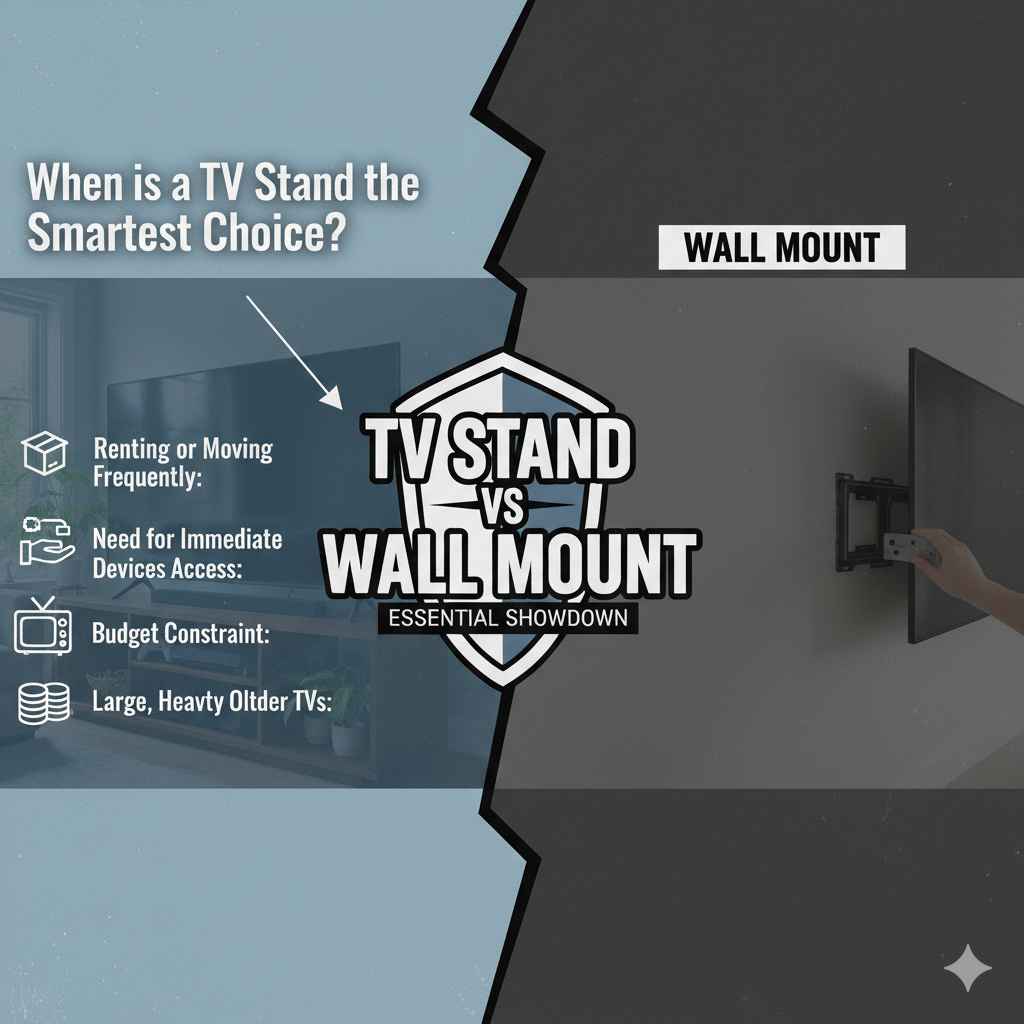
When is a TV Stand the Smartest Choice?
Conversely, sometimes the stand is the clear winner for practicality and simplicity.
- Renting or Moving Frequently: If you know you’ll be moving within the next year or two, avoiding wall damage saves you time and security deposit headaches.
- Need for Immediate Device Access: If you constantly swap out media or need quick, easy access to cables without fiddling behind the set, open shelving on a stand is ideal.
- Budget Constraint: If you are already stretching your budget for the TV itself, using an existing piece of furniture or buying an inexpensive, functional stand is smarter than paying for professional mounting labor.
- Large, Heavy Older TVs: While modern TVs are lightweight, if you have a very large, older plasma or early LED set, ensuring it has a wide, stable base provided by a quality stand is safer than relying on some older wall mount technology.
Frequently Asked Questions (FAQ) for Beginners
FAQ: TV Stand vs Wall Mount Decisions
Q1: Can I put any TV on any wall mount?
A: No. You must check the VESA pattern (the four screw holes on the back of your TV) and the TV’s weight. The mount packaging will clearly state the minimum and maximum screen sizes and the maximum weight it can safely support.
Q2: Is drilling into drywall safe if I can’t find a stud?
A: Absolutely not for heavy TVs. Never rely on drywall anchors alone for a TV over 30 pounds. You must locate and anchor into the wooden wall studs. If your studs are spaced unusually far apart, consult a mounting professional.
Q3: How high should I mount my TV over a fireplace?
A: This is tough. Ideally, the center should still be near eye level when seated. If the mantelpiece forces the TV too high, use a tilting mount and accept that you might need to crane your neck slightly, or consider adjusting your primary seating position back slightly to lessen the neck angle.
Q4: Do I need a special stand if I wall mount?
A: Not necessarily. If you wall mount, you can use a very low-profile console table or even a slim floating shelf just for your speakers and streaming boxes. You don’t need the traditional, deep TV stand.
Q5: If I use a stand, can I still hide the wires?
A: Yes. Use cable management sleeves that run down the back of the stand and secure them tightly to the stand’s structure using zip ties or adhesive clips. This keeps the visual clutter contained to the back of the unit.
Q6: Which option is generally better for soundbars?
A: If wall mounting, you can get specialized mounts that place the soundbar directly below the TV. If using a stand, most stands have dedicated shelf space right under the TV for easy placement.
Conclusion: Making Your Confident Choice
Deciding between a tv stand vs wall mount doesn’t have to be stressful. Both methods are perfectly valid ways to enjoy your entertainment system; the “best” choice is simply the one that perfectly fits your home, your comfort level, and your budget right now.
If you crave a modern, space-saving look and don’t mind taking on a little structural DIY work, wall mounting offers an unparalleled aesthetic. If you prioritize easy setup, built-in storage for all your gear, and the flexibility to move things around without patching walls, a sturdy TV stand is your reliable friend.
Take a moment to review your room layout and your daily viewing habits. Once you clearly identify your top priorities—space, style, or storage—the right choice will become immediately clear. You’ve got this! Now go set up that perfect viewing experience.