How to Take Out a Dresser Drawer with Ball-Bearing Slides
Open the drawer fully, press the release levers on both ball-bearing slides in opposite directions, and pull the drawer straight out; if it still will not release, the slide is likely bent or jammed. Forcing it can snap the lever, damage the rail, or leave you with a drawer that will not go back in. This guide shows how to identify the slide type, release it safely, and tell user error from a failed mechanism.
What you’ll need
- Flashlight
- Gloves
- Flathead screwdriver for loose mounting screws
- Painter’s tape for labeling left and right sides
Look for side-mounted ball-bearing slides first: they sit on the outer sides of the drawer box, usually show metal tracks on both sides, and often have a small release lever or catch. If you see hardware beneath the drawer base instead, that points to an undermount system, which removes differently.
Start with the highest drawer first if you are removing several. That keeps the furniture steadier while you inspect the hardware.
Quick identification check
| Slide type | What you see | Release method | Likely removal clue |
|---|---|---|---|
| Side-mounted ball-bearing | Metal tracks visible on both sides of the drawer box | Lever or catch on each slide | Drawer comes out after both levers are disengaged |
| Undermount concealed runner | Hardware mounted beneath the drawer base | Front locking clips or brackets | Front edge often needs a slight lift |
| Roller runner | Plastic or nylon wheels | No locking lever | Drawer may need a tilt to clear the stop |
| Wooden runner | Wood-on-wood friction surfaces | No lever | Drawer usually pulls free after the stop point |
How do you remove a dresser drawer with ball-bearing slides?
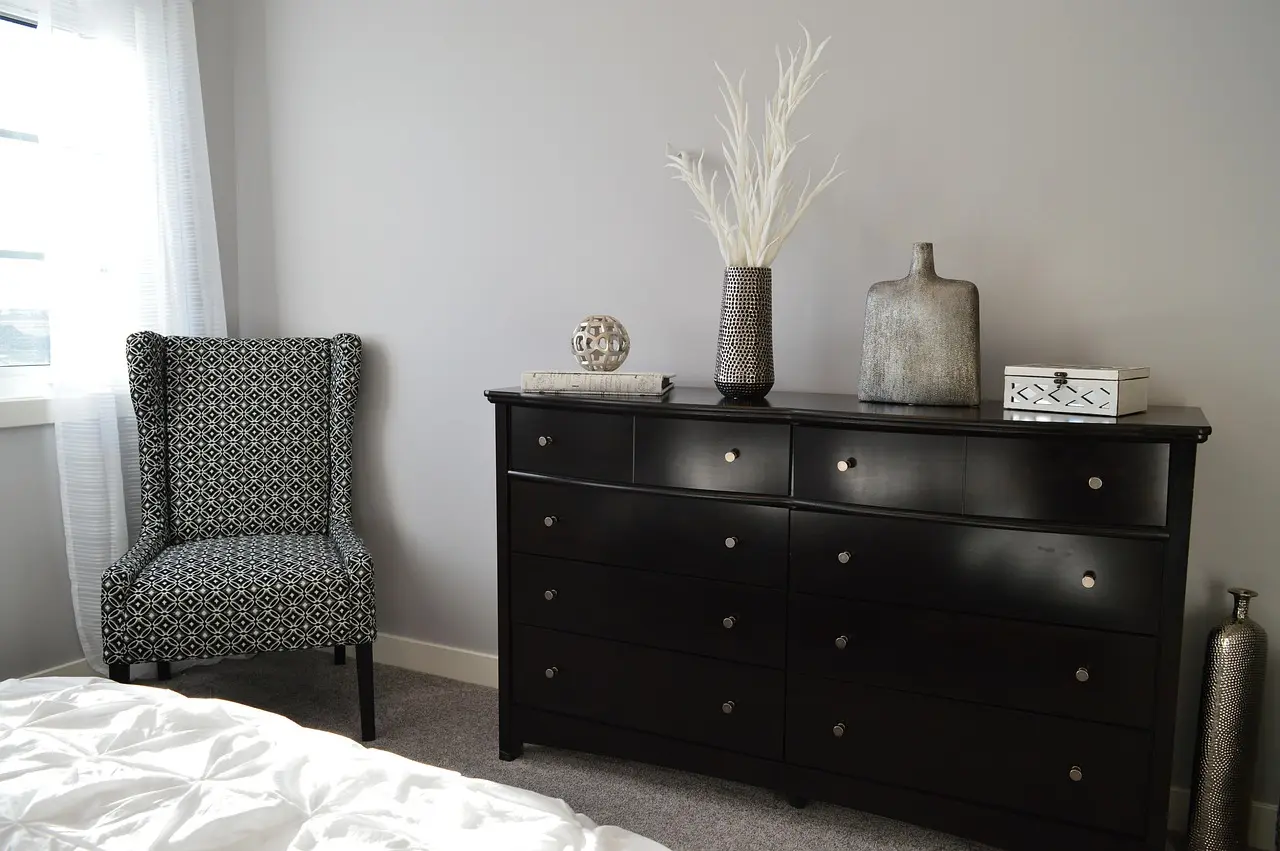
Pull the drawer to full extension, locate the release lever on both slides, and press or lift them in the correct direction while keeping the drawer level. On many modern side-mounted slides, that is a tool-free release. If one side is moved the wrong way, the drawer can twist and jam.
Removal steps
- Empty the drawer completely.
- Pull it out until it stops at full extension.
- Use a flashlight to find the release lever on each slide.
- Mark the left and right sides with painter’s tape if the directions differ.
- Press one lever down and the opposite lever up, if that is how the pair is built.
- Keep the drawer level and pull it straight out once both slides disengage.
Suppose a 30-inch dresser drawer moves freely until the final inch, then catches. That is often the stop or release point, not a reason to pull harder. A level pull after the levers disengage is the safer next move.
How do you handle soft-close or hidden clip systems?
Soft-close slides resist sudden pulling, and many undermount concealed runners use front locking clips beneath the drawer. If the drawer has hardware under the base, do not force it from the sides. Release both clips, then lift the front edge slightly if that design requires it.
Undermount and soft-close removal
- Pull the drawer to full extension.
- Slide a flashlight under the front edge and look for the locking clips.
- Press or squeeze both clips at the same time.
- Lift the front edge slightly if the runner hooks need clearance.
- Pull the drawer straight off the rear hooks.
A common first-timer mistake is treating soft-close resistance like a seized track. If the drawer moves smoothly until the final release point, the damper is probably doing its job, not fighting you.
Troubleshooting matrix for stuck or stuck-looking drawers
If the drawer will not come out cleanly, match the symptom to the most likely cause before you pull harder. The table below separates user error, stop hardware, and actual slide damage.
| Symptom | Most likely cause | Exact slide type it points to | Next action |
|---|---|---|---|
| Drawer stops halfway | Drawer stop, bent inner member, or debris in the track | Side-mounted ball-bearing or roller runner | Check the stop point with a flashlight, then retry at full extension |
| One side releases and the other does not | Opposite lever direction or jammed lever | Side-mounted ball-bearing | Check the tape marks and move the stubborn side in the opposite direction |
| Drawer lifts but will not clear | Rear hook still engaged or front clip not released | Undermount concealed runner | Press both front clips, then lift the front edge slightly |
| Soft-close resistance | Damper or soft-close catch still engaged | Soft-close side-mounted or undermount runner | Release the clip before pulling; do not yank |
| No visible lever | Not a lever-release system | Roller runner or wooden runner | Check for a wheel stop or natural stop point instead of a lever |
| Visible lever but no movement | Lever bent, painted shut, or blocked by a warped rail | Side-mounted ball-bearing | Clear the lever area, then inspect the rail for bending |
| Binding after paint | Paint buildup on the rail or slide member | Side-mounted ball-bearing or wooden runner | Scrape the buildup away and test the slide again |
| Sag after reinstallation | Loose mounting screws or misaligned slide height | Side-mounted ball-bearing or undermount | Retighten screws and realign both sides before reinserting |
What should you check before reinstalling the drawer?
Inspect the rails for bends, missing balls, cracked plastic parts, or a lever that no longer springs back. Tighten loose mounting screws before reinstalling, because sag or rack in the cabinet opening can make the drawer bind on the next push-in. Clear paint buildup, swollen wood, and debris before you try again.
Reinstallation checklist
- Check both cabinet slides for loose mounting screws.
- Look for sagging, bent rails, or a damaged lever.
- Verify that left and right slides sit at the same height.
- Align the drawer members with the cabinet tracks.
- Push the drawer in straight, then test full travel once.
If the drawer binds on the first push-in, stop and pull it back out. Recheck alignment before you force it farther.
Common mistakes to avoid
- Forcing past a stop point, which can bend the inner member.
- Pulling at an angle, which can twist a side-mounted slide.
- Mixing up the left and right release directions on opposite levers.
- Reinstalling with loose mounting screws, then blaming the drawer for sag.
- Assuming every metal track is a ball-bearing slide.
Wooden runners are different. Once you reach the stop point, they often come free with firm pulling, and humidity can make them swell enough to feel stuck.
Frequently asked questions
How do I remove ball bearing drawer slides without breaking the lever?
Never pry directly on the lever with a screwdriver unless paint or debris is physically blocking it. Use full extension first, identify the lever direction on each side, and press or lift only where the mechanism pivots. If the lever still will not move, inspect for a bent rail.
How do I tell if my drawer slides are ball bearing or undermount?
Side-mounted ball-bearing slides show metal tracks on the outside of the drawer box and usually have release levers. Undermount concealed runners sit beneath the drawer base and use front locking clips. A flashlight at the front corner usually makes the difference obvious in seconds.
What should I do if the drawer stops halfway and won’t come out?
Stop pulling harder and inspect the stop point for a bent member, debris, or a clip that has not released. If the hardware is side-mounted, retry the levers after full extension. If it is an undermount system, lift the front edge slightly and release both front clips.
How do I put a drawer back in after removing it?
Set the drawer members level with the cabinet tracks, slide both sides in together, and push straight until they seat. Then open and close the drawer once to confirm the slides are even. If it catches, back it out and check for loose screws or misalignment.
Do I need tools to take out a dresser drawer with ball-bearing slides?
Often no. Many modern side-mounted ball-bearing slides are tool-free and release with levers or clips. A flashlight helps identify the mechanism, and a screwdriver is useful only if you need to tighten loose mounting screws or remove a piece of obstructing hardware.
Products related to this article
Sponsored / affiliate links. As an Amazon Associate I earn from qualifying purchases. I may earn additional commission from eligible campaigns.