Kasa Smart Dimmer Switch Review
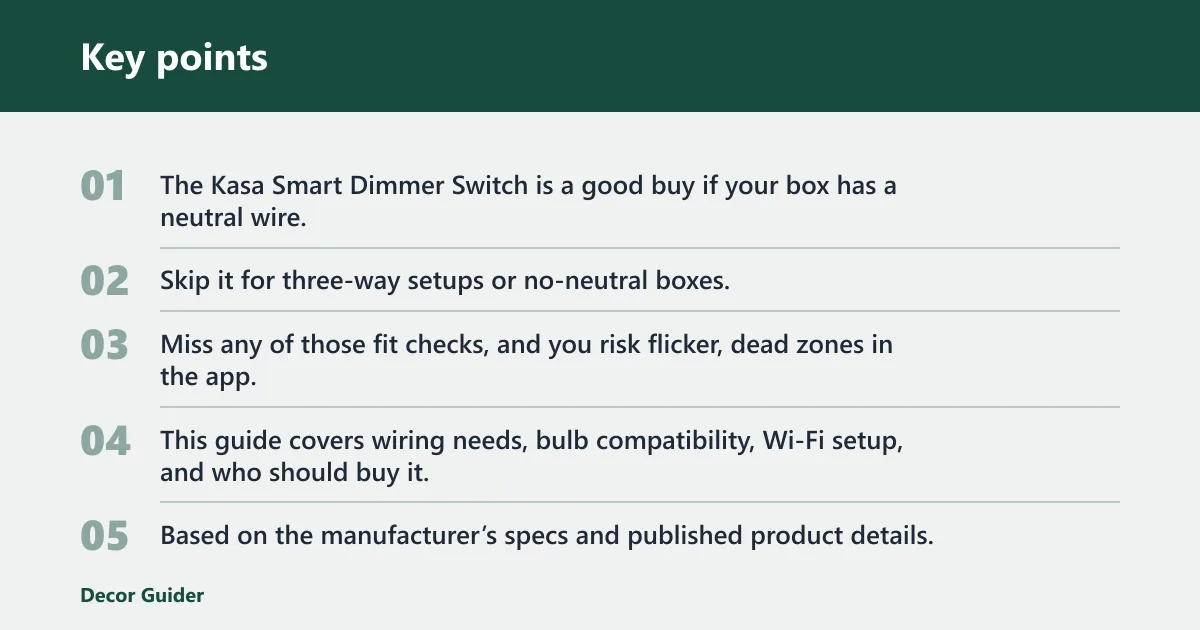
The Kasa Smart Dimmer Switch is a good buy if your box has a neutral wire, the circuit is single-pole, and the bulbs dim. Skip it for three-way setups or no-neutral boxes. Miss any of those fit checks, and you risk flicker, dead zones in the app, or a switch you cannot safely wire. This guide covers wiring needs, bulb compatibility, Wi‑Fi setup, and who should buy it.
Verdict

- Seamless Apple HomeKit and Siri integration
- App-guided install simplifies wiring
- Gentle Off fades lights for nighttime
Based on the manufacturer’s specs and published product details, this is a practical hub-free dimmer for common rooms, not a universal retrofit. The strongest case is a straightforward bedroom, den, or living room circuit where you want phone control, schedules, and voice commands without adding a separate hub. The weak spot is compatibility: the install only makes sense when the box, wiring, and bulbs line up.
Specs at a glance
| Spec | Kasa Smart Dimmer Switch KIT |
|---|---|
| Product type | In-wall smart dimmer switch |
| Listed price | $54.99 |
| Network requirement | Wi‑Fi control without a hub |
| Setup band | 2.4 GHz Wi‑Fi only for setup |
| App support | Kasa app on iOS and Android |
| Voice control | Alexa and Google Assistant |
| Bulb support | Dimmable incandescent and LED bulbs |
| Wiring requirement | A neutral wire is required |
| Safety signal | UL certified |
Who it
This dimmer fits you best if your switch box has a neutral wire, the circuit is single-pole, and the lights you want to control are dimmable LEDs or incandescent bulbs. It also fits if you want phone control, schedules, and voice commands without adding another bridge or hub.
It is a weaker fit for older homes with no neutral in the box, for three-way lighting where two wall switches control one fixture, and for fixtures that should stay at full output. Bathrooms, closets, some kitchens, and lights with a low dimming floor often cause more frustration than value.
Pros and cons
- Pros: No hub needed for control; Kasa app support on iOS and Android; Alexa and Google Assistant compatibility; UL certification; supports dimmable incandescent and LED bulbs.
- Cons: Neutral wire required; setup depends on 2.4 GHz Wi‑Fi; not a good fit for every three-way circuit; LED flicker is still possible with incompatible bulbs or a weak minimum load.
Common fit scenarios
Picture a living room with a single wall switch, a neutral in the box, and dimmable LED cans. That is the easiest case: install is straightforward, app pairing is practical, and dimming actually improves the room.
Suppose a hallway has two switches for one light. That is where this model stops being a simple answer. Kasa does support some three-way use cases in its light-switch line, but you still need the right wiring plan and the correct product, not a blind swap.
Specs and setup basics
Kasa app and account setup
The Kasa app works with Android and iOS devices, and setup requires a TP-Link account. The app handles remote control, scene creation, schedules and timers, device grouping, and other basic smart-lighting tasks. That makes it useful if you want centralized control from a phone rather than from the wall alone.
One practical detail matters during setup: the app and device depend on a Wi‑Fi connection, and the setup guide notes that iOS 14 and above needs Local Network access enabled. If that permission is off, pairing can stall even when the switch is wired correctly.
Wiring and load requirements
The neutral wire is not optional here. That is the main compatibility filter, and it is the reason this dimmer fits some electrical boxes easily while ruling out others entirely. Before buying, open the wall plate and confirm that a neutral bundle is present and that the box has enough room for the switch body and conductors.
For lighting load, the safe target is dimmable incandescent and LED bulbs. The key practical concern is not only whether the bulb type is supported, but whether the specific bulb behaves well at lower levels. Some LEDs flicker, drop out, or buzz when the dimmer curve and the bulb driver do not agree.
Wireless and voice support
The switch works over Wi‑Fi without a hub, which is the main convenience pitch. It also supports Alexa and Google Assistant, so you can fold it into a broader smart-home setup without buying a separate bridge. That said, the setup path still depends on 2.4 GHz Wi‑Fi, not 5 GHz.
The same 2.4 GHz constraint is a common reason pairing fails. If your router combines bands under one name, or your phone keeps steering setup to 5 GHz, the device may not finish onboarding until you split the network or temporarily guide the phone to the correct band.
What works well
The strongest part of this product is the simple control model. It gives you in-wall dimming, app access, voice control, schedules, timers, device grouping, and remote access without a hub. That combination is enough for many homes that only want a more flexible version of a normal dimmer.
UL certification is another positive signal. It does not guarantee the switch fits every electrical box or every bulb, but it does matter when you are putting a connected device inside the wall and expecting it to live on a live circuit for years.
What works well in practice
- Remote control from the Kasa app
- Schedules, timers, and grouped rooms
- Voice control with Alexa or Google Assistant
- No separate hub to buy or place
- Good fit for ordinary single-pole room lighting
What does not?
The main drawback is that the switch is not forgiving. No neutral wire means no simple install. A three-way circuit needs special attention. A 5 GHz-only setup path will not work. And even with a supported bulb type, some LED fixtures still dim poorly if the driver is picky.
App reliance is another trade-off. If your router is down, local wall control still matters, but remote access, schedules, and scene control stop being useful. That is the real ownership cost: convenience depends on Wi‑Fi, an account, and the app staying part of your routine.
Load and compatibility checks
| Fixture or setup | Likely result | Why it matters |
|---|---|---|
| Dimmable LED bulbs on a single-pole switch | Yes | Best match for the product’s intended use |
| Dimmable incandescent bulbs on a single-pole switch | Yes | Supported load type |
| Non-dimmable LED bulbs | No | May flicker or fail to dim properly |
| Three-way circuit with shared lighting control | Maybe, but not a simple swap | Wiring topology changes the install plan |
| No neutral wire in the box | No | Installation requirement is not met |
| 5 GHz-only Wi‑Fi setup environment | No | Setup depends on 2.4 GHz Wi‑Fi |
Red-flag setups
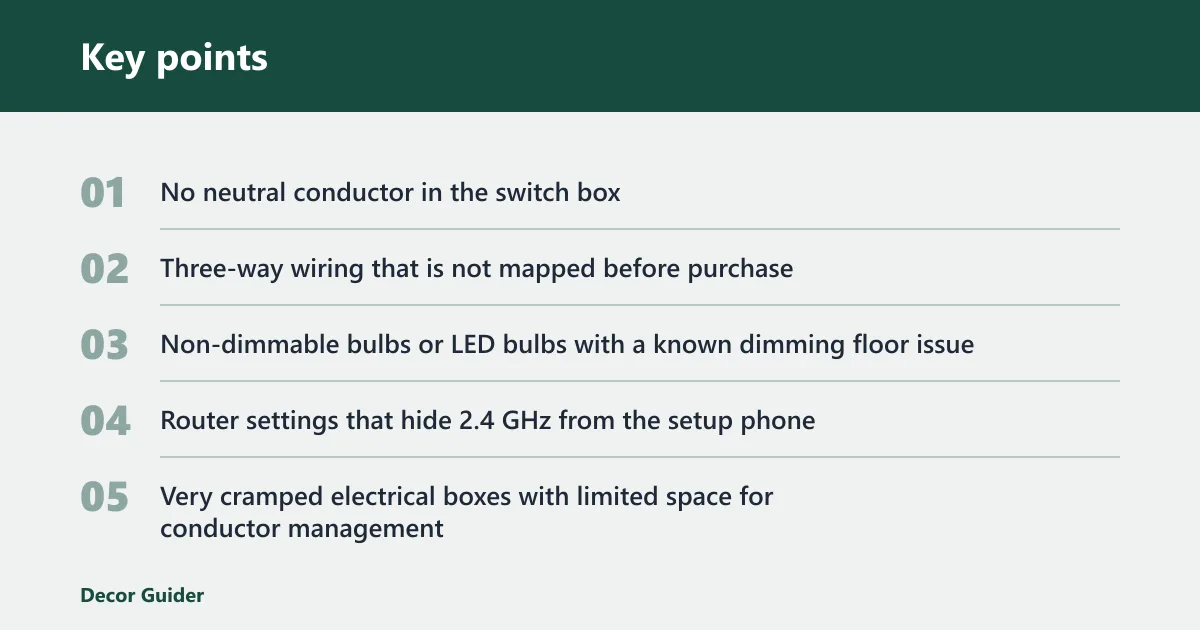
- No neutral conductor in the switch box
- Three-way wiring that is not mapped before purchase
- Non-dimmable bulbs or LED bulbs with a known dimming floor issue
- Router settings that hide 2.4 GHz from the setup phone
- Very cramped electrical boxes with limited space for conductor management
Will Kasa work in your room?
Use this table as a quick fit check. The answer changes more by wiring and bulb type than by room name, so a bedroom can be a yes while a hallway can be a no if the circuit is different. The best sign is a neutral wire plus a single-pole layout and dimmable bulbs.
| Wiring type | Neutral wire needed | Bulb type | Wi‑Fi band | Voice assistant support | Likely install difficulty | Red-flag scenarios |
|---|---|---|---|---|---|---|
| Single-pole | Yes | Dimmable LED | 2.4 GHz | Alexa / Google Assistant | Moderate | No neutral, tight box, or bulbs that flicker at low dim levels |
| Single-pole | Yes | Dimmable incandescent | 2.4 GHz | Alexa / Google Assistant | Moderate | Heat-sensitive fixtures or oversized loads |
| Three-way | Yes, but verify layout | Dimmable LED | 2.4 GHz | Alexa / Google Assistant | Higher | Unknown traveler wiring or a second switch that must stay fully manual |
| Single-pole | No | Any bulb | 2.4 GHz | Alexa / Google Assistant | Not recommended | Likely incompatible at the box, even if the room seems simple |
| Single-pole | Yes | Non-dimmable LED | 2.4 GHz | Alexa / Google Assistant | Moderate | Flicker, limited dim range, or light that never settles cleanly |
What is the difference between Kasa smart dimmer switch and Kasa smart dimmer switch KIT?
The KIT version is the in-wall dimmer option sold at $54.99 on Kasa Smart, and it is the one to look at if you want a hardwired smart dimmer inside the wall. In plain language, this is the product class for replacing an existing wall switch, not for adding a battery remote or a plug-in accessory.
The important buying distinction is not the name alone, but what problem you are solving. If you need a dimmer that lives in the wall and ties into the Kasa app, the KIT is the relevant option. If you only need a cheaper light switch function, Kasa’s smart light switch listing is $22.99, but that is a different product and not a dimmer.
Should you buy it?
Yes, if your room passes the wiring check and you want app control more than you want a no-fuss mechanical swap. The value case is strongest in common single-pole rooms with neutral wiring, where Kasa’s hub-free control, schedules, and voice support line up with a real need.
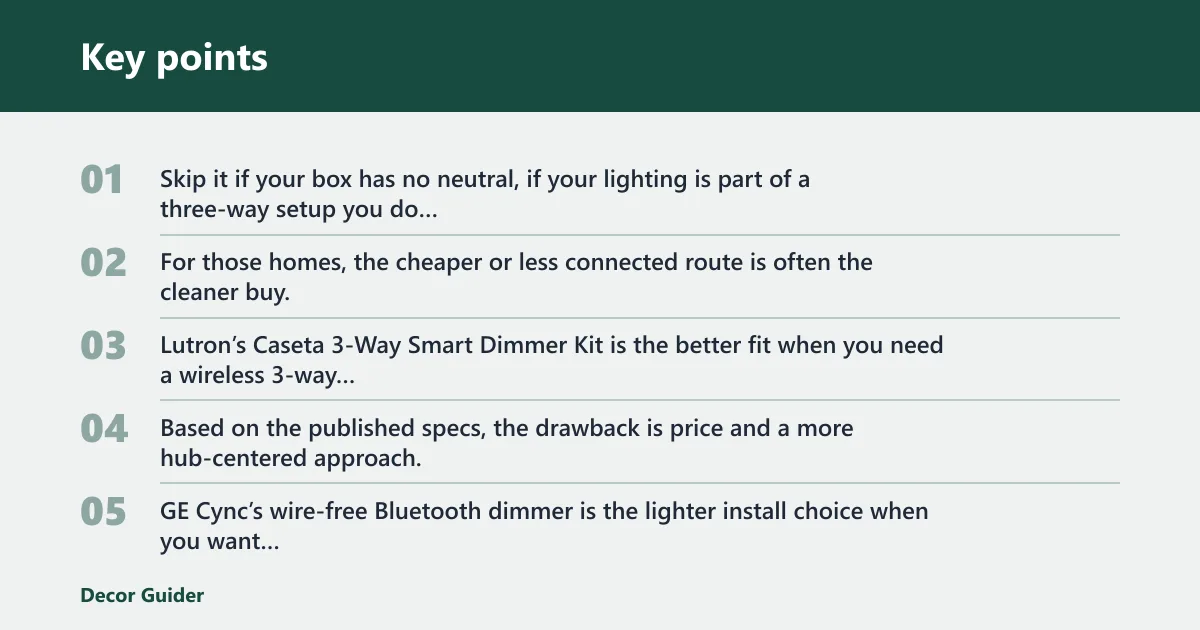
Skip it if your box has no neutral, if your lighting is part of a three-way setup you do not want to rework, or if your bulbs are known to dim poorly. For those homes, the cheaper or less connected route is often the cleaner buy.
Alternatives

- No neutral wire needed for easier retrofits
- Reliable hub-based connection beyond Wi-Fi
- Add a second switch anywhere wirelessly
Lutron’s Caseta 3-Way Smart Dimmer Kit is the better fit when you need a wireless 3-way solution and do not want to depend on a neutral wire. Based on the published specs, the drawback is price and a more hub-centered approach, but that can be worth it for difficult retrofit wiring.

- Wire-free adhesive install, no wiring needed
- Battery-powered placement anywhere on wall
- Lowest price of the three options
GE Cync’s wire-free Bluetooth dimmer is the lighter install choice when you want placement without wall wiring. Its main advantage is simplicity and a lower price, but the trade-off is that it is not the same kind of permanent in-wall dimmer for a wired circuit, so it solves a different problem.
Frequently asked questions
Do I need a neutral wire for the Kasa smart dimmer switch?
Yes. The Kasa smart dimmer switch requires a neutral wire, and that is the first compatibility check you should make before buying. If the box does not have one, the switch is not a safe or practical fit, even if the room otherwise looks standard.
Will the Kasa smart dimmer switch work with 2.4 GHz Wi‑Fi only?
Yes. Setup requires 2.4 GHz Wi‑Fi, and it does not use 5 GHz for onboarding. If your router hides the 2.4 GHz band or your phone keeps jumping to 5 GHz, pairing can fail until you correct the network setting.
Can I control the Kasa dimmer with Alexa or Google Assistant?
Yes. Kasa devices can be controlled with Alexa or Google Assistant, so the dimmer fits common voice-first smart home setups. That support is useful for lights you adjust often, but it still depends on the device being connected to Wi‑Fi and paired in the app.
What kind of lights can the Kasa smart dimmer switch dim?
It can dim incandescent and LED bulbs, as long as the bulbs are actually dimmable. That matters because not every LED is a good match for every dimmer. If a bulb flickers, buzzes, or cuts out near the low end, the dimming pair is the problem, not the app.
How hard is it to install a Kasa smart dimmer switch?
Installation is moderate for a standard single-pole box with a neutral wire and enough room behind the wall plate. It gets harder fast if the box is crowded, the circuit is three-way, or the old wiring is unlabeled. A basic screwdriver set and voltage tester are the minimum sensible tools.
How do I set up a Kasa smart dimmer switch in the Kasa app?
Open the Kasa app on Android or iOS, create or sign into a TP-Link account, then add the device while it is in pairing mode. The app will guide remote control, room grouping, schedules, timers, and scene creation after the switch joins the network. If iOS 14 or above is used, enable Local Network access first.
Products related to this article
Sponsored / affiliate links. As an Amazon Associate I earn from qualifying purchases. I may earn additional commission from eligible campaigns.