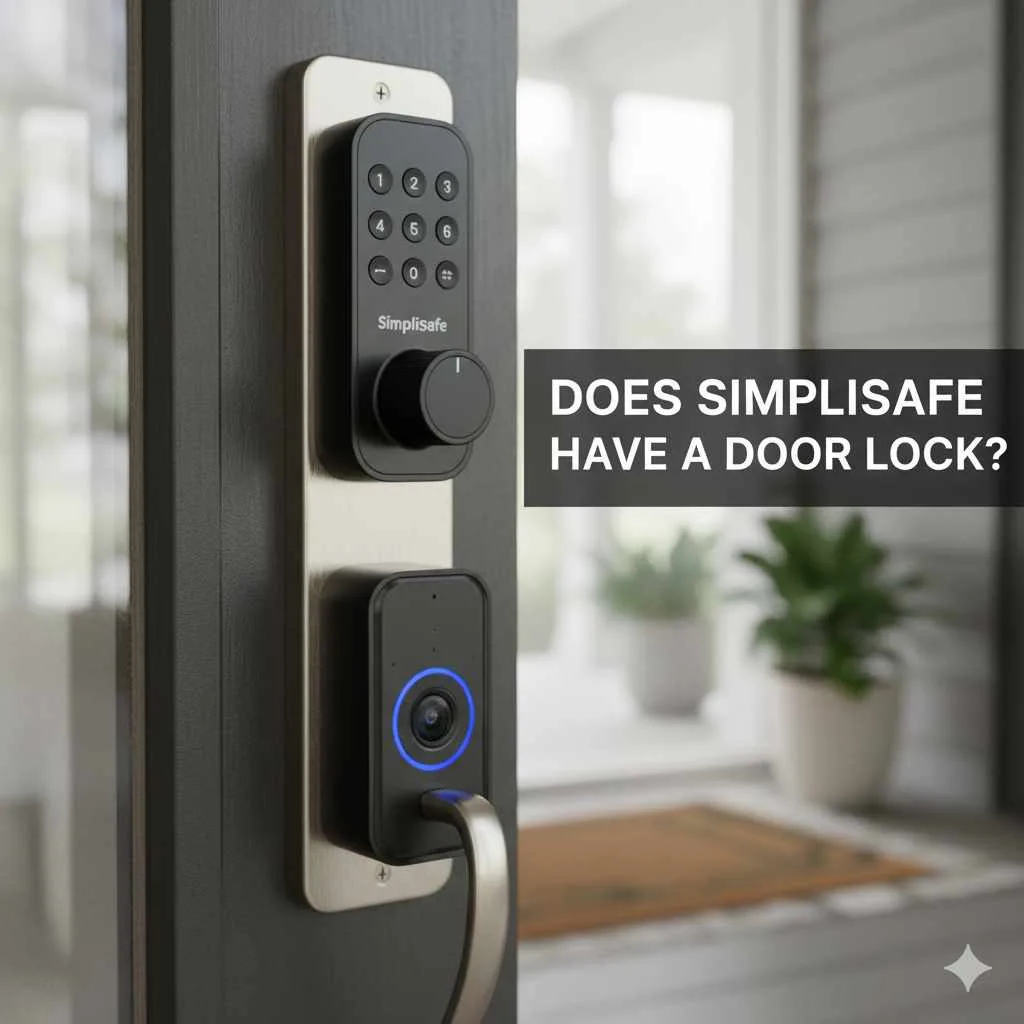
Yes, SimpliSafe offers smart locks that integrate with their security systems. These locks provide convenient keyless entry, remote control via the SimpliSafe app, and enhanced home security.
Ever wonder if your smart home system can handle all your security needs, including that all-important front door? You’re not alone! Many homeowners are seeking seamless ways to manage their security, and the convenience of a smart lock is a top priority. If you’re a SimpliSafe user, or considering becoming one, you’re probably asking, “Does SimpliSafe have a door lock?” The answer is a resounding yes, and it’s simpler than you might think to add this fantastic feature to your home. This guide will walk you through everything you need to know about SimpliSafe door locks, making it easy to boost your home’s security and convenience.
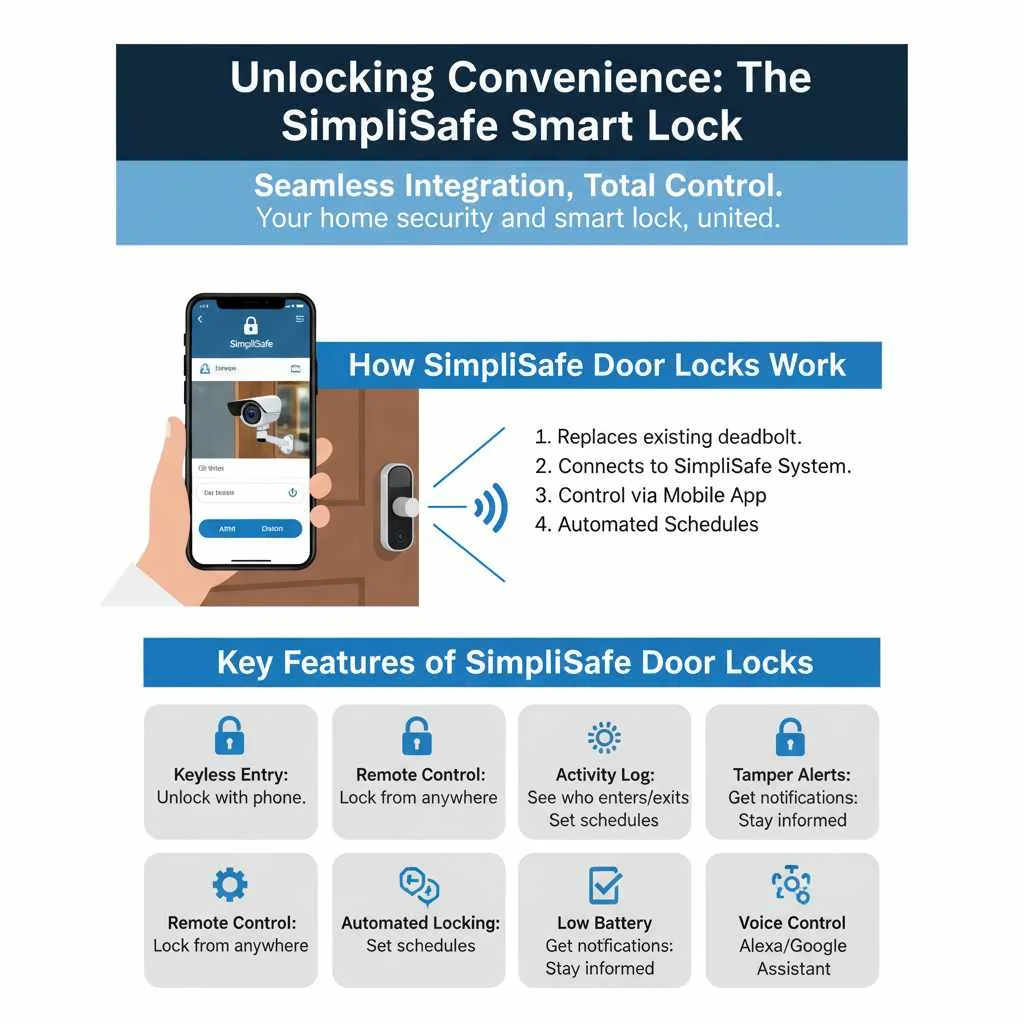
Unlocking Convenience: The SimpliSafe Smart Lock
SimpliSafe understands that a secure home is also a convenient home. That’s why they’ve integrated smart lock technology directly into their beloved security system. This means you can control your door lock directly from the same app you use to arm and disarm your alarm, check on sensors, and view cameras. It’s all about simplifying your life and giving you peace of mind, whether you’re across the street or across the country.
How SimpliSafe Door Locks Work
The SimpliSafe smart lock is designed to replace your existing deadbolt. Installation is generally straightforward, and once connected to your SimpliSafe system, it becomes a central part of your home’s security hub. You can lock and unlock your door remotely using the SimpliSafe mobile app, or even set up automated locking and unlocking schedules.
Think about the benefits: no more fumbling for keys, easily granting access to trusted visitors (like dog walkers or cleaners), and the assurance that your door is locked after you’ve left home.
Key Features of SimpliSafe Door Locks
SimpliSafe door locks are packed with features to enhance your home security and daily routine. Here are some of the standout benefits:
Keyless Entry: Go key-free and unlock your door using your smartphone via the SimpliSafe app.
Remote Control: Lock or unlock your door from anywhere with an internet connection. Forgot to lock up? No problem!
Activity Log: Keep track of who enters and exits your home and when, with a detailed activity log accessible through the app.
Integration with SimpliSafe System: Works seamlessly with your existing SimpliSafe alarm, offering a unified security experience.
Automated Locking/Unlocking: Set schedules for your lock to engage or disengage automatically, adding a layer of convenience and security.
Tamper Alerts: Receive notifications if someone tries to tamper with your lock.
Low Battery Indicator: The app will alert you when the lock’s battery is running low, so you’re never caught off guard.
Voice Control: Compatible with popular voice assistants like Amazon Alexa and Google Assistant for hands-free operation.
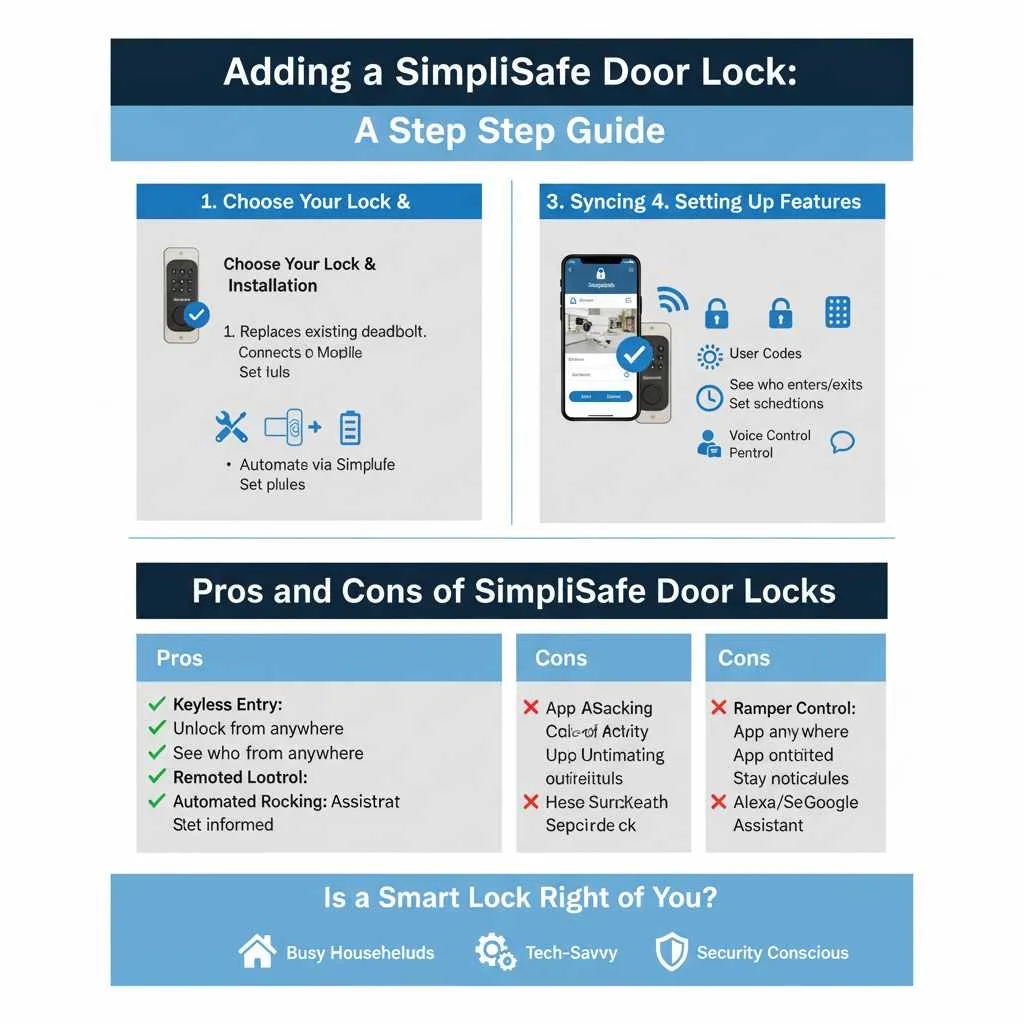
How to Add a SimpliSafe Door Lock to Your Home
Adding a SimpliSafe door lock is a fantastic upgrade. Here’s a straightforward breakdown of how to get started:
1. Choose Your Lock
SimpliSafe typically offers one primary smart lock model that is designed for seamless integration. Ensure the lock you choose is compatible with your existing SimpliSafe system. You can usually find this information on the SimpliSafe website or by contacting their customer support.
Before you buy, consider your door type. Most standard doors will work perfectly, but it’s always a good idea to check the compatibility guidelines provided by SimpliSafe.
2. Installation
Gather Your Tools: You’ll typically need a screwdriver (Phillips head), and possibly a measuring tape and a drill if you need to make any adjustments to your door.
Remove Your Old Deadbolt: Carefully unscrew and remove your existing deadbolt and strike plate from the door and frame.
Install the New Deadbolt: Follow the included instructions to install the SimpliSafe smart lock’s deadbolt mechanism through your door. Ensure it fits snugly.
Attach the Exterior and Interior Keypads: Connect the exterior and interior components of the smart lock.
Install the Strike Plate: Secure the new strike plate onto your door frame.
Insert Batteries: Place the necessary batteries into the interior component of the lock.
If you’re not comfortable with DIY installations, SimpliSafe offers professional installation services in many areas, or you can hire a local handyman. The SimpliSafe support page often has detailed video guides that can make the process much easier!
3. Syncing with Your SimpliSafe System
Once the physical installation is complete, you’ll need to connect the lock to your SimpliSafe base station.
Go to your SimpliSafe App or Keypad: Navigate to the system settings.
Add a New Device: Look for an option to “Add Device” or “Add Sensor.”
Follow On-Screen Prompts: The system will guide you through the process of detecting and adding your new smart lock. This usually involves pressing a button on the lock or its base component.
Name Your Lock: Give your lock a name (e.g., “Front Door Lock”) for easy identification in the app.
Test: Once synced, test the lock and unlock functions through the app and keypad to ensure everything is working correctly.
4. Setting Up Features
User Codes: If your lock supports keypad entry, set up unique PIN codes for family members or trusted individuals.
Automations: Explore the app to set up scheduled locking/unlocking or link lock actions to your alarm system (e.g., automatically lock the door when you arm the system in “Away” mode).
App Access: Ensure everyone who needs to control the lock has the SimpliSafe app and has been granted appropriate permissions.
Pros and Cons of SimpliSafe Door Locks
Like any smart home device, SimpliSafe door locks have their advantages and disadvantages. Understanding these can help you make the best decision for your home.
| Pros | Cons |
| :———————————- | :————————————— |
| Seamless integration with SimpliSafe | Can be more expensive than traditional locks |
| Keyless entry for ultimate convenience | Requires battery power, needs replacement |
| Remote control from anywhere | Potential for connectivity issues if Wi-Fi is unstable |
| Enhanced security and monitoring | Installation might require some DIY skills |
| Activity logs for peace of mind | Dependent on the SimpliSafe ecosystem |
| Voice command compatibility | Limited design or finish options compared to some brands |
| Easy to grant temporary access | |
Is a Smart Lock Right for You?
Deciding if a smart lock is the right upgrade for your home depends on your lifestyle and security priorities.
Busy Households: If you have multiple people coming and going, or frequently have deliveries, a smart lock can significantly simplify access.
Tech-Savvy Homeowners: If you enjoy integrating smart devices into your home and managing them from your phone, a smart lock is a natural fit.
Security Conscious Individuals: The ability to remotely lock/unlock, check status, and get activity logs provides an extra layer of security and peace of mind.
Those Who Lose Keys Often: Say goodbye to the frustration of misplaced keys!
However, if you prefer a completely traditional setup or have very basic security needs, a smart lock might be an unnecessary expense. It’s all about finding what works best for your comfort and security.
Beyond the Lock: Enhancing Your SimpliSafe Security Ecosystem
While a smart door lock is a fantastic addition, remember that it’s part of a larger security picture. Here’s how other SimpliSafe components work together and can be enhanced by your new lock.
The SimpliSafe Base Station and Keypad
The heart of your SimpliSafe system is the Base Station, which communicates with all your sensors and the smart lock. The Keypad provides a physical interface for arming and disarming your system, and often allows basic lock controls as well. When your lock is integrated, arming your system in “Away” mode could trigger the door to lock automatically, giving you confidence you haven’t forgotten.
Sensors: The Eyes and Ears of Your Home
SimpliSafe offers a range of sensors, working in harmony with your lock:
Entry Sensors: These detect when a door or window is opened. Imagine your entry sensor alerting you to an attempted break-in, and your smart lock ensuring the main entrances are secured.
Motion Sensors: These detect movement within a room. If a motion sensor is triggered while your system is armed, it’s reassuring to know your primary entry points, like the door secured by your smart lock, are actively monitored.
Glass Break Sensors: These detect the sound of breaking glass, providing another layer of intrusion detection.
Cameras: Visual Confirmation
SimpliServe cameras, both indoor and outdoor, provide video evidence. In the event of an alert, you can quickly check your cameras and see if the detected activity is legitimate or a threat. If you see a notification about a sensor, you can simultaneously check your lock status via the app.
SimpliSafe App: Your Command Center
The SimpliSafe mobile app is where all this technology converges. From your phone, you can:
Arm and disarm your system.
Lock and unlock your door.
View live camera feeds.
Check sensor status.
Review event history, including lock activity.
Receive instant alerts.
The app is designed to be user-friendly and intuitive, making managing your home security as simple as possible. For more advanced automation and integration possibilities, especially outside the direct SimpliSafe ecosystem, you might explore hubs like Home Assistant, though this requires a more advanced level of technical understanding.
Maintaining Your SimpliSafe Door Lock
To ensure your SimpliSafe door lock continues to provide reliable service, a little maintenance goes a long way.
Battery Replacement
The smart lock runs on batteries, typically AA or AAA. You’ll usually get a low battery indicator in the app well in advance, but it’s good practice to have spare batteries on hand.
Check the App: Monitor the app for battery level notifications.
Have Spares Ready: Keep extra batteries of the correct type readily available.
Replace Promptly: When you receive a notification, replace the batteries as soon as possible to avoid the lock failing.
Cleaning and Care
Keep your lock looking good and functioning smoothly:
Wipe Down Regularly: Use a soft, dry cloth to wipe down the exterior and interior components. For tougher grime, a slightly damp cloth can be used, but ensure no moisture seeps into the electronic components.
Avoid Harsh Chemicals: Do not use abrasive cleaners or solvents, as these can damage the finish and internal electronics.
* Check Mechanical Parts: Occasionally, ensure the deadbolt extends and retracts smoothly into the strike plate. A tiny bit of graphite lubricant (never oil!) can help if it feels stiff.
Software Updates
SimpliSafe periodically releases software updates for its devices, including the smart lock. These updates can improve performance, enhance security features, and fix bugs. Ensure your Base Station and app are updated to the latest versions to benefit from these improvements.
Frequently Asked Questions About SimpliSafe Door Locks
Here are some answers to common questions beginners might have about SimpliSafe door locks.
Q1: Can I use my SimpliSafe smart lock without the SimpliSafe security system?
A1: No, the SimpliSafe smart lock is designed to work exclusively with the SimpliSafe security system. It pairs with the SimpliSafe Base Station and is managed through the SimpliSafe app.
Q2: How do I install the SimpliSafe door lock myself?
A2: Installation typically involves removing your old deadbolt and installing the new SimpliSafe lock mechanism, exterior keypad, and interior assembly. The process is designed to be DIY-friendly, and SimpliSafe offers detailed instructions and video guides on their support website.
Q3: What happens if my Wi-Fi goes down or my power is out? Can I still unlock my door?
A3: Yes. Your SimpliSafe smart lock has a physical backup! Most models include a traditional keyway, meaning you can use a physical key to unlock your door in case of power outages or Wi-Fi connectivity issues. The keypad and app functions will not work without power or Wi-Fi, but the key override ensures you can always get into your home.
Q4: Can I give temporary access to guests or service providers?
A4: Yes, you can create unique PIN codes for family members, friends, or service providers. Some advanced features might allow for time-sensitive codes. You can easily manage these codes through the SimpliSafe app or your system’s keypad.
Q5: How long do the batteries last in a SimpliSafe door lock?
A5: Battery life can vary depending on usage, temperature, and battery quality, but typically, SimpliSafe door lock batteries can last for several months to over a year on a single set. The app will provide alerts when the batteries are running low.
Q6: Is the SimpliSafe door lock compatible with other smart home systems like Google Home or Apple HomeKit?
A6: SimpliSafe locks are generally compatible with voice assistants like Amazon Alexa and Google Assistant for basic commands (lock/unlock). However, direct integration with platforms like Apple HomeKit or more complex routines might be limited. It’s always best to check the latest compatibility information on the SimpliSafe website.
Q7: What if I have more than one door? Can I add multiple SimpliSafe locks?
A7: Yes, you can add multiple SimpliSafe smart locks to your system. Each lock will be recognized as a separate device within your SimpliSafe account and can be managed independently through the app and keypad.
Conclusion
Adding a SimpliSafe door lock is a powerful step towards a more secure and convenient home. It’s more than just a lock; it’s an integrated part of your smart home security system, offering remote control, activity tracking, and seamless integration. Whether you’re a busy parent, a frequent traveler, or simply someone who loves the ease of modern technology, a SimpliSafe smart lock can genuinely enhance your daily life.
By understanding how it works, how to install it, and how to maintain it, you can confidently add this valuable piece to your SimpliSafe setup. You’re not just securing a door; you’re enhancing your home’s overall safety, simplifying your routines, and gaining that invaluable peace of mind. So go ahead, unlock a new level of home security and enjoy the convenience it brings!