How to Replace a Ceiling Fan Light Bulb: 7 Easy Steps
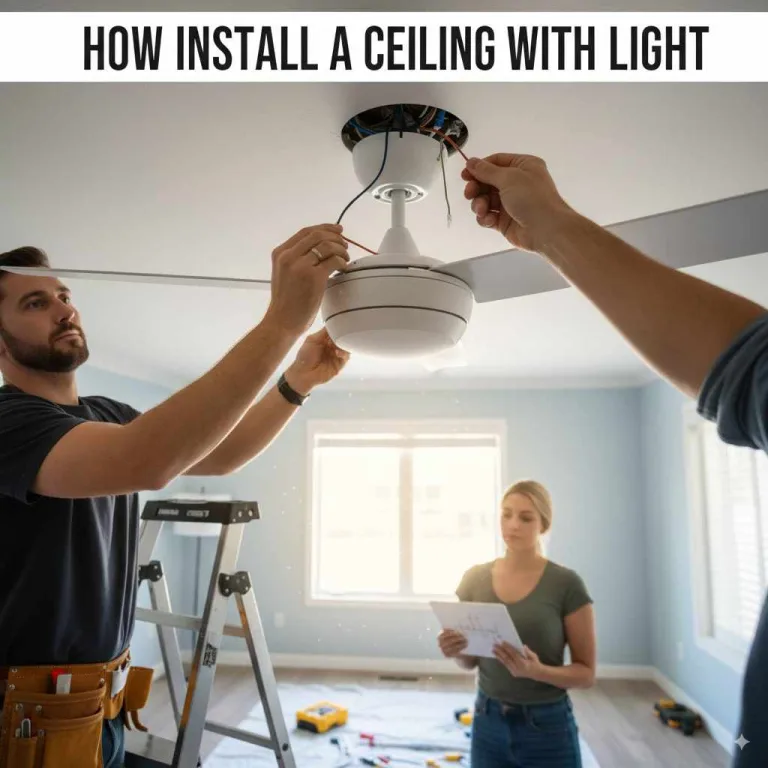
Replacing a ceiling fan light bulb takes seven steps: cut power at the breaker, let a hot bulb cool, remove the cover, swap the bulb for one matching the same base and wattage, then restore power. Skip the cooldown and you can burn your fingers; use the wrong base and the bulb will not seat. This guide covers the full process, troubleshooting a fan that will not turn on, and whether an LED upgrade is worth it.
Why Your Ceiling Fan Light Might Need Replacing
Ceiling fan lights are fantastic for combining air circulation with illumination. They’re a staple in many homes, offering both comfort and style. However, like any light source, the bulbs will eventually give out. You might notice a few common signs that it’s time for a change:
- Flickering: An inconsistent glow can signal a bulb nearing the end of its life or a loose connection.
- Dimming: If the light is consistently dimmer than it used to be, the bulb is likely tired.
- Complete Darkness: The most obvious sign – when the light simply doesn’t turn on anymore.
- Humming Sounds: While sometimes related to the fan motor, a buzzing or humming sound that started when the light was on could indicate a bulb issue.
- Discoloration: A bulb that looks dark or discolored at the base might be a sign of it burning out.
Don’t worry if you see any of these! They’re all normal occurrences. Knowing how to fix it yourself builds confidence and saves you time and money.

Safety First! Essential Precautions Before You Begin
Before we dive into the actual replacement, let’s talk safety. This is the most important part of any DIY project, especially when dealing with electricity and working at heights. Taking a few simple precautions will ensure you stay safe and sound throughout the process.
- Turn Off the Power: This is non-negotiable. Never try to change a bulb while the electricity is still on. First, switch off the light and fan using the wall switch or pull chains. For an extra layer of safety, locate your home’s electrical panel (your circuit breaker box) and flip the breaker that controls the ceiling fan. If you’re unsure which breaker it is, you can usually turn off the main breaker, but that will cut power to your entire home. It’s best to identify and switch off only the specific circuit. The U.S. Department of Energy offers great resources on understanding home energy and electrical safety.
- Let It Cool Down: Incandescent and halogen bulbs, in particular, can get very hot! Give the old bulb at least 10-15 minutes to cool down completely before you attempt to touch it. This prevents painful burns. LED bulbs tend to stay cooler, but it’s always a good habit to wait.
- Use a Sturdy Ladder or Step Stool: Make sure whatever you use to reach the fan is stable and placed on a flat, even surface. Avoid standing on chairs that can wobble easily. Ensure you can reach the fan comfortably without overextending yourself.
- Clear the Area: Remove any furniture or clutter directly underneath the fan. This gives you a clear workspace and prevents you from tripping.
Gather Your Tools and Supplies
You won’t need a complicated toolkit for this job. Most of what you need, you likely already have around the house!
Essential Supplies:
- New Light Bulb: Make sure it’s the correct type, wattage, and base size for your ceiling fan. We’ll cover how to figure this out below!
- Sturdy Ladder or Step Stool: For safe access.
- Clean Cloth or Paper Towels: To handle the new bulb, especially if it’s halogen, and to wipe away any dust.
Optional but Helpful:
- Gloves: For a better grip and to keep fingerprints off the new bulb (especially important for halogen bulbs, as oil from your fingers can shorten their lifespan).
- Screwdriver (if needed): Some fan light kits have screws holding a glass shade in place.
- Small Brush or Duster: To clean any dust from the light fixture components while you’re up there.
Best Ceiling Fan LED Bulb Pick
GE Relax LED Light Bulbs, 60 Watt Equivalent, Soft White (4-Pack) – $10.99
The LED upgrade this guide's Considering LED Bulbs section recommends over incandescent or halogen bulbs.
- Best for: Step 5 of this guide, installing the new bulb once the old one is removed and the socket is inspected
- Why we picked it: Standard A19 shape and E26 base match the bulb type most ceiling fans this guide describes actually use
- Main drawback: Not rated for enclosed fixtures, so check your fan's fixture type before buying
Compare more bulbs and removal tools
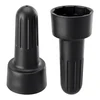 Option 1 E26 Lamp Shade Socket Ring Removal Tool (2-Pack) – $6.98
|
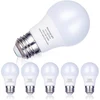 Option 2 A15 LED Light Bulbs, Dimmable, E26 Base (6-Pack) – $16.99
|
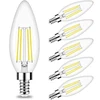 Option 3 Honesorn Candelabra LED Bulbs, E12 Base (6-Pack) – $11.38
|
As an Amazon Associate we earn from qualifying purchases.
Step-by-Step Guide: How to Replace a Ceiling Fan Light Bulb
Now for the main event! Follow these simple steps to bring your ceiling fan light back to life.
Step 1: Prepare Your Workspace
Lay down a protective sheet or newspaper on the floor beneath the fan if you’re concerned about dust or potential debris falling. Place your ladder or step stool securely. Ensure you have good lighting in the room from another source so you can see clearly.
Step 2: Access the Light Fixture
Most ceiling fan light covers, often made of glass or plastic, are attached in one of a few ways:
- Twist-Off: Many shades simply twist counter-clockwise. This might require a gentle, firm grip.
- Screw-On: Some shades have small screws around the rim that hold them in place. You’ll need a screwdriver for these. Be sure to keep track of the screws!
- Clip-On: Less common, but some shades might be held by springs or clips that you need to gently press or maneuver.
If you’re unsure, check your fan’s manual or look for any visible screws or seams. If the shade feels stuck, double-check for any hidden retaining screws. Be gentle – you don’t want to break the glass!
Step 3: Remove the Old Bulb
Once the cover is off and you can see the bulb:
- For Screw-In Bulbs (most common): Gently grip the cool bulb and twist it counter-clockwise until it releases from the socket.
- For Bayonet (Push and Twist) Bulbs: Push the bulb slightly upwards into the socket and then twist it counter-clockwise to release it.
- For Pin-Type Bulbs (like some halogens or small LEDs): These usually just pull straight out of their socket.
If the bulb is stuck, try using a rubber grip or a slightly damp cloth for better traction. Never force it, as this could damage the socket.
Step 4: Inspect the Socket and Fixture
Before inserting the new bulb, take a moment to look at the socket. Is there any dust or debris? You can gently clean it with a dry cloth or a soft brush. Also, check for any signs of corrosion or damage. If you see anything concerning, it might be time to consult an electrician.
If the issue is closer to needing a different fixture entirely rather than a socket repair, our guide on installing recessed ceiling lighting covers that alternative.Step 5: Install the New Bulb
This is the reverse of removing the old one. Ensure your new bulb is clean (especially important for halogen bulbs – use a cloth or glove to handle them).
- For Screw-In Bulbs: Align the bulb with the socket and screw it in clockwise. Tighten it until it’s snug, but don’t overtighten, as this can damage the bulb or socket.
- For Bayonet Bulbs: Align the pins with the slots in the socket, push gently, and twist clockwise until it locks into place.
- For Pin-Type Bulbs: Align the pins with the socket holes and push firmly until it’s seated securely.
Important Note on Bulb Type: Ceiling fans often have specific bulb requirements. Check the socket area or the fan’s manual for information on:
- Wattage: Using a bulb with too high a wattage can overheat the fixture and potentially damage your fan or cause a fire hazard.
- Base Type: Common types include E12 (candelabra), E17 (intermediate), and E26 (medium/standard).
- Shape: Bulbs come in many shapes (A-series, C-series, G-series, etc.). Ensure the new bulb fits physically within the light cover.
For example, a common type for ceiling fan lights is an E12 candelabra base, often used with smaller decorative bulbs. Standard household bulbs are typically E26. Understanding these specifications is crucial for safety and proper function. If unsure, take a photo of the old bulb or the socket to a hardware store.
Step 6: Reattach the Light Cover
Carefully put the glass shade or plastic cover back onto the fixture. Reverse the process you used to remove it. If it had screws, reinsert and tighten them gently – again, don’t overtighten. If it twists on, align it and turn clockwise until it feels secure.
Step 7: Restore Power and Test
Once the light cover is securely back in place, carefully descend from your ladder. Go back to your circuit breaker box and flip the breaker back on. Return to the wall switch or pull chain and turn on the light. It should now illuminate brightly!
Troubleshooting Common Issues
Even with the best intentions, sometimes things don’t go perfectly. Here are a few common snags and how to fix them:
- Light Still Doesn’t Work:
- Double-check that the power is back on at the breaker.
- Ensure the new bulb is screwed in securely and all connections are tight.
- Try the old bulb again to see if the new one is faulty.
- The issue might be with the socket, wiring, or the fan’s internal components, which may require professional help.
- Bulb Flickers or Dim Without Turning On:
- This could be a loose bulb. Turn off the power and gently tighten it.
- The fixture might be incompatible with certain types of LED bulbs (especially older ones). Check for a “dimmable” or “LED-compatible” label if you are using LEDs.
- Glass Shade Broke: This is a bummer, but it happens. Turn off the power immediately. Carefully clean up any glass shards. You can usually find replacement glass shades for ceiling fans online or at hardware stores. You’ll need to know the model of your fan or the diameter of the shade you need.

Considering LED Bulbs for Your Ceiling Fan
If you’re still using incandescent or halogen bulbs, you might want to consider switching to LED (Light Emitting Diode) bulbs. They offer a fantastic upgrade for your ceiling fan’s lighting:
‘s lighting, and our guide on the difference between LED and standard bulbs covers exactly what changes when you switch:| Feature | Incandescent/Halogen | LED Bulbs |
|---|---|---|
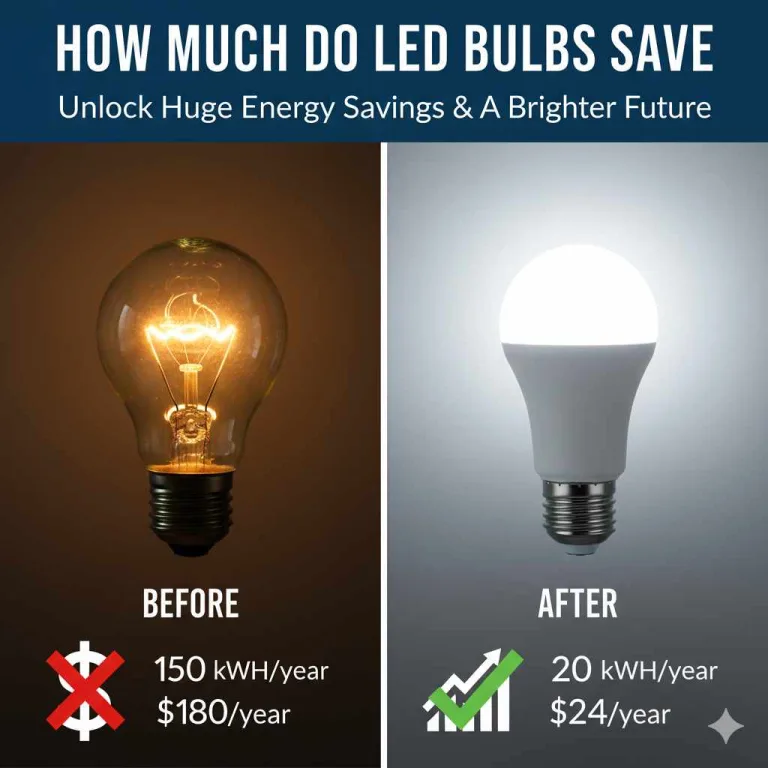
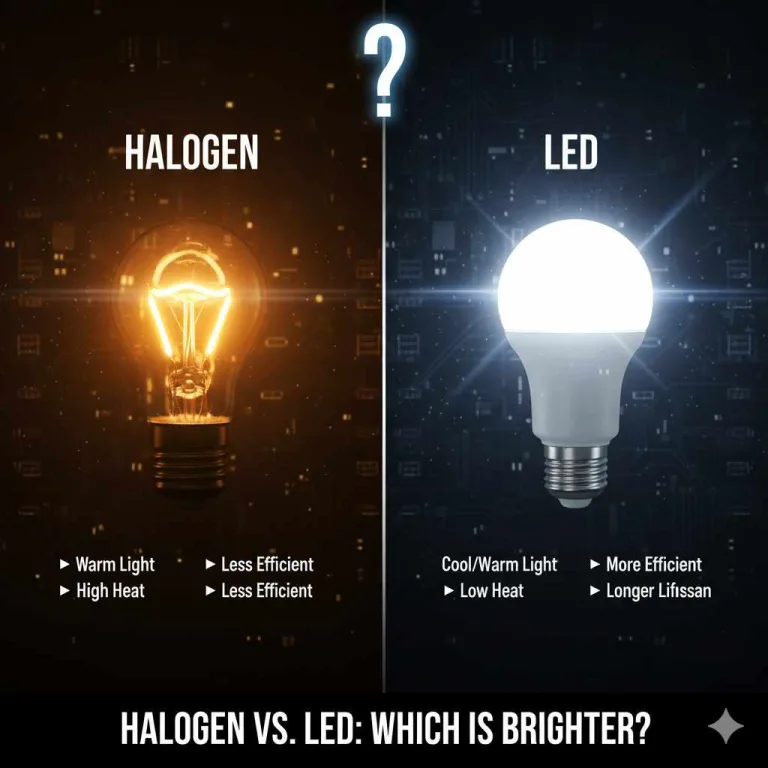
| Energy Efficiency | Low. Wastes significant energy as heat. | Very High. Uses up to 85% less energy than incandescents. |
| Lifespan | Short (around 1,000 hours). | Very Long (15,000 – 25,000+ hours). |
| Heat Output | High. Can make rooms feel warmer. | Low. Stays much cooler to the touch. |
| Cost | Low upfront, higher running cost. | Higher upfront, much lower running cost. |
| Durability | Fragile glass. | More durable, often plastic casing. |
| Environmental Impact | Higher energy consumption. | Lower energy consumption, longer lifespan reduces waste. |
When choosing LED bulbs for your ceiling fan, look for:
- Correct Base Type: E12, E26, etc.
- Appropriate Wattage Equivalent: LEDs use much less wattage for the same brightness. A 6-watt LED might be equivalent to a 60-watt incandescent.
- Dimmable Functionality: If your fan has a dimmer switch, ensure the LED bulb is labeled “dimmable” to avoid buzzing or flickering.
- Color Temperature: Measured in Kelvin (K). Warm white (2700K-3000K) is cozy, while cool white (up to 5000K) is brighter and more energizing.
Making the switch to LEDs can contribute to a more comfortable home environment and lower your electricity bills over time.
Frequently Asked Questions (FAQ)
Q1: How Often Should I Replace My Ceiling Fan Light Bulbs?
A: Unlike older incandescent bulbs that might last only a year or two, modern LED bulbs can last for many years, sometimes up to 10-15 years depending on usage. You generally only need to replace them when they burn out, which for LEDs is quite rare.
Q2: Can I Use Any Type of Bulb in My Ceiling Fan?
A: No, it’s crucial to use the correct type of bulb. Always check the fan’s fixture or manual for the recommended base type (like E12 or E26) and maximum wattage. Using the wrong bulb can be a fire hazard or damage your fan. Look for bulbs specifically designed for ceiling fan use if available.
Q3: My Fan Light Has Multiple Bulbs. Do I Need to Replace Them All at Once?
A: You only need to replace the bulb that has burned out. However, if you are using older incandescent bulbs and one burns out, it might be a good time to consider replacing the others with new LED bulbs, especially if they are the same age, for consistency and long-term savings.
Q4: What If My Ceiling Fan Light Won’t Turn On After Replacing the Bulb?
A: First, turn off the power at the breaker. Double-check that the new bulb is screwed in tightly. If it is, the problem might be with the socket, wiring, or the fan’s internal switch. In this case, it’s best to consult a qualified electrician.
Q5: My Ceiling Fan Light Cover is Hard to Remove. What Should I Do?
A: Ensure you’ve checked for any small screws that might be holding it in place. Sometimes, a bit of gentle wiggling or a slight twist can help. If it’s very stuck, you can try a tiny bit of penetrating lubricant around the seam (but be careful not to get it on the bulb or socket) and let it sit for a few minutes. Always ensure power is off before attempting this.
Q6: Can I Use a Smart Bulb in My Ceiling Fan?
A: Yes, you absolutely can! If your ceiling fan light fixture accepts the correct base type and wattage, you can install a smart bulb. This allows you to control the light with your voice or smartphone, set schedules, and even change colors, adding a modern touch to your home.
Conclusion: Brighten Your Space with Confidence!
See? Replacing a ceiling fan light bulb is a totally manageable DIY task that can be done in minutes. By following these straightforward steps and keeping safety at the forefront, you can easily restore the light and ambiance to your room yourself. It’s a small change that makes a big difference, boosting both the functionality and the overall feel of your home. You’ve got this! Now go ahead, enjoy your beautifully lit space, and feel proud of what you accomplished. Happy decorating!
Products related to this article
Sponsored / affiliate links. As an Amazon Associate I earn from qualifying purchases. I may earn additional commission from eligible campaigns.