Decorating your TV stand is easy when you follow simple design rules: balance visual weight, use the rule of threes, and keep the focus on the screen. This guide provides step-by-step tips to make your media center stylish without looking cluttered.
Does your TV stand look like a dumping ground for remotes, old DVDs, and random electronics? You look forward to relaxing in your living room, but that messy media unit pulls your eye away from the cozy vibe you want. Fixing this doesn’t require expensive furniture or an interior design degree. It just takes a little planning and a few smart decorating tricks. We will walk you through exactly how to transform that functional piece of furniture into a stylish focal point. You will learn how to balance your tech with decor so your space looks great, whether the TV is on or off.
Why Decorating Your TV Stand Matters (More Than You Think)
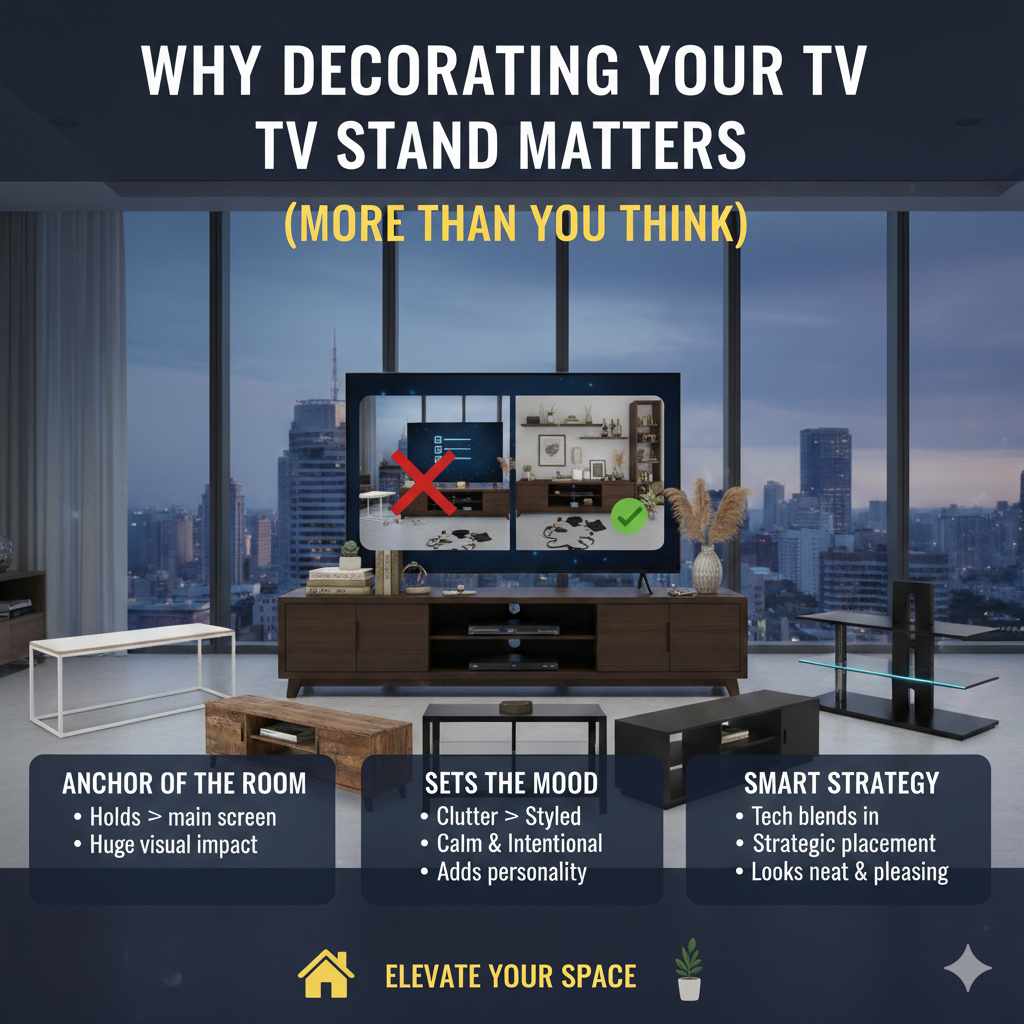
Think of your TV stand, or media console, as the anchor of your main viewing area. It holds the biggest screen in your room! Because it takes up so much visual space, what you put on and around it directly impacts how your entire room feels. A cluttered stand makes a room feel messy, even if the rest of your house is spotless. A well-styled stand, however, adds personality, creates balance, and makes your entertainment area feel intentional and calm. It’s about making your tech blend in, not stand out as an eyesore.
When we talk about decorating this area, we are not talking about covering up necessary components. We are talking about strategic placement. Even if you have a huge soundbar or many gaming consoles, you can arrange everything so it looks neat and pleasing to the eye. Let’s start by making sure we have the right foundation before we place a single decorative item.
Phase 1: The Essential Setup – Declutter and Organize
Before you can decorate, you must organize. This step is non-negotiable, just like prepping your car’s body before painting it. You need a clean, functional base. If you skip this, any decoration you add will just look like fancy clutter.
Step 1: Clear Everything Off
Take absolutely everything off the top and out of the shelves of the TV stand. Yes, everything! This includes remotes, wires, coasters, game controllers, dusty knick-knacks, and old instruction manuals. Putting things aside lets you see the unit for what it is and gives you a fresh start.
Step 2: Tame the Cable Chaos
Nothing ruins a good design faster than a spaghetti monster of wires hanging down the back. Cable management is the secret weapon of professional decorators.
- Gather and Group: Group cables that belong to the same device (TV, sound system, streaming box).
- Use Cable Ties or Velcro Wraps: These are cheap and incredibly effective. Wrap all the wires for one system tightly together.
- Use Cable Sleeves or Raceways: For wires running down the back of the stand or along the wall, use a plastic cable raceway. You can often paint these to match your wall color so they disappear. Check out resources like the U.S. government’s section on usability for principles of clear organization, which apply here too—make necessary things easy to access but visually invisible.
- Elevate Components: If possible, place components (like streaming boxes) on small risers or in baskets inside the shelves so the cords plug in neatly toward the back.
Step 3: Assess Your Gear (Be Ruthless!)
Look at the electronics you need to keep visible. Do you really need that old VCR sitting there? If you aren’t using it, store it away or donate it. Keep only the essential components:
- The TV itself (or the TV mount)
- Soundbar or main speakers
- Cable box/Streaming device
- Gaming console (if displayed)
If you have open shelving, consider using stylish, uniform baskets or decorative boxes to hide smaller items like game controllers, charging cables, or extra remotes. Matching bins make a huge visual difference.
Phase 2: Mastering Balance and Scale
Now that the base is clean, we focus on how items look next to each other. This is where interior design concepts become practical tools.
The Rule of Threes (Odd Numbers Work Best)
In decorating, odd numbers are more pleasing to the eye than even numbers. Grouping items in sets of one, three, or five feels natural and dynamic. For your TV stand, aim to group decorative objects in threes on either side of the TV or sound system.
Understanding Visual Weight
Visual weight refers to how heavy an object looks. A tall, dark vase has more visual weight than a small, clear glass object of the same size. You want to balance the weight across the entire unit.
If your TV is very large and visually heavy, you need substantial items on the sides to keep it from looking like it’s tipping over. If your TV stand is very long and low, you can balance it with one taller piece on one side and a grouping of shorter pieces on the other.
Table: Balancing Elements on the TV Stand
| Element | Visual Weight | Placement Strategy |
|---|---|---|
| Large Flat Screen TV | Very High | Centerpiece; balance height with side decor. |
| Tall Ceramic Vase | High | Use as a vertical anchor on one end. |
| Stack of Books | Medium | Use as a pedestal or a horizontal grouping element. |
| Small Photo Frame | Low | Group with two other small items for visual impact. |
Phase 3: Selecting and Placing Your Decor Items
When choosing items for your media center, think about texture, height, and color. Everything should complement your existing room decor—not fight with the TV screen.
What to Place On Top of the Stand
The surface area is prime real estate. We recommend keeping the area directly under the TV screen or soundbar clear, as this is the main focus. Use the sides for decoration.
1. Use Vertical Elements for Height
Since most modern TVs and stands are wide and horizontal, adding vertical elements breaks up the line and draws the eye up. Good options include:
- Tall, slim table lamps (if space allows).
- Tall, slender vases (empty or with dried branches).
- Art objects or sculptures that stand vertically.
2. Incorporate Natural Elements
Bringing nature inside instantly softens the look of hard electronics. This is especially useful around modern, sharp-edged furniture.
- Small potted succulents or air plants (they require very little care).
- A small bowl of decorative stones or polished wood pieces.
- A small, low arrangement of faux greenery.
3. Display Thoughtful Books
Books are excellent for adding texture and personality. Don’t use old textbooks; use hardcover books you actually like or that have interesting colors/spines.
Pro Tip: Stack two or three books horizontally and place a small decorative item (like a coaster or a small candle) on top. This elevates the smaller item and adds height.
4. Personal Touches (Used Sparingly)
A few meaningful photos are great, but avoid cluttering the space with dozens of frames. Choose one or two well-loved photos in cohesive frames (e.g., all black, all wood). Remember, the TV is the star; your decor should be the supporting cast.
What to Place Inside Shelves and Cabinets
Open shelving is tricky because it shows everything. The goal here is functionality disguised as decor.
Use Baskets and Trays
Baskets are your best friend for open shelving. They hide visual noise beautifully.
- Use woven baskets for remotes, extra cables, or gaming accessories.
- If you have closed cabinets, use the inside space to store media like DVDs or manuals you rarely need.
Incorporate Media Components Smartly
If you must display a gaming console, try to place it in a less conspicuous spot or in a shelf that gets good airflow. If your stand has glass doors, you can try lining the back of that specific shelf with a piece of attractive wallpaper or fabric to give the component a nice backdrop.
For those using their console like a dedicated media hub, understanding the best practices for connectivity is key. For reliable streaming setups, ensure your router placement supports a strong signal, even if the modem isn’t right next to the stand. For reliability, network professionals often recommend keeping networking gear in open areas, but hiding the associated wires near the TV is certainly doable with good cable management.
Phase 4: Creating Symmetry and Flow
This final phase is about stepping back and ensuring everything works together. We aim for symmetry, but not perfect, sterile matching.
Symmetry vs. Asymmetry
Perfect symmetry (mirroring items exactly on both sides of the TV) can look too formal for a cozy living room. Asymmetry (balancing weight without matching items) is usually more interesting.
Example of Asymmetrical Balance:
- Left Side: One tall plant (high visual weight) next to a small stack of three books.
- Right Side: A grouping of three objects: a medium-sized decorative box, a small framed photo, and a short, round candle holder.
In this example, the height on the left is balanced by the cluster of smaller items on the right, resulting in a visually stable arrangement.
Controlling Color
Limit your color palette. For a calming look, stick to colors that match your room’s general scheme (neutrals, blues, greens). If you want a pop of color, choose just one or two decorative items to feature that color, like a bright vase or colorful book spine.
Safety Note on Electronics: When decorating around electronics, always ensure you are not blocking ventilation ports. Electronics generate heat, and blocking airflow can cause overheating, which can damage your expensive gear. Always leave space around the sides and back of components. For more on safe electronics handling, check guidelines from organizations focused on product safety and longevity.
How to Decorate Different Types of TV Stands
Not all media units are created equal. The style of your stand dictates what decor works best.
1. The Low, Wide Console (The Modern Look)
These long, low stands look very contemporary. They cry out for horizontal decor.
- Strategy: Emphasize long, low groupings. Use trays to anchor groups of items.
- What Works: A long, low bowl filled with decorative orbs, a row of short, matching hardcover books, and perhaps a small, wide piece of abstract art leaning against the wall behind the objects.
2. The Tall Entertainment Center (The Traditional Look)
These units have many shelves and vertical space. They can easily look cluttered if you aren’t careful.
- Strategy: Use the vertical space for height, but leave most shelves intentionally empty.
- What Works: Place large items (like speakers) on the bottom shelves for grounding. Use the middle shelves for one tall item and one short item (Rule of Threes). Leave the top shelf next to the TV completely clear.
3. Floating Shelves Above the TV
If your TV is wall-mounted, the “stand” is just the surface beneath it. This area must be minimalist.
- Strategy: Keep the surface nearly bare—maybe just a soundbar and one small grouping of three items (like candles or a small sculpture).
- What Works: Focus any extra decor on floating shelves placed higher up, ensuring they don’t visually compete with the TV area below.
Easy DIY Upgrades for Your Existing Stand
Sometimes, the stand itself is fine, but the color or texture is wrong for your room. A little DIY can make a big impact.
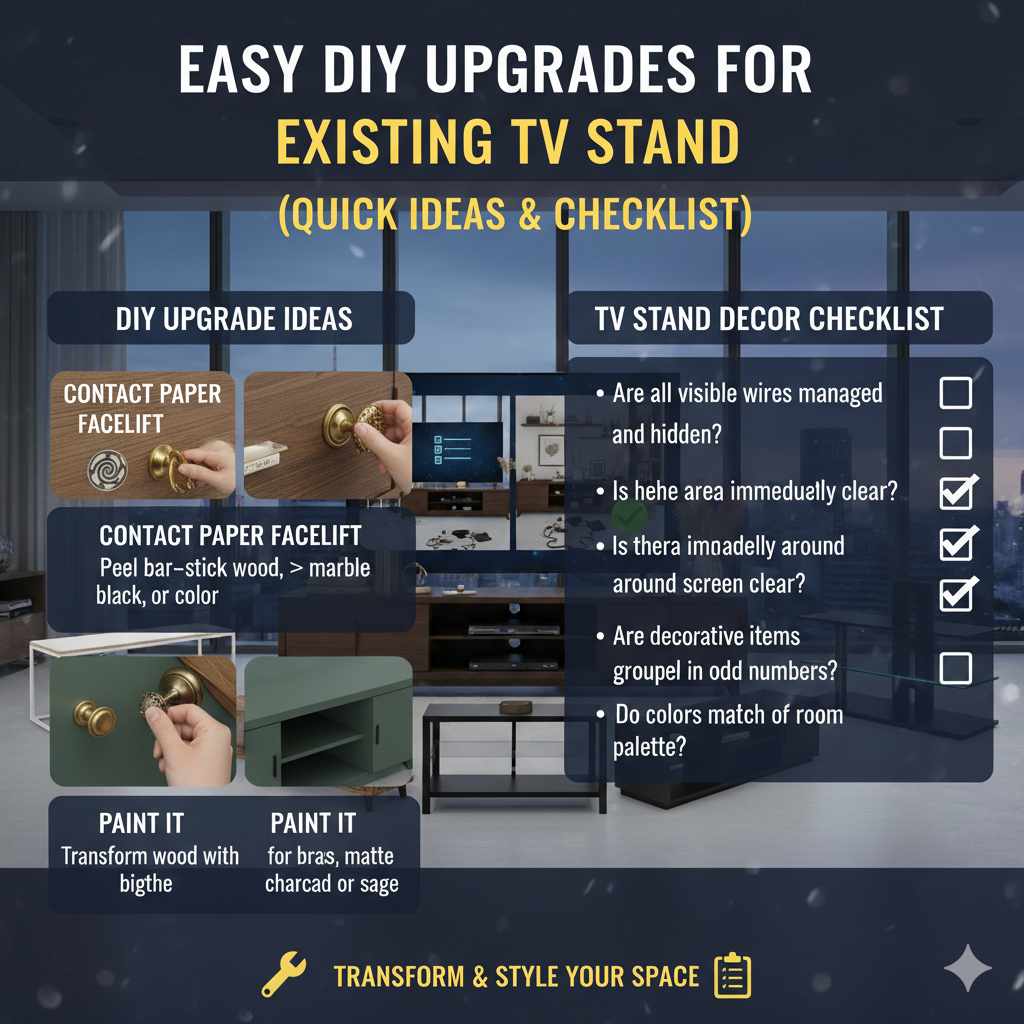
- Contact Paper Facelift: If your stand is boring laminate, you can use peel-and-stick contact paper (available in wood grain, marble, or solid colors) to completely change the look of drawer fronts or shelves. This is easily reversible if you move later.
- New Hardware: Swapping out basic knobs and pulls for something brass, matte black, or leather instantly elevates the piece, making it look more expensive. This is a quick win, much like swapping out old spark plugs for new ones can improve engine responsiveness.
- Paint It: If the piece is wood, a fresh coat of paint (try a deep charcoal or a soft sage green) can transform it to match current trends without buying new furniture.
TV Stand Decor Checklist: A Quick Review
Use this simple checklist to review your newly decorated stand:
- Are all visible wires managed and hidden? (Yes/No)
- Is the area immediately around the screen clear? (Yes/No)
- Are decorative items grouped in odd numbers (1, 3, or 5)? (Yes/No)
- Is there a balance of heights (vertical vs. horizontal items)? (Yes/No)
- Do the colors of the decor match the overall room palette? (Yes/No)
Frequently Asked Questions (FAQ) About TV Stand Decorating
Q1: How much space should I leave between decorative items and the TV?
A: You should aim for at least 4 to 6 inches of clear space on each side of the television or soundbar. This prevents the screen from feeling visually crowded and also ensures your electronics have breathing room to dissipate heat safely.
Q2: Can I put plants on my TV stand if I have a very warm TV?
A: Yes, but choose low-maintenance options like succulents or air plants. Avoid large, leafy plants that might block vents or require frequent watering, which poses a risk of spills near electronics.
Q3: Should I match the decor on both sides of the TV exactly?
A: No, matching exactly (perfect symmetry) often looks stiff. Instead, use asymmetrical balance. For example, if you have a tall lamp on the left, balance it with a grouping of three shorter items on the right. The visual ‘weight’ should be equal, but the items themselves should be different.
Q4: What is the best way to hide a cable box that won’t fit inside a cabinet?
A: If it must stay out, place it on a low stack of books or a small decorative riser inside a shelf opening. This slightly elevates it, making it less visually jarring, and helps hide the input cords underneath it.
Q5: Is it okay to place decorative items on top of a soundbar?
A: Generally, no. Soundbars are designed to deliver clear sound, and placing items on top can muffle the speakers or block sensors. It’s best to keep the top surface of the soundbar completely clear.
Q6: How can I make my TV stand look less heavy or bulky?
A: If you have a bulky, dark stand, lighten the look by using lighter-colored accessories, glass or acrylic elements, and incorporating more negative space (empty areas) around the objects you do place on it. Also, ensure the stand is appropriately sized for your TV to avoid an overly massive appearance.
Conclusion: Enjoy Your Stylish Entertainment Hub
Decorating your TV stand is truly about finding the sweet spot between function and flair. By tackling the cable mess first, sticking to simple grouping rules like the Rule of Threes, and choosing decorative items that complement your room’s style rather than compete with your screen, you can achieve a polished, cohesive look. Don’t feel pressured to fill every shelf or surface; often, less is more, especially when dealing with large electronics. Take your time, move things around until it feels right, and enjoy the calming, put-together look of your newly styled media center. You’ve successfully turned a functional necessity into a beautiful part of your home decor!