

Installing a ceiling fan with a remote is surprisingly straightforward! With clear steps, you can easily upgrade your room’s comfort and style, bringing cool breezes and modern convenience without professional help. This guide makes it simple and stress-free.
Ever wished for a cooler breeze or a gentle airflow without leaving your cozy spot? A ceiling fan with a remote control is the answer! It’s a fantastic way to add both comfort and style to any room, and guess what? Installing one yourself is totally achievable. Many homeowners feel intimidated by DIY projects, especially those involving electrical work. But I’m here to tell you that with the right guidance, even a beginner can tackle this project with confidence. We’ll break down each step, making it easy to understand and follow. Get ready to transform your space and enjoy personalized comfort at the touch of a button!
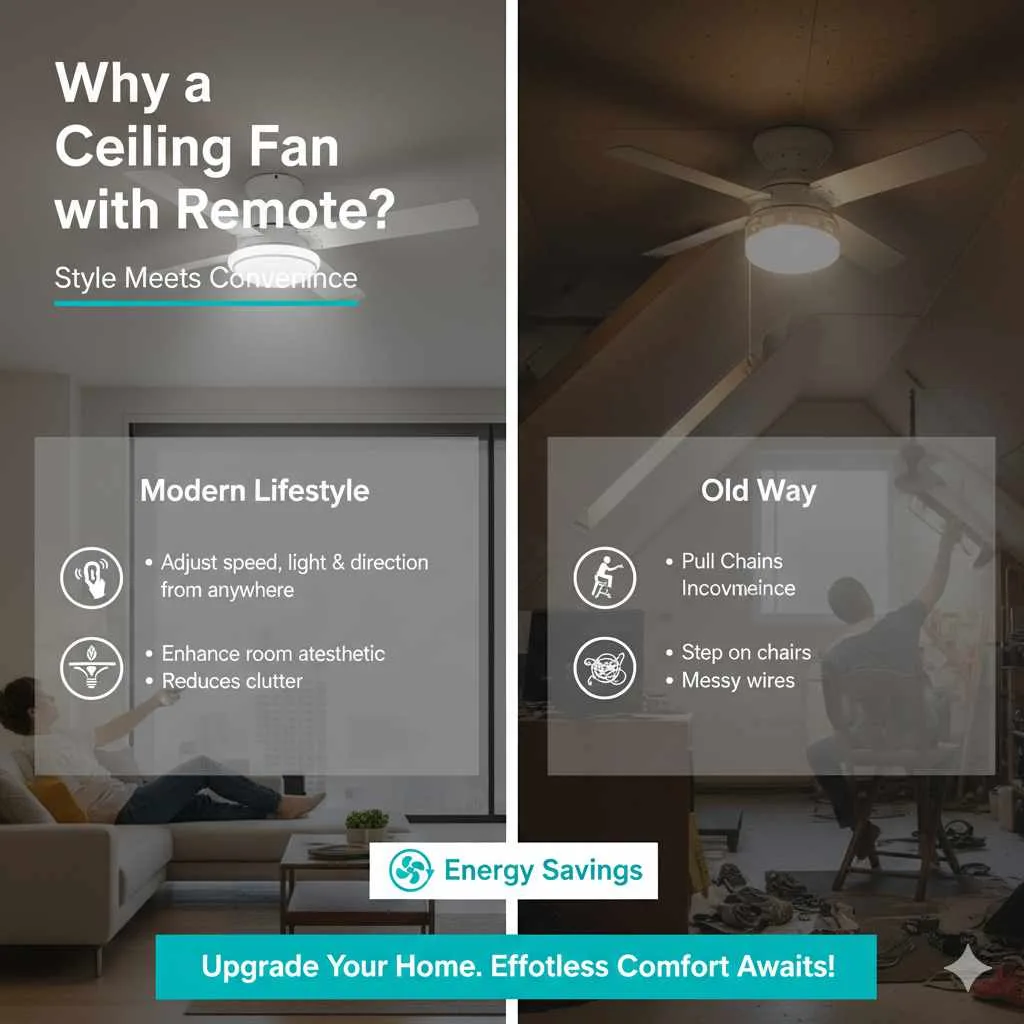
Why a Ceiling Fan with Remote? Style Meets Convenience
Ceiling fans are more than just air movers; they’re a key element in home décor. They can set the mood, enhance a room’s aesthetic, and provide essential comfort. Adding a remote control takes this convenience to a whole new level. No more fumbling for pull chains or stepping onto chairs! You can adjust fan speed, direction, and even light settings from your couch, bed, or anywhere in the room. It’s a small upgrade that makes a big difference in daily living, blending modern technology with timeless home comfort. Plus, they can help reduce your energy bills by allowing you to use your air conditioning less.
Gathering Your Tools: What You Need for Success
Before we dive into the installation, let’s make sure you have everything you need. Having all your tools ready will make the process smoother and safer. Think of this as your DIY toolkit checklist!
Essential Tools and Materials:
- Your New Ceiling Fan Kit: This includes the fan motor, blades, mounting bracket, canopy, and remote control receiver.
- Screwdrivers: Both Phillips head and flathead screwdrivers are usually needed.
- Wire Strippers/Cutters: Essential for preparing electrical wires.
- Voltage Tester (Non-Contact): Crucial for safety to ensure power is off.
- Ladder: A sturdy ladder that allows you to comfortably reach the ceiling.
- Pliers: Useful for bending or holding wires.
- Drill (Optional): Can be helpful for pre-drilling holes or tightening screws.
- Wire Nuts: Typically included in the fan kit, but good to have extras.
- Electrical Tape: For added security on wire connections.
- Safety Glasses: Protect your eyes from dust and debris.
- Installation Manual: Always refer to the specific manual that came with your fan!
Step-by-Step Installation: Your Genius Plan Unfolds
This is where the magic happens! We’ll walk through each stage carefully. Remember, safety is paramount, especially when working with electricity. Take your time, and if you feel uncomfortable at any point, it’s always best to consult a qualified electrician.
Phase 1: Preparation and Safety First!
This is the most critical phase. Never skip these steps!
- Turn Off the Power: Go to your home’s circuit breaker box and locate the breaker that controls the power to the room where you’ll be installing the fan. Flip it to the “OFF” position. To be absolutely sure, go back to the room and try to flip the light switch. If nothing powers on, you’ve successfully cut the power.
- Remove the Old Fixture (if applicable): If you’re replacing an old ceiling light or fan, carefully remove its canopy and disconnect the wires. You’ll typically find wire nuts holding the house wires to the fixture wires. Unscrew these, separate the wires, and remove the old fixture.
- Test for Power: Use your non-contact voltage tester to carefully touch the wires in the ceiling box. If the tester lights up or beeps, the power is still on. Go back to the breaker box and find the correct breaker. Test the wires again until you are certain there is no electricity flowing.
- Inspect the Ceiling Box: Ensure the electrical box in the ceiling is rated for fan support. A standard light fixture box might not be strong enough to hold the weight and vibration of a ceiling fan. Look for markings on the box, or check if it’s securely mounted to a ceiling joist. If it’s not fan-rated, you’ll need to replace it with one that is. This is a crucial safety step; you can find more information on electrical safety from the Consumer Product Safety Commission.
Phase 2: Mounting the Bracket and Receiver
Now we’ll prepare the ceiling for the new fan.
- Install the Mounting Bracket: Your new fan should come with a mounting bracket. Attach this bracket securely to the ceiling electrical box using the screws provided. Make sure it’s snug and stable, as it will support the entire weight of the fan. If your fan-rated box is attached to a joist, secure the bracket directly to the joist for maximum support.
- Prepare the Remote Receiver: The remote control system uses a receiver unit that is typically installed in the fan’s canopy (the decorative cover that hides the wiring at the ceiling). You’ll need to connect the house wiring to the receiver first. Your fan’s manual will show you exactly how this works. Generally, you’ll connect the house’s hot and neutral wires to the corresponding input wires on the receiver.
Phase 3: Hanging the Fan Motor
This is the part where it starts looking like a fan!
- Attach the Hanging Ball/Loop: Most fans hang from a ball joint that fits into the mounting bracket. Feed the wires from the fan motor through the canopy and then through the hanging ball. Secure the hanging ball onto the downrod according to your fan’s instructions.
- Hang the Fan Motor: Carefully lift the fan motor assembly up to the ceiling bracket. The hanging ball will usually slot into a cradle on the bracket. This allows the fan to hang freely while you make the electrical connections, so you don’t have to hold its weight.
Phase 4: Making the Electrical Connections (The Remote Receiver Part)
This is where the remote receiver comes into play, making things a bit different from a standard fan installation.
- Connect Receiver to House Wires: With the fan hanging securely, you’ll connect the wires coming from the ceiling to the input side of the remote receiver. This typically involves connecting the house’s black (hot) wire to the receiver’s “AC input L” wire, and the house’s white (neutral) wire to the receiver’s “AC input N” wire. Use wire nuts to secure these connections. Wrap each connection with electrical tape for extra security.
- Connect Receiver to Fan Wires: Next, you’ll connect the output wires from the receiver to the corresponding wires on the fan motor itself. This can vary by model, but generally:
- Receiver’s “TO MOTOR L” wire (often black) connects to the fan motor’s hot wire (also often black).Receiver’s “FOR LIGHT” wire (often blue or white) connects to the fan light kit’s hot wire.Receiver’s “TO MOTOR N” wire (often white) connects to the fan motor’s neutral wire (also often white). Again, use wire nuts for secure connections and electrical tape for reassurance. Ensure all connections are tight and no bare wire is exposed.
- Tuck Away the Receiver: Carefully tuck the remote receiver and all connected wires into the mounting bracket or canopy, making sure no wires are pinched or strained.
Phase 5: Attaching the Canopy and Blades
The final assembly steps to bring your fan to life!
- Secure the Canopy: Slide the decorative canopy up to the ceiling, covering the mounting bracket and wiring. Secure it according to your fan’s instructions, usually by screwing it into the mounting bracket. This hides all the electrical work and gives a finished look.
- Attach the Fan Blades: Most modern fans have blades that attach to blade irons (brackets), which then attach to the motor. Follow your manual precisely. Ensure all screws are tightened securely to prevent wobbling.
- Install Light Kit (if applicable): If your fan has a light fixture, connect the light kit wires and attach the light fixture as per the instructions. Install light bulbs and any decorative glass shades.
Phase 6: Power Up and Test!
The moment of truth – testing your new remote-controlled fan.
- Restore Power: Go back to your circuit breaker box and flip the breaker for the fan back to the “ON” position.
- Test the Remote: Take your remote control and test all its functions: fan speeds (low, medium, high), fan off, light on, light off, and any other features. You might need to pair the remote to the receiver first, which is a simple process usually outlined in your manual (often involves pressing a button on the receiver and then a button on the remote).
- Check for Wobble: Turn the fan on to its highest speed. Watch to see if it wobbles excessively. A slight wobble is sometimes normal, but a significant wobble could mean the blades aren’t balanced or installed evenly. Most fans come with a balancing kit to fix this.
Troubleshooting Common Issues
Even with the best planning, sometimes things don’t go perfectly. Here are a few common hiccups and how to fix them.
| Problem | Possible Cause | Solution |
|---|---|---|
| Fan not working at all | Power is off at the breaker; Remote receiver improperly wired; Remote battery dead or unpaired. | Check breaker; Double-check all wire connections to the receiver; Replace remote battery and re-pair according to manual. |
| Fan wobbles excessively | Blades not securely attached; Uneven blade height; Mounting bracket loose. | Ensure all blade screws are tight; Use the fan’s balancing kit; Check that the mounting bracket is secure to the ceiling joist. |
| Remote not controlling the fan | Batteries are dead; Remote is out of range; Receiver not functioning; Pairing lost. | Replace remote batteries; Move closer to the fan; Ensure receiver is properly installed; Re-pair the remote to the receiver. |
| Light doesn’t work | Bulb is burnt out; Light kit wiring is loose; Receiver’s light wire connection is incorrect. | Replace the bulb; Check light kit wiring connections; Verify receiver-to-light wiring per the manual. |
Maintaining Your New Ceiling Fan
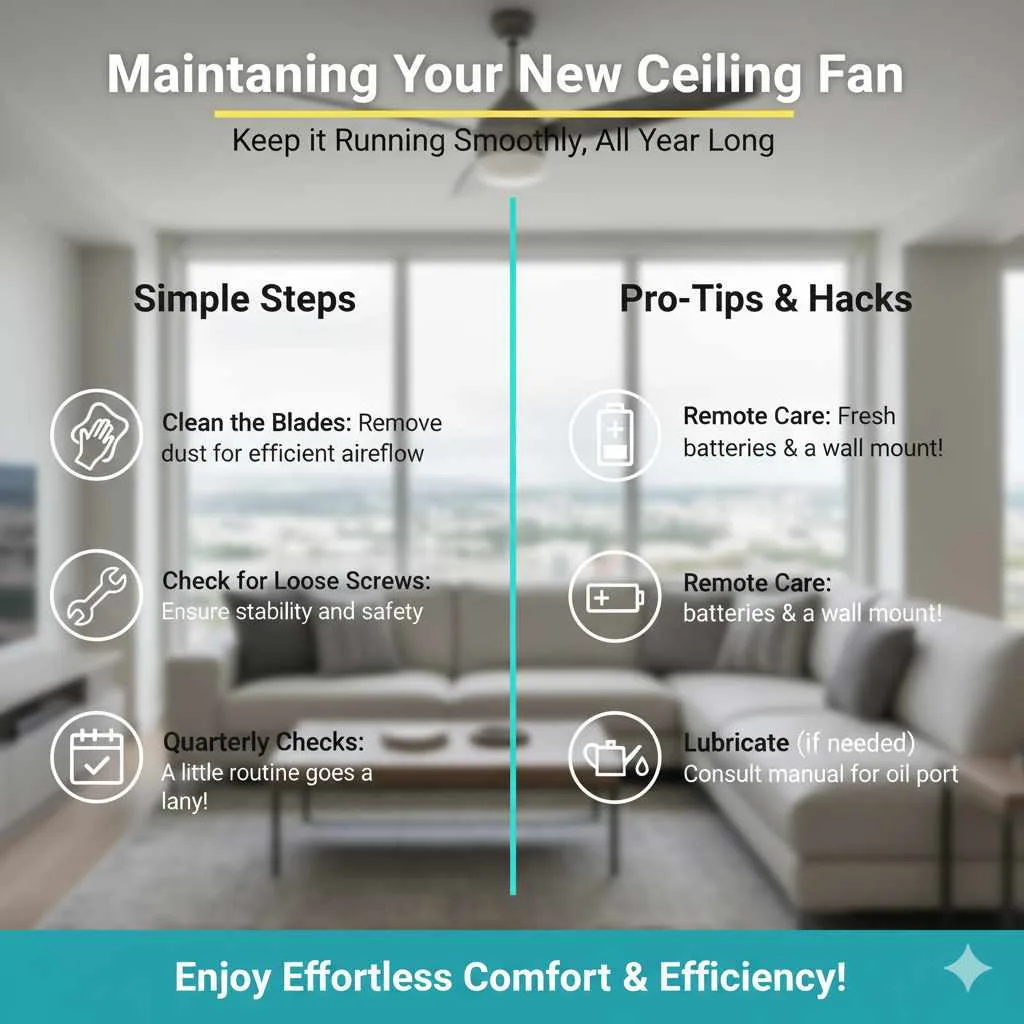
Once installed, your new remote-controlled ceiling fan will bring you comfort for years to come. To keep it running smoothly and looking its best, a little maintenance goes a long way. Periodically, especially at the start of warmer or cooler seasons, take a few minutes to:
- Clean the Blades: Dust accumulates quickly. Use a microfiber cloth or a duster attachment on your vacuum to gently wipe down the blades. For tougher grime, a damp cloth with a little mild soap can work, but ensure the blades are completely dry before turning the fan on.
- Check for Loose Screws: Over time, vibrations can loosen screws. On a quarterly basis, check that all blade screws, blade iron screws, and mounting bracket screws are still tight.
- Keep the Remote Handy: Make sure the remote’s batteries are fresh. Consider a wall-mounted bracket for the remote if you tend to misplace it, ensuring it’s always within reach.
- Lubricate (if necessary): Most modern ceiling fans are designed to be maintenance-free and don’t require lubrication. However, if your manual specifies it, add a few drops of lubricant to the designated oil port.
Regular, light maintenance will prevent bigger issues down the line and ensure your fan operates efficiently, helping to keep your energy bills lower. For more detailed information on fan care and troubleshooting, resources like Energy Star’s advice on ceiling fans can be very helpful.
Frequently Asked Questions (FAQ)
Here are some common questions beginners have when tackling this project.
Q1: Do I need to turn off the power at the main breaker or just the wall switch?
A: Always turn off the power at the circuit breaker that controls the fan. A wall switch only controls one part of the circuit, and there could still be live electricity in the ceiling box. Using a voltage tester is crucial to confirm power is off at the wires.
Q2: What if my ceiling electrical box isn’t strong enough?
A: This is a common issue. Standard light fixture boxes are usually not rated for the dynamic loads of a ceiling fan. You’ll need to replace it with a fan-rated electrical box that is securely attached to a ceiling joist or a fan brace. If you’re unsure how to do this, it’s best to call an electrician.
Q3: How do I know which wire goes where when connecting the remote receiver?
A: Your ceiling fan’s instruction manual is your best friend here! It should have clear diagrams showing how to connect the house wiring to the receiver’s input, and the receiver’s output to the fan’s motor and light. Pay close attention to wire colors and labels.
Q4: Is it normal for a new ceiling fan to wobble a little?
A: A very slight wobble might be normal, but anything significant usually indicates a problem. Check that all blades are securely attached, that the mounting bracket is firm, and use the balancing kit provided with your fan to correct any imbalances. You can often find helpful videos on balancing ceiling fans online.
Q5: Can I install a ceiling fan with a remote if I don’t have existing ceiling fan wiring?
A: Yes, that’s the beauty of a remote! As long as you have standard ceiling wiring for a light fixture (hot, neutral, ground), the remote receiver unit handles the control. You don’t need separate wires for fan speeds because the receiver manages that internally.
Q6: How do I pair my remote to the fan receiver?
A: Most remotes come pre-paired, or pairing is a simple process. It usually involves turning the power on, and then pressing and holding a specific button (often the power or a dedicated pairing button) on the remote within a short timeframe (e.g., 30 seconds) after power is restored. Always consult your fan’s manual for the exact pairing procedure.
Conclusion
Congratulations! You’ve successfully navigated the steps to install your new ceiling fan with a remote. You’ve not only enhanced the comfort and functionality of your room but also added a stylish element that reflects your personal taste. This DIY project is a testament to your capability and a rewarding way to personalize your home. With your new fan, you can enjoy perfectly customized airflow and lighting at the touch of a button, making your living space even more inviting and enjoyable. Remember, tackling DIY projects like this builds confidence and saves you money, proving that with the right guidance, you can achieve beautiful, functional results for your home. Enjoy the breeze!